

In Operation
Starting Feeds for the first time, we’re invited to add some news feeds or import feeds from an OPML file. OPMP stands for Outline Processor Markup Language. It’s an XML format often used to exchange lists of web feeds between news aggregators.
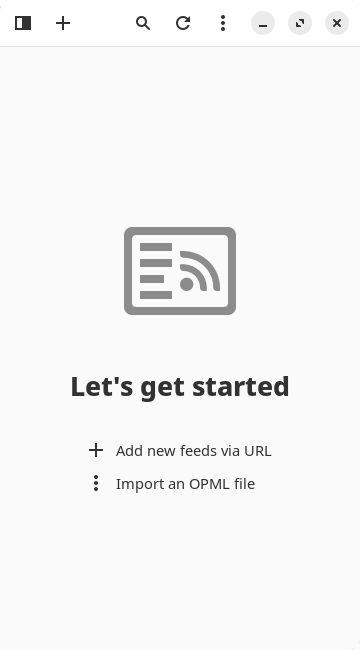
At the top of the interface, the first icon offers a filter function letting you choose between feeds. To add new feeds, click the + icon adjacent to it. You’re invited to enter the feed to be added. Naturally, the first feed we add is our own: https://www.linuxlinks.com/feed
Here’s an image of Feeds showing our feed.
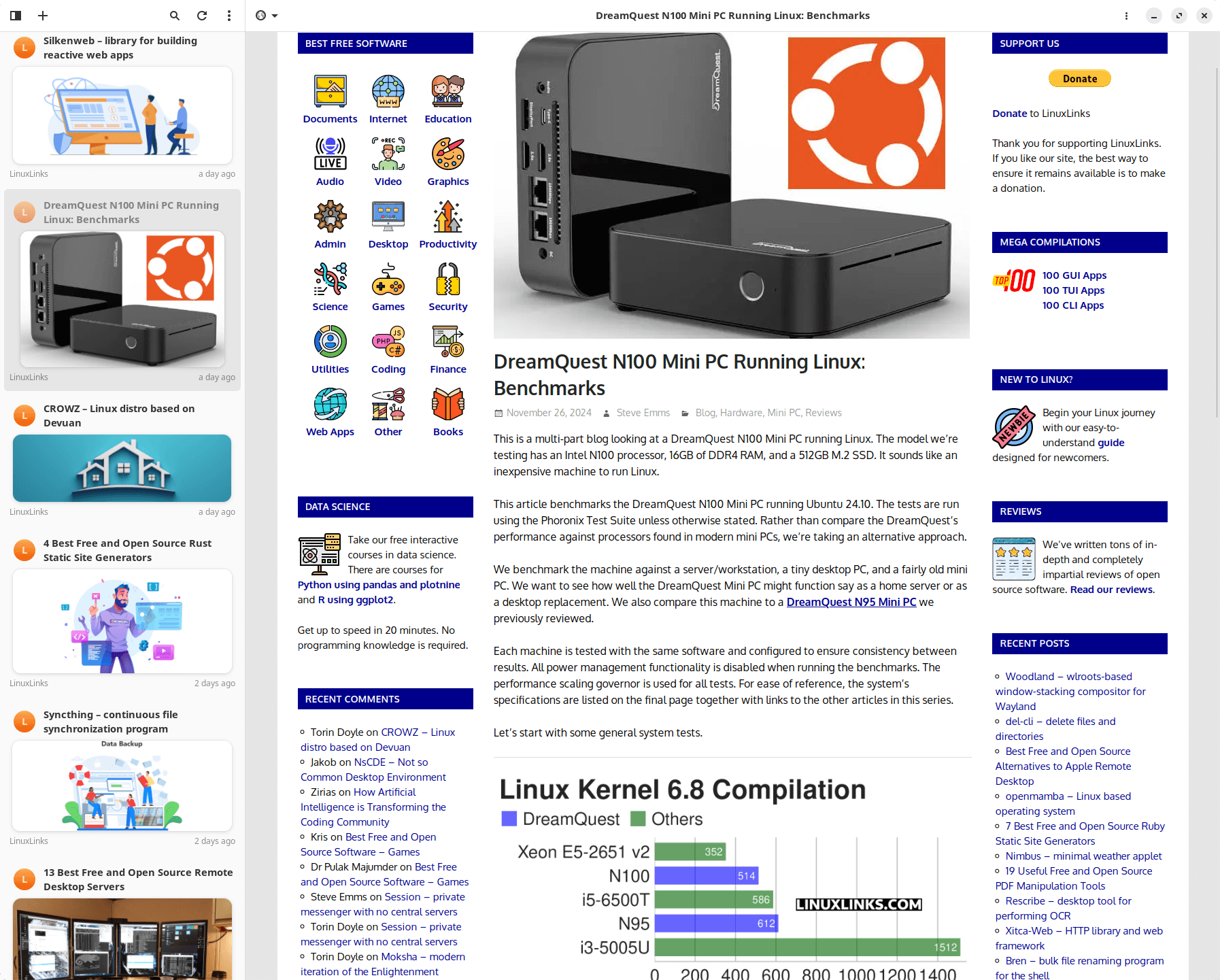
The other icons at the top let you search for keywords in a feed, refresh the feed, access a menu which lets you manage feeds import/export OPML and make some customization. The final icon lets us change between views (choose between web view, reader mode, and feed content). The reader mode just displays text and important pictures in an article.
What else does the program offer?
- Organize feeds with tags. Filter by a single feed or by tag.
- A dark mode (in addition to the default light mode).
- A good range of customization options are available including:
- Option to show newer articles first.
- Option to open links in a web browser.
- Choose the external video player to play YouTube videos.
- Set the maximum article age.
- Refresh articles on startup.
- New articles notification.
- Enable auto-refresh with configurable interval.
- Option to enable JavaScript.
- Advanced options:
- Maximum refresh threads.
- Experimental GtkListView for articles list.
Summary
The interface is a pleasure to use; it’s simple and clear, and works well on Linux smartphones and desktops courtesy of its responsive design.
Feeds supports importing and exporting your feed collection from and to OPML so that you can migrate over very quickly.
Feeds faces strong competition from a news aggregator perspective. We highlight our recommended news aggregators in our Internet section where we select our recommended graphical, terminal-based, and self-hosted news aggregators. On balance, Feeds doesn’t surpass our recommended news aggregators.
Website: gfeeds.gabmus.org
Support: GitLab Code Repository
Developer: Gabriele Musco
License: GNU General Public License v3.0
Feeds is written in Python. Learn Python with our recommended free books and free tutorials.
Pages in this article:
Page 1 – Introduction and Installation
Page 2 – In Operation and Summary
Related Software
| Graphical News Aggregators | |
|---|---|
| NewsFlash | Follow your favorite blogs and news sites |
| Fluent Reader | Modern desktop RSS reader |
| Liferea | Three-pane GNOME based news aggregator |
| Folo | AI-powered news aggregator |
| Akregator | News feed reader for KDE |
| RSS Guard | Simple, light and easy-to-use RSS/ATOM feed aggregator |
| FeedDeck | RSS and social media feed reader, inspired by X Pro |
| Thunderbird | Popular free, cross-platform e-mail, RSS and newsgroup client |
| Feeds | News reader for GNOME |
| QuiteRSS | Qt5-based news aggregator for RSS and Atom news feeds |
| FeedReader | High quality RSS client for various webservices |
| Communique | Supports a wide range of RSS services and local RSS feeds |
| Alligator | Convergent, cross-platform feed reader, supporting standard RSS/Atom feeds |
| FeedFlow | Minimalistic RSS reader |
| Lettura | Built with speed in mind |
| TICKR | RSS reader displaying RSS feeds in a ticker bar |
| Raven Reader | Flexible settings to optimize your experience |
| Pulp | Skim excessive feeds |
| InfoDash | Displays RSS feeds, weather and stock information |
Read our verdict in the software roundup.
 Explore our comprehensive directory of recommended free and open source software. Our carefully curated collection spans every major software category. Explore our comprehensive directory of recommended free and open source software. Our carefully curated collection spans every major software category.This directory is part of our ongoing series of informative articles for Linux enthusiasts. It features hundreds of detailed reviews, along with open source alternatives to proprietary solutions from major corporations such as Google, Microsoft, Apple, Adobe, IBM, Cisco, Oracle, and Autodesk. You’ll also find interesting projects to try, hardware coverage, free programming books and tutorials, and much more. Discovered a useful open source Linux program that we haven’t covered yet? Let us know by completing this form. |
Please read our Comment Policy before commenting.