

Last Updated on September 19, 2025
9. Desktop Icons NG
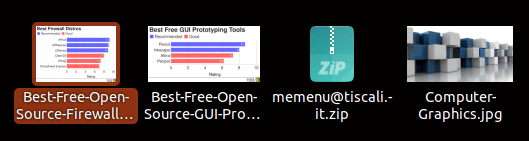
Desktop Icons NG is a fork of the official ‘Desktop Icon’s extension. It offers additional benefits including:
- Drag’n’Drop, both inside the desktop, between desktop and applications, and nautilus windows.
- Allows to use “Open with…” option with several files.
- When hovering or clicking on an icon with a name too large to fit, it shows the full name.
- Doesn’t hang the compositor when there is too much activity in the desktop folder.
Website: gitlab.com/rastersoft/desktop-icons-ng
10. GSConnect
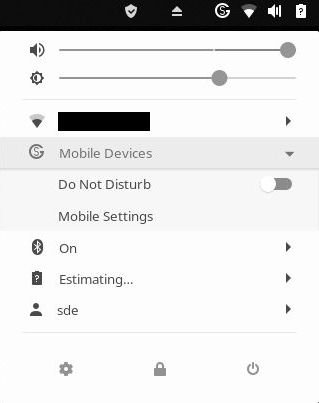
Do you want to integrate your Android phone with your Linux desktop? Or to enable all your devices to communicate with each other? GSConnect is a good solution.
GSConnect is a complete implementation of KDE Connect especially for GNOME Shell with Nautilus, Chrome and Firefox integration.
KDE Connect allows devices to securely share content like notifications or files and other features like SMS messaging and remote control.
GSconnect is a totally independent extension, and therefore does not rely on the KDE Connect desktop application. It’s true that GNOME and KDE don’t necessarily work well together on the same user account. This applies to GSConnect. Don’t install KDE Connect if you want to use this GNOME extension.
There’s also extended keyboard support.
Website: github.com/andyholmes/gnome-shell-extension-gsconnect/wiki
11. Recent Items
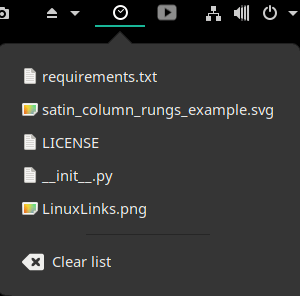 Recent Items is an extension that shows a list of recently accessed files.
Left clicking on an entry opens that file or folder.
And there’s also support for right click, which opens the folder containing the selected file.
It supports the following media-types: Text, image, audio, video, application, multipart, message, and model. You’ll need to install extension from the website below, not from extensions.gnome.org as it’s not being updated there.
Website: github.com/bananenfisch/RecentItems
12. ddterm
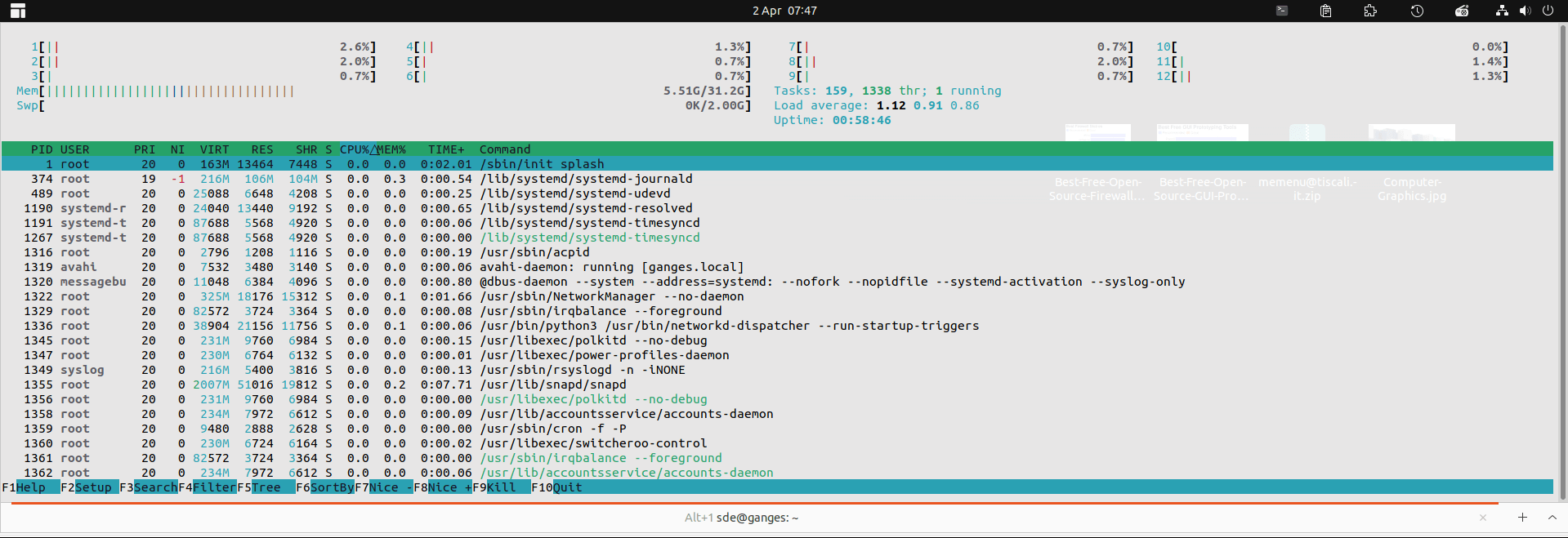
ddterm is a drop down terminal extension. For years we used Drop Down Terminal X, but sadly that extension was discontinued. ddterm is a capable alternative with features like tabs and the ability to resize the terminal window easily. It runs on Wayland natively.
Website: github.com/ddterm/gnome-shell-extension-ddter
Next page: Page 4 – Auto Move Windows, Places Status Indicator, Cronomix, Just Perfection
Pages in this article:
Page 1 – Dash to Dock, Arc Menu, OpenWeather Refined, Window-List
Page 2 – Custom Hot Corners – Extended, Vitals, Net speed Simplified, Clipboard Indicator
Page 3 – Desktop Icons NG, GSConnect, Recent Items, ddterm
Page 4 – Auto Move Windows, Places Status Indicator, Cronomix, Just Perfection
Page 5 – Top Panel Workspace Scroll, Picture of the Day, System monitor, Hanabi
Page 6 – Removable Drive Menu, V-Shell, Extension List, Frippery Panel Favorites
Page 7 – BlurMyShell, Burn My Windows, Coverflow Alt-Tab, PaperWM
Page 8 – Emoji Copy, Tiling Assistant, Hide Activities Button, App Menu is Back
Page 9 – WinTile, Colosseum, Impatience, Todoit
Page 10 – Panel corners, No overview at start-up, Caffeine, Luminus Shell
Page 11 – Lilypad Top Bar Manager, Dash to Panel, Tiling Shell
 Explore our comprehensive directory of recommended free and open source software. Our carefully curated collection spans every major software category. Explore our comprehensive directory of recommended free and open source software. Our carefully curated collection spans every major software category.This directory is part of our ongoing series of informative articles for Linux enthusiasts. It features hundreds of detailed reviews, along with open source alternatives to proprietary solutions from major corporations such as Google, Microsoft, Apple, Adobe, IBM, Cisco, Oracle, and Autodesk. You’ll also find interesting projects to try, hardware coverage, free programming books and tutorials, and much more. Know a useful open source Linux program that we haven’t covered yet? Let us know by completing this form. |
Nice Collection!
Just seems u missed Tiling Shell – since its the best GNOME Extention vor tiling…
Agreed, Tiling Shell is very useful. It’s been added as 42b 🙂