
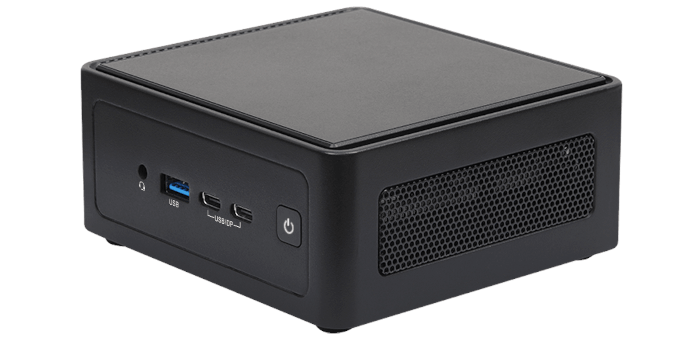
This is a series of articles looking at the ASRock Industrial NUC BOX-255H running Linux. In this series, I examine every aspect of this Mini PC in detail from a Linux perspective.
The barebone machine was supplied by ASRock Industrial, a respected Taiwanese manufacturer of computer hardware including AI Box computers and embedded motherboards.
For this article in the series, I’m going to take you through the options available in the BIOS using a standard USB video capture card. So what’s the BIOS?
In the world of computing, BIOS, which stands for Basic Input/Output System, plays a crucial role. It’s a type of firmware that kicks in to provide essential runtime services for operating systems and programs, while also handling the hardware initialization needed during the boot-up process. When you power on your computer, the BIOS firmware, typically pre-installed on the motherboard, ensures everything starts up smoothly.
The BOX-255H has a traditional BIOS main page, no snazzy splash screen that’s often provided. No loss really.
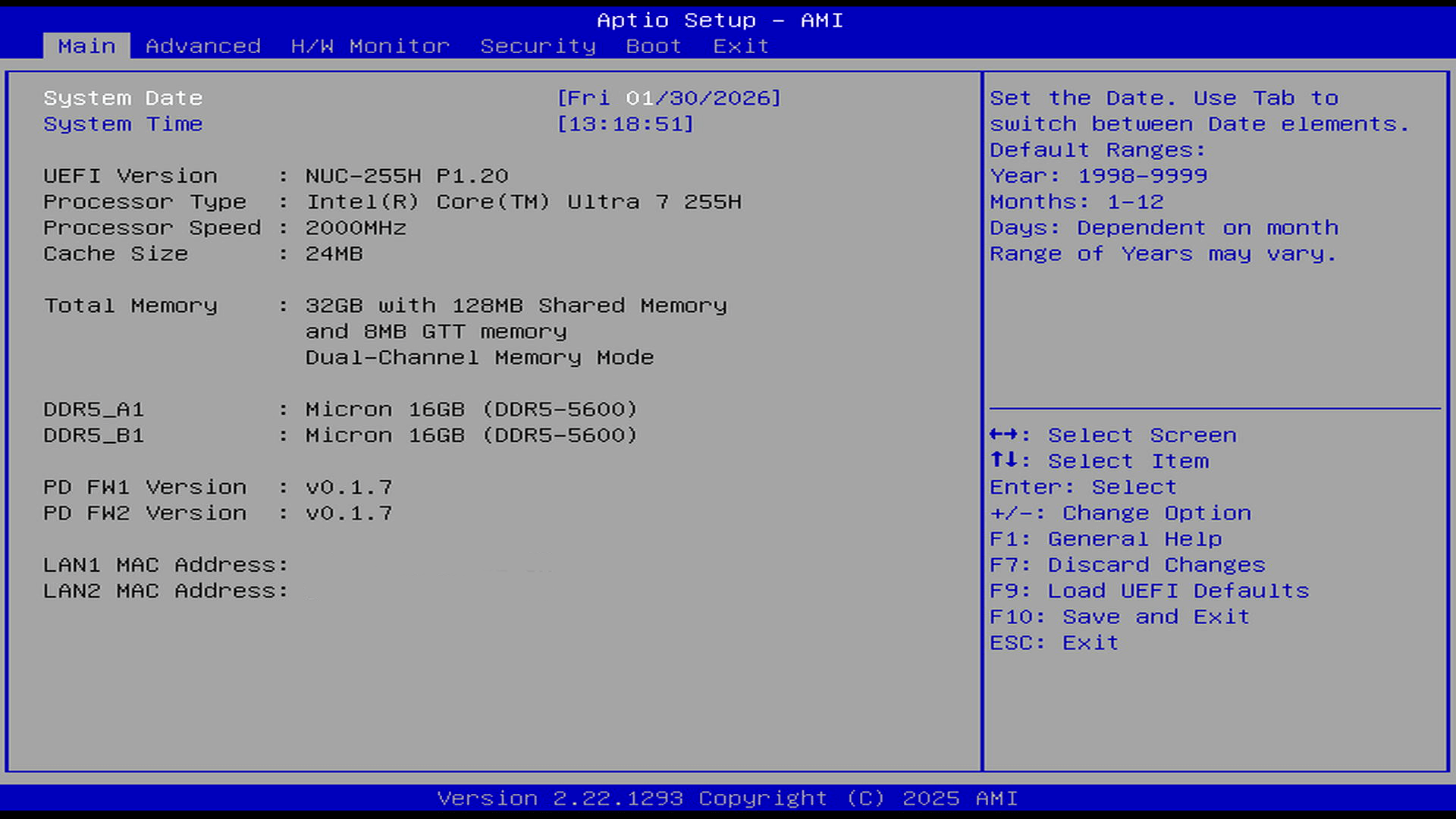
As can see, I added 32GB of Micron (Crucial) DDR-5 RAM to the barebone mini PC. At the time of purchase the 32GB of RAM cost £69.97. It now retails for a whopping £291.27 even though it’s only ‘budget’ RAM. The price of RAM has gone bonkers in the past few months due to a huge surge in AI demand.
Let’s delve into the Advanced section of the BIOS.
Pages in this article:
Page 1 – Introduction
Page 2 – Advanced
Page 3 – H/W Monitor, Security, and Boot
Complete list of articles in this series:
| ASRock Industrial NUC BOX-255H | |
|---|---|
| Introduction | Introduction to the series and interrogation of the NUC BOX-255H |
| Benchmarks | Benchmarking the NUC BOX-255H |
| Power | Testing and comparing the power consumption |
| Stable Diffusion | Deep Learning with Stable Diffusion |
| Audacity AI Plugins | Let's explore OpenVINO AI Plugins for Audacity |
| 3 Types of Cores | P-cores, E-cores and low power E-cores performance |
| GIMP AI Plugins | Stable Diffusion, Super Resolution, Semantic Segmentation |
| Ubuntu | Upgrading from Ubuntu 25.04 to Ubuntu 25.10 |
| Image Upscaling Tools | A survey of upscaling tools |
| Noise | Comparing the machine's noise with other mini PCs |
| BIOS | Basic Input/Output System |