
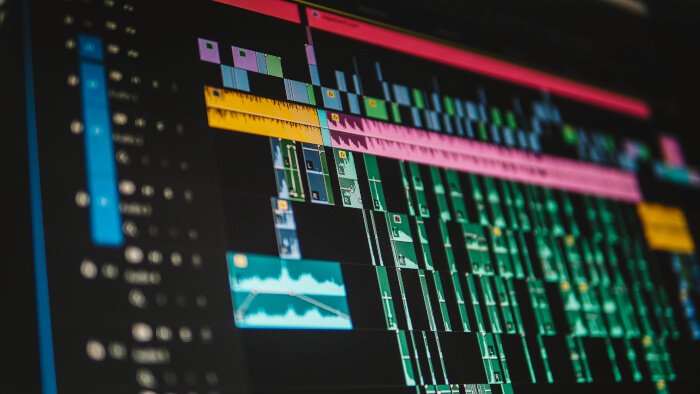
Kdenlive is a non-linear video editor built around the MLT multimedia framework, Qt and KDE technologies.
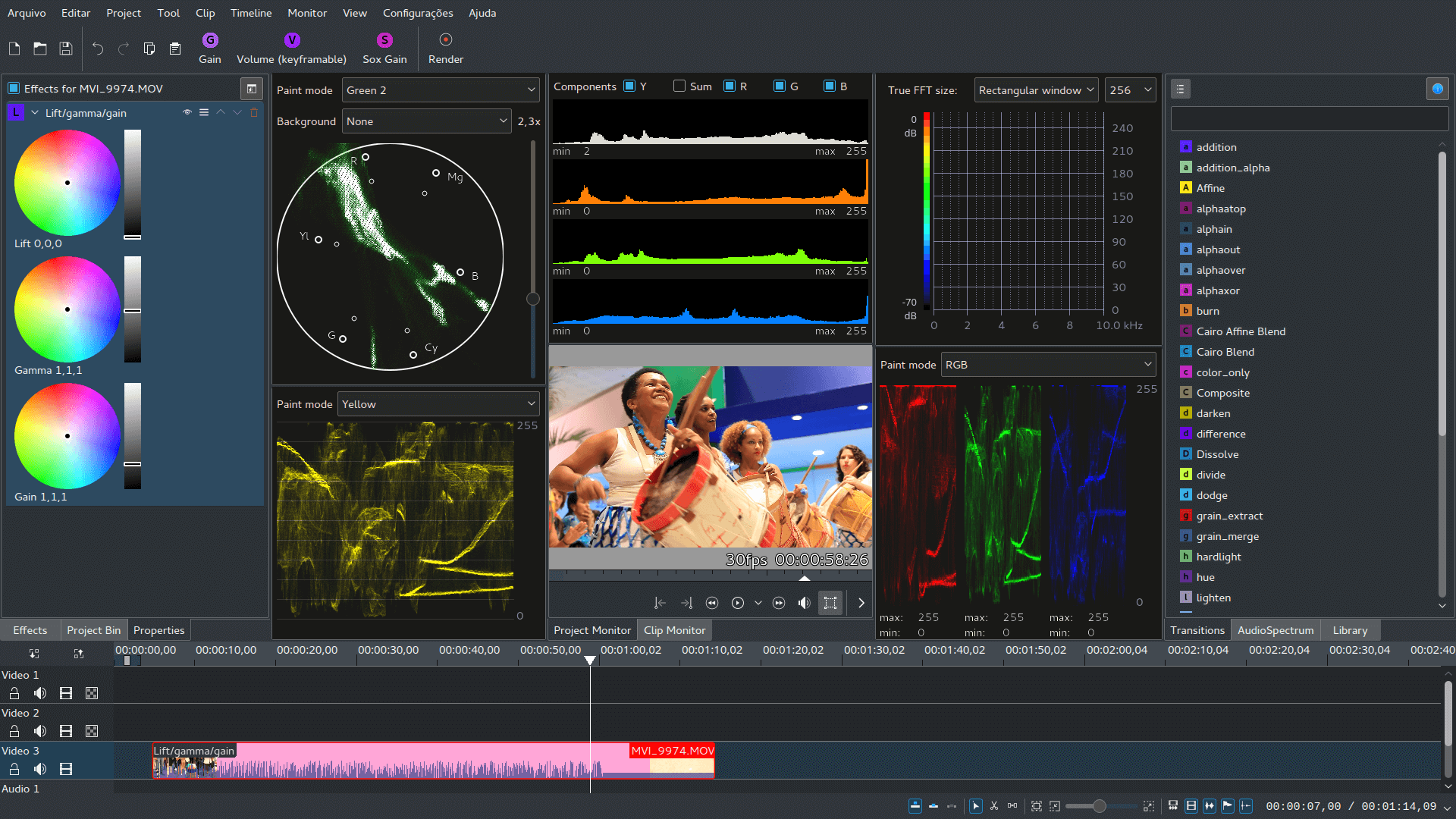
It provides a graphical editing environment for assembling video, audio, still images, titles and effects on a timeline. The application is aimed at both everyday editing and more involved projects, with tools for organising source material, refining cuts, managing sound and preparing finished output from a single project interface.
This is free and open source software.
Key Features
- Multitrack timeline editing for video, audio, images, titles and other media.
- Arrange clips with standard insert, overwrite, lift, extract and trimming workflows.
- Create titles and graphical overlays with the integrated title editor.
- Apply a broad range of video effects, audio effects and transitions.
- Use keyframes to animate effect parameters and other editable properties over time.
- Create proxy media to make editing high-resolution or demanding footage more responsive.
- Organise source material in project bins with folders, tags and other project tools.
- Use scopes for analysing colour, levels and other properties of video footage.
- Mix and monitor multiple audio tracks within the editing environment.
- Create subtitles and position them accurately against the project timeline.
- Use markers and guides to identify important positions and organise edits.
- Work with the wide range of media formats supported by the underlying multimedia stack.
- Configure custom rendering profiles for different delivery requirements.
- Use timeline preview rendering to improve playback of demanding sections.
- Perform multicamera editing when working with footage from multiple sources.
- Use masking, compositing and rotoscoping tools for more involved visual work.
- Supports configurable keyboard shortcuts and workspace layouts.
- Cross-platform support – runs on Linux, macOS and Windows.
Website: github.com/KDE/kdenlive
Support:
Developer: Kdenlive Team and contributors
License: GNU General Public License v3.0
Kdenlive is written in C++. Learn C++ with our recommended free books and free tutorials.
Related Software
| Video Editors | |
|---|---|
| OpenShot | Non-linear editor built with Python and Qt |
| Shotcut | Very powerful video editor |
| Kdenlive | Non-linear video editor for KDE |
| LosslessCut | Swiss army knife of lossless video/audio editing |
| Blender | 3D content creation suite targeted at media professionals and artists |
| Editly | Tool and framework for declarative NLE using Node.js and ffmpeg |
| Flowblade | Multitrack non-linear video editor |
| PiTiVi | Non-linear audio/video editor using GStreamer |
| LiVES | Video Editing System designed to be simple to use, yet powerful |
| Avidemux | Designed for simple cutting, filtering and encoding tasks |
| lazycut | Terminal-based video trimming tool |
| Auto-Editor | Automatically edit video and audio |
| VidCutter | Simple media cutter and joiner |
| Vimix | Mixing and blending of movie clips and computer generated graphics |
| Video Trimmer | Quickly trim videos |
| OpenCut | Video editor for web, desktop, and mobile |
| Olive | Non-linear video editor |
| Cinelerra-GG | Powerful non-linear video editor |
| Footage | Simple video editing tool |
| GoZen | Minimalistic video editor |
| Drift | Beginner-friendly multitrack video editor built with Qt and FFmpeg |
| VideoCut | Lossless video cutter |
Read our verdict in the software roundup.
 LinuxLinks helps you discover the best free and open source software for Linux. Explore our extensive collection of recommended applications, including alternatives to popular proprietary software. LinuxLinks helps you discover the best free and open source software for Linux. Explore our extensive collection of recommended applications, including alternatives to popular proprietary software.We also publish software reviews, Linux tutorials, hardware reviews, free programming books and articles covering the wider open source community. Browse our Linux resources to discover more. Know a useful free and open source Linux application we haven't covered? Suggest a program for inclusion. Has your software been featured on LinuxLinks? Display one of our Featured on LinuxLinks badges on your website or GitHub README. |
Please read our Comment Policy before commenting.