

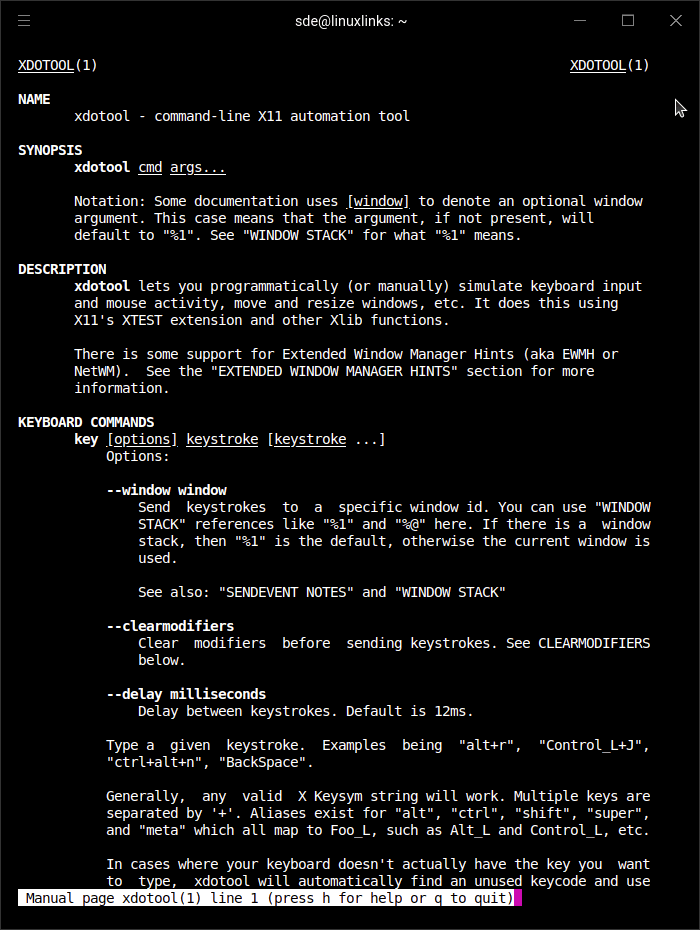
xdotool lets you simulate keyboard input and mouse activity, move and resize windows, etc. It does this using X11’s XTEST extension and other Xlib functions.
With xdotool, you can search for windows and move, resize, hide, and modify window properties like the title. If your window manager supports it, you can use xdotool to switch desktops, move windows between desktops, and change the number of desktops.
This tool does not work with Wayland.
xdotool is free and open source software.
Website: github.com/jordansissel/xdotool
Support:
Developer: Jordan Sissel
License: 3-clause BSD License
xdotool is written in C. Learn C with our recommended free books and free tutorials.
Related Software
| Visual Automation Tools | |
|---|---|
| AutoKey | Automate virtually any task by responding to typed abbreviations and hotkeys |
| xdotool | Fake keyboard/mouse input, window management |
| Actiona | Cross-platform automation tool |
| SikuliX | Uses image recognition powered by OpenCV to identify GUI components |
| wtype | xdotool type for Wayland |
| Repeat | Visual automation tool |
Read our verdict in the software roundup.
 Explore our comprehensive directory of recommended free and open source software. Our carefully curated collection spans every major software category. Explore our comprehensive directory of recommended free and open source software. Our carefully curated collection spans every major software category.This directory is part of our ongoing series of informative articles for Linux enthusiasts. It features hundreds of detailed reviews, along with open source alternatives to proprietary solutions from major corporations such as Google, Microsoft, Apple, Adobe, IBM, Cisco, Oracle, and Autodesk. You’ll also find interesting projects to try, hardware coverage, free programming books and tutorials, and much more. Discovered a useful open source Linux program that we haven’t covered yet? Let us know by completing this form. |