
Terminal
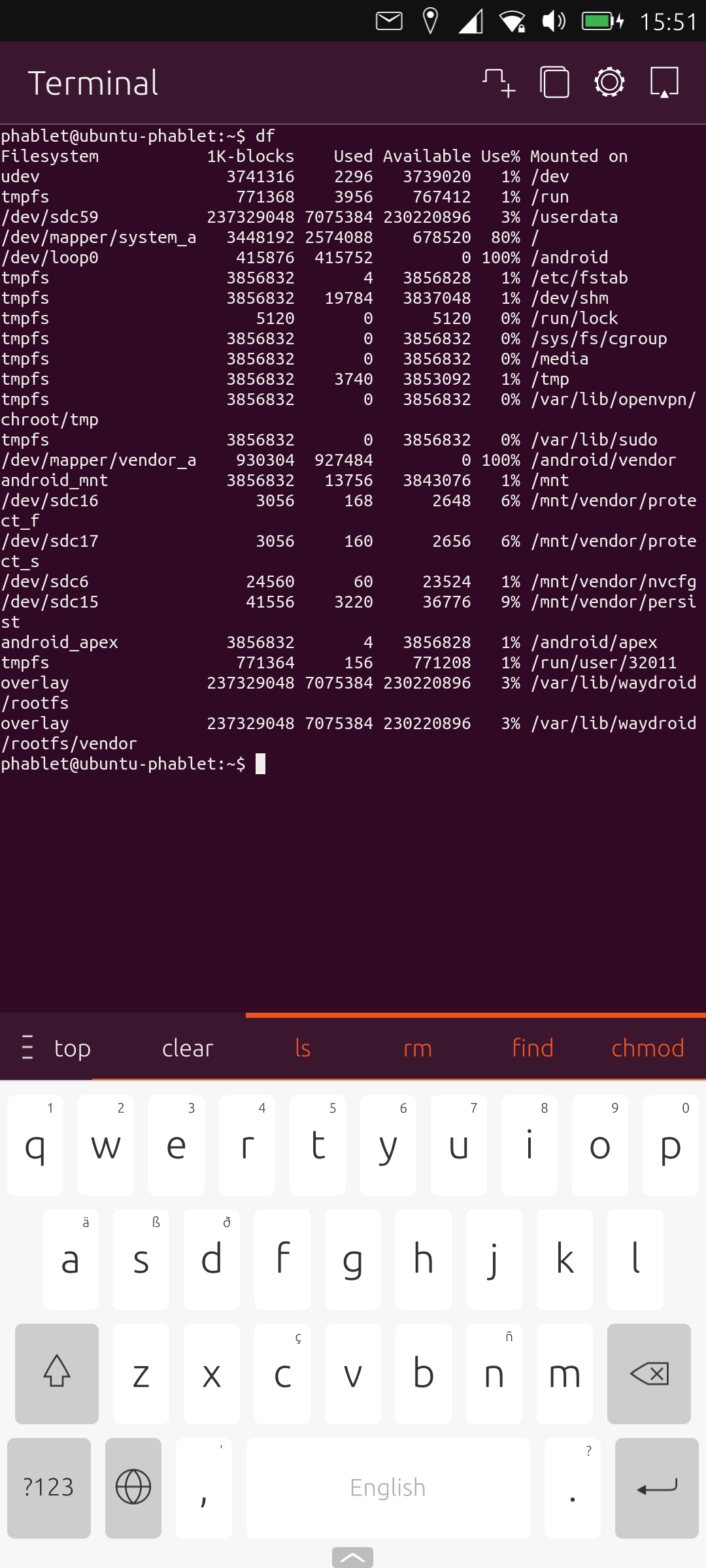
No operating system is complete without a terminal app. Ubuntu Touch’s terminal app is perfectly functional with some really useful features including tabs, and splitting the terminal both horizontally and vertically
There are some useful time-saving functionality included such as autocomplete, sensible keyboard shortcuts, and a customizable interface.
Pages in this article:
Page 1 – Introduction and Morph Browser
Page 2 – Calculator
Page 3 – Calendar
Page 4 – Camera
Page 5 – Clock
Page 6 – File Manager
Page 7 – Gallery
Page 8 – Music
Page 9 – Notes
Page 10 – OpenStore
Page 11 – Terminal
Page 12 – Weather
Complete list of articles in this series:
| Volla Phone Quintus | |
|---|---|
| Introduction | Introduction to the series and interrogation of the phone |
| Ubuntu Touch | A Brief Overview of the Apps Pre-installed |
| Libertine | Run Linux Desktop Applications on the phone |
| Waydroid battery life | Run Android applications on the phone |
| Ubuntu 24.04-1.0 | Blog article about the recent upgrade to Ubuntu Touch |
| Useful Software for Ubuntu Touch | Music Recognition Radio PodCat Translate Sturm Reader |
| Lots more articles are currently being prepared | |