

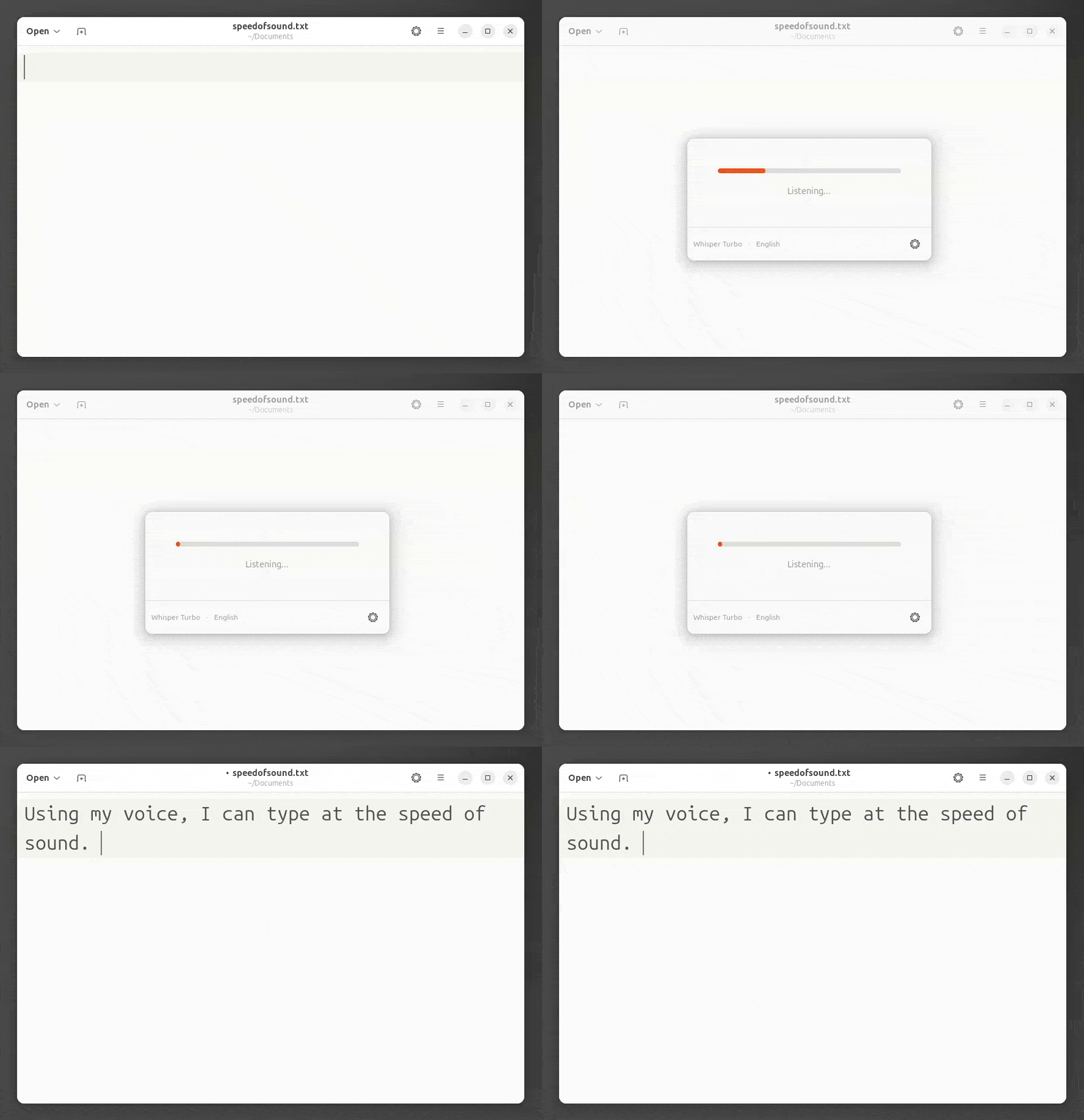
Speed of Sound is a voice typing application for the Linux desktop that enables users to dictate text and have it automatically transcribed into any focused application.
It is designed to work system-wide, using keyboard shortcuts to trigger recording and then inserting transcribed text directly where the cursor is located. The application performs speech recognition locally using Whisper models, ensuring that audio data remains on the user’s machine for improved privacy and offline usability.
This is free and open source software.
Key Features
- System-wide voice typing that inserts transcribed text into any focused application.
- Uses on-device Whisper models for speech recognition without sending audio to external services.
- Supports global keyboard shortcuts to quickly start and stop dictation.
- Works out of the box with a bundled multilingual model, with optional downloads for improved accuracy.
- Integrates with Linux desktop technologies such as XDG portals and D-Bus.
Website: github.com/zugaldia/speedofsound
Support:
Developer: Antonio Zugaldia
License: MIT License
Speed of Sound is written in Kotlin. Learn Kotlin with our recommended free books and free tutorials.
 Explore our comprehensive directory of recommended free and open source software. Our carefully curated collection spans every major software category. Explore our comprehensive directory of recommended free and open source software. Our carefully curated collection spans every major software category.This directory is part of our ongoing series of informative articles for Linux enthusiasts. It features hundreds of detailed reviews, along with open source alternatives to proprietary solutions from major corporations such as Google, Microsoft, Apple, Adobe, IBM, Cisco, Oracle, and Autodesk. You’ll also find interesting projects to try, hardware coverage, free programming books and tutorials, and much more. Discovered a useful open source Linux program that we haven’t covered yet? Let us know by completing this form. |