

First Steps
I get Ubuntu 24.04 LTS, a major, stable, long-term support release of the Ubuntu operating system. Personally I would have preferred Ubuntu 25.10 but it’s understandable why the latest LTS was chosen.
Here’s the output from df immediately after booting the computer for the first time.
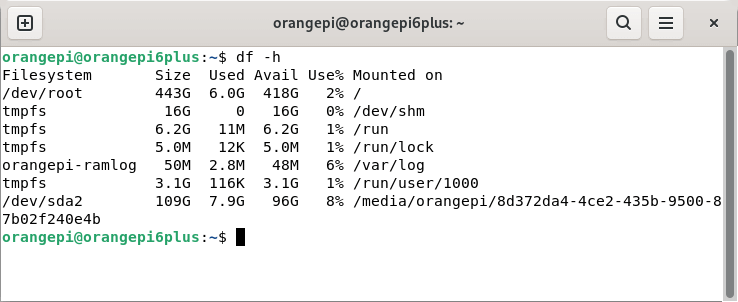
As you can see, Ubuntu 24.04 is consuming only 6GB of disk space. For the curious, the /dev/sda2 entry is my microSD card which hosts Debian 12. I like that the Pi 6 Plus has a BIOS which makes it easy to have dual-boot systems. I’m going to explore the BIOS in a subsequent article.
Let’s change the hostname.
$ sudo hostnamectl set-hostname linuxlinks
I’ll also install hyper (a terminal emulator which looks snazzy) which has an ARM package for Debian/Ubuntu.
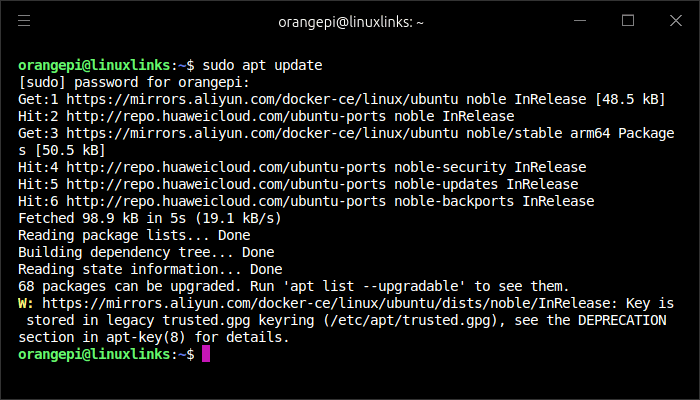
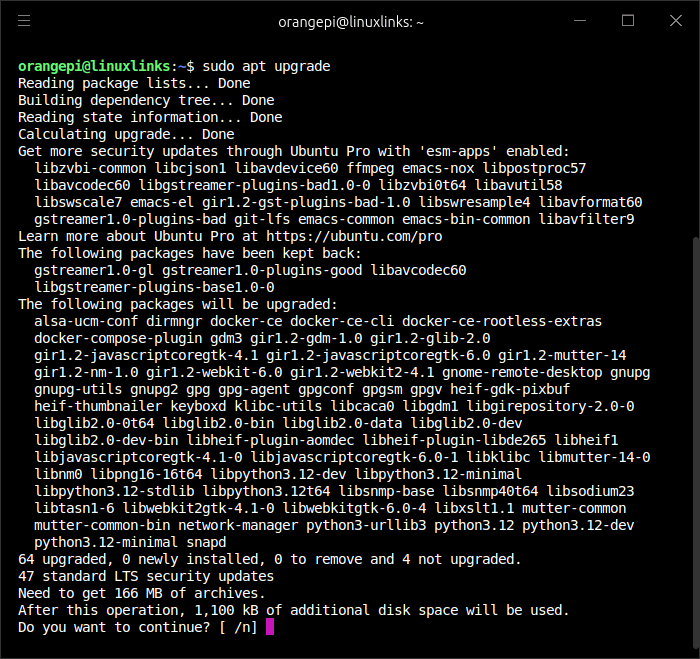
Now I’ll update the system using apt (the package manager for Debian/Ubuntu). It’s important you perform this update.
$ sudo apt update
$ sudo apt upgrade
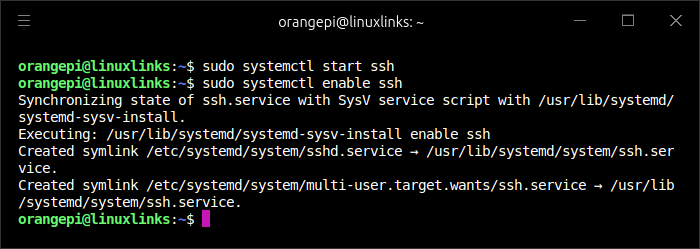
Next, I want to enable SSH remote control within a local area network (LAN). The OpenSSH server is already installed, so all I need to do is start the ssh service and enable the SSH service on boot with the commands:
$ sudo systemctl start ssh
$ sudo systemctl enable ssh
Issuing the command $ ip a tells me the local IP address for the Pi 6 Plus (there are other ways of finding this information). I can then use a SSH client (for a GUI tool I recommend XPipe) to log into the Pi 6 Plus.
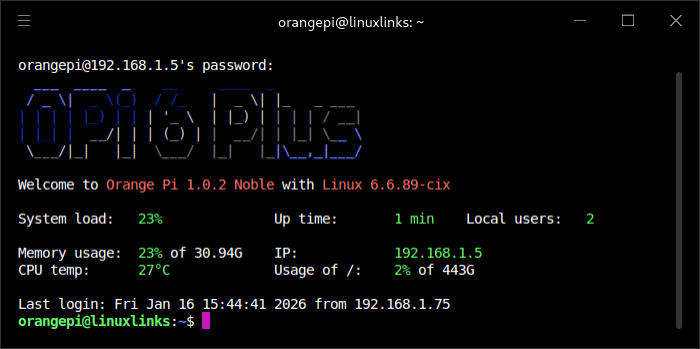
You can see I’m running kernel version 6.6.89.
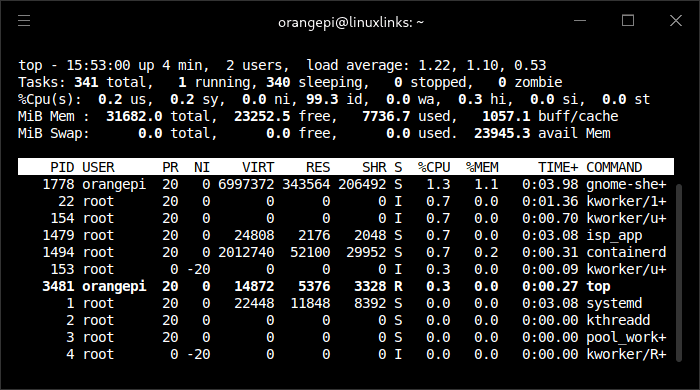
top shows that no swap has been set up. I’ll probably run without any swap given that my device has 32GB of RAM.
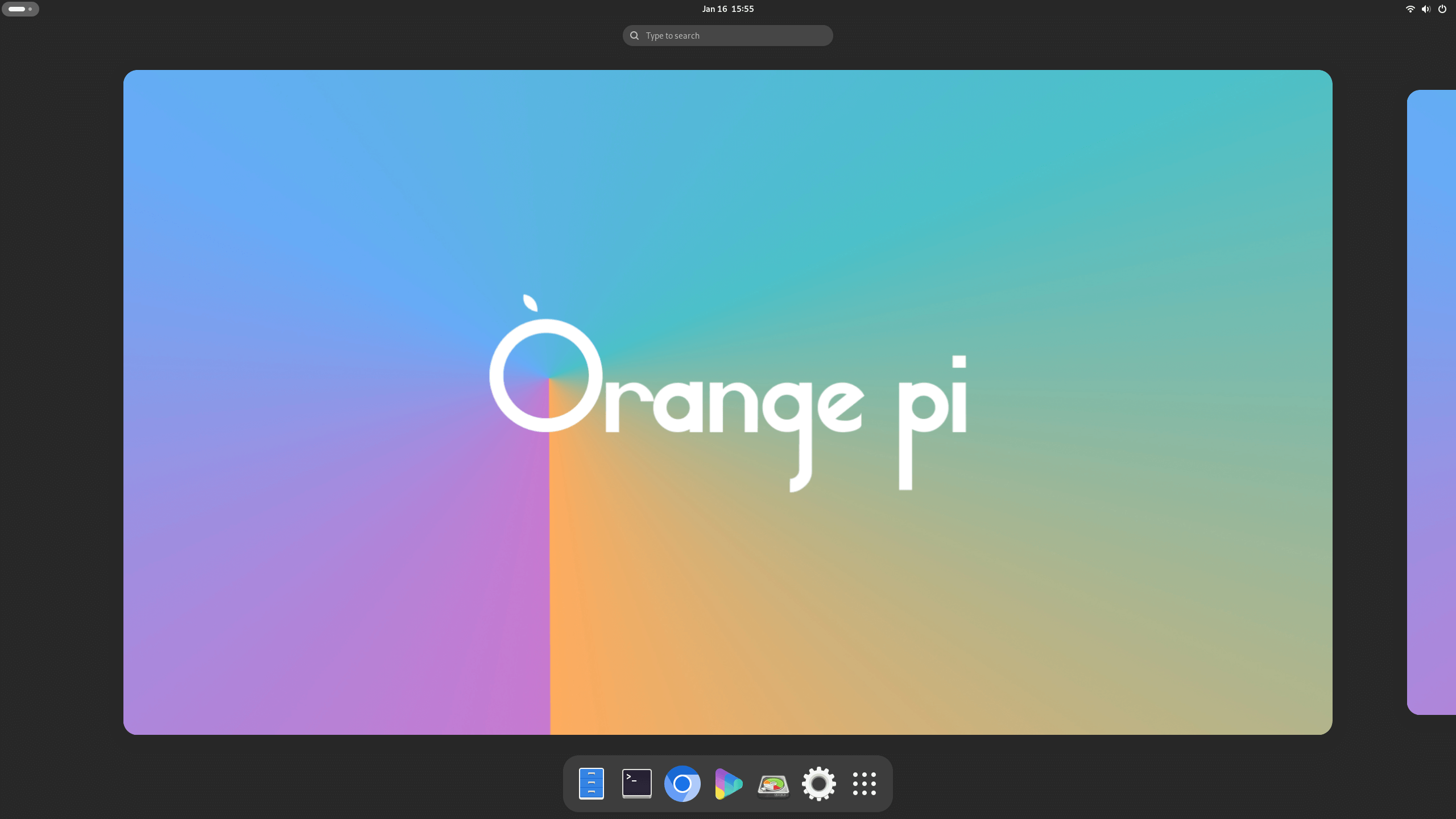
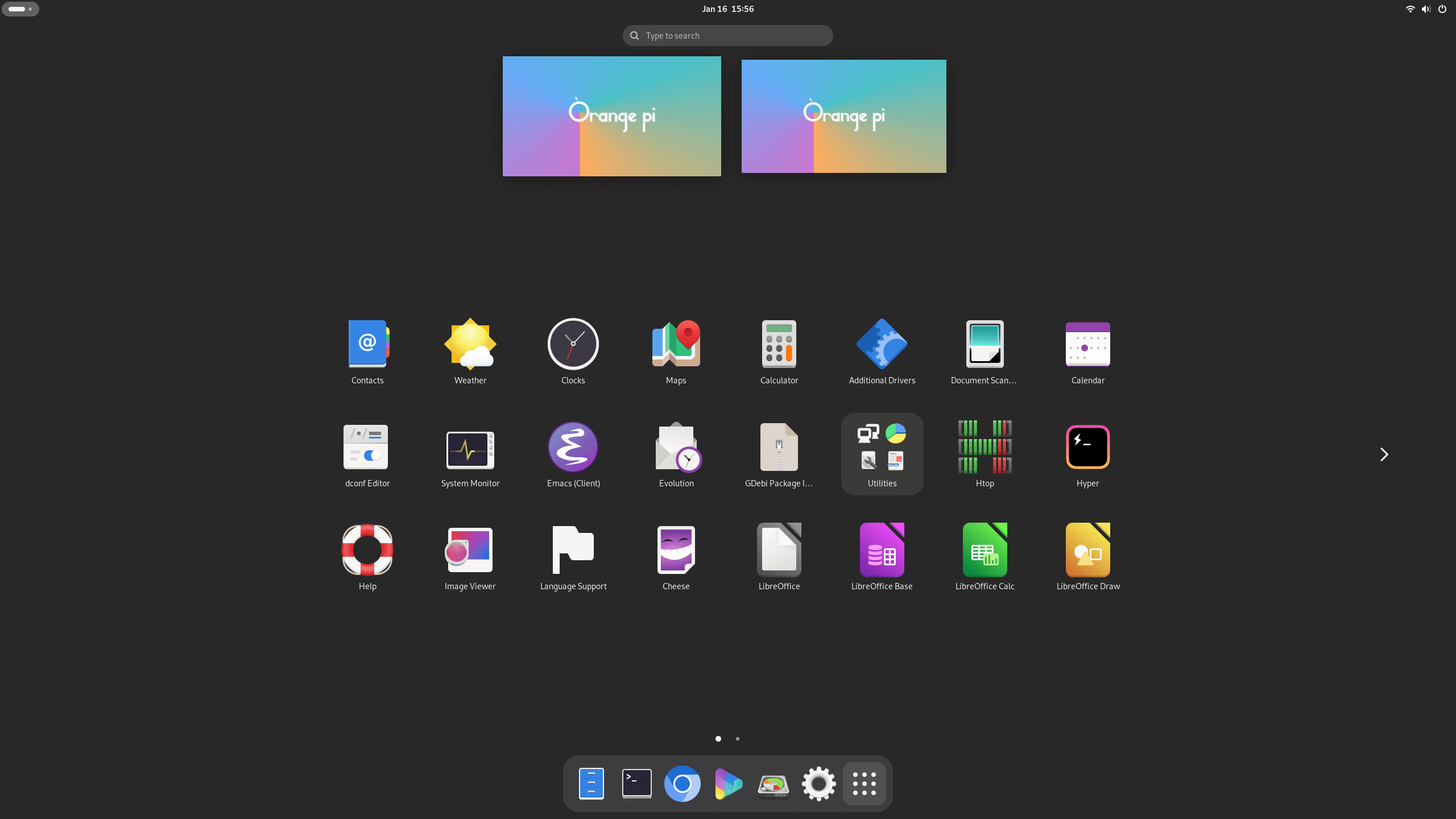
I’m running GNOME although I’ve moved over to KDE for most of my devices.
Next page: Page 3 – Installing Software
Pages in this article:
Page 1 – Installing Ubuntu 24.04 LTS
Page 2 – Running Ubuntu 24.04 LTS
Page 3 – Installing Software
Complete list of articles in this series:
| Orange Pi 6 Plus | |
|---|---|
| Introduction | Introduction to the series and interrogation of the single-board computer |
| Benchmarks | Benchmarking the Orange Pi 6 Plus |
| Cores | The 3 different types of core |
| Power | Testing and comparing the power consumption |
| Ubuntu | Testing the Ubuntu 24.04 LTS image |
| BIOS | Exploring the BIOS |