

Last Updated on January 26, 2026
This is a new series looking at the Minisforum UM890 Pro Mini PC running Linux. In this series, I examine every aspect of this Mini PC in detail from a Linux perspective.
In my previous article in this series I looked at a specific BIOS option that lets you set the AMD Configurable TDP (cTDP). There are a lot more options available in the BIOS. Before exploring them, let’s first recap what the term BIOS means.
In the world of computing, BIOS, which stands for Basic Input/Output System, plays a crucial role. It’s a type of firmware that kicks in to provide essential runtime services for operating systems and programs, while also handling the hardware initialization needed during the boot-up process. When you power on your computer, the BIOS firmware, typically pre-installed on the motherboard, ensures everything starts up smoothly.
A kind visitor recently donated a basic video capture device for me to use. With it, I’ll be able to provide you with a quick tour of the UM890 Pro’s BIOS. This device allows me to capture high-quality screenshots of the BIOS, which look much better than anything a camera could produce. For the sake of brevity, I won’t be showing images of every single option available.
There’s a fancy BIOS splash screen.
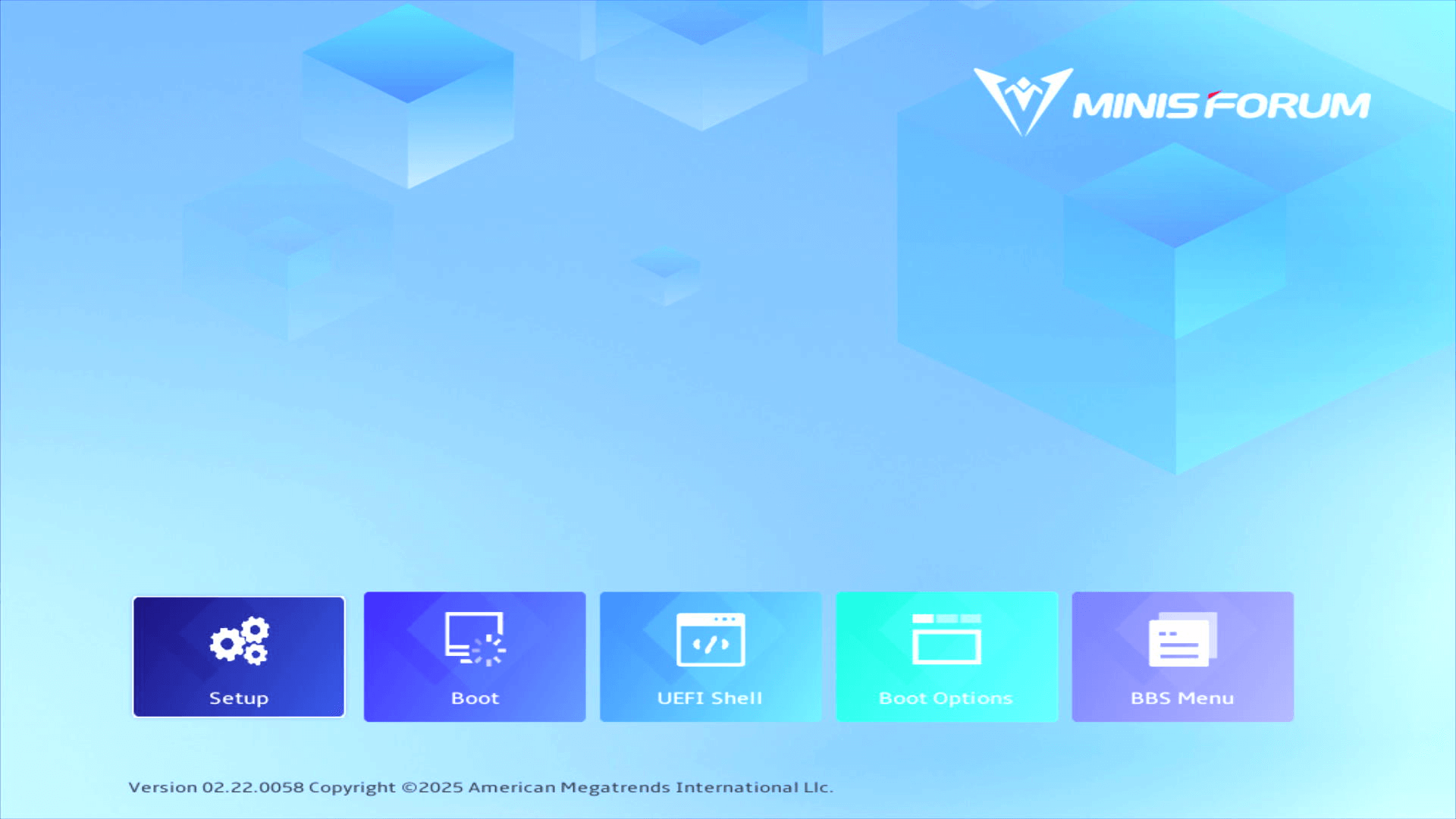
I’ll focus on the first two sections in the Setup section.
Setup
The Main section offers general system information including BIOS version, build date, manufacturer name, product name, system UUID, processor type, processor speed, total memory, memory information, system date, and system time.
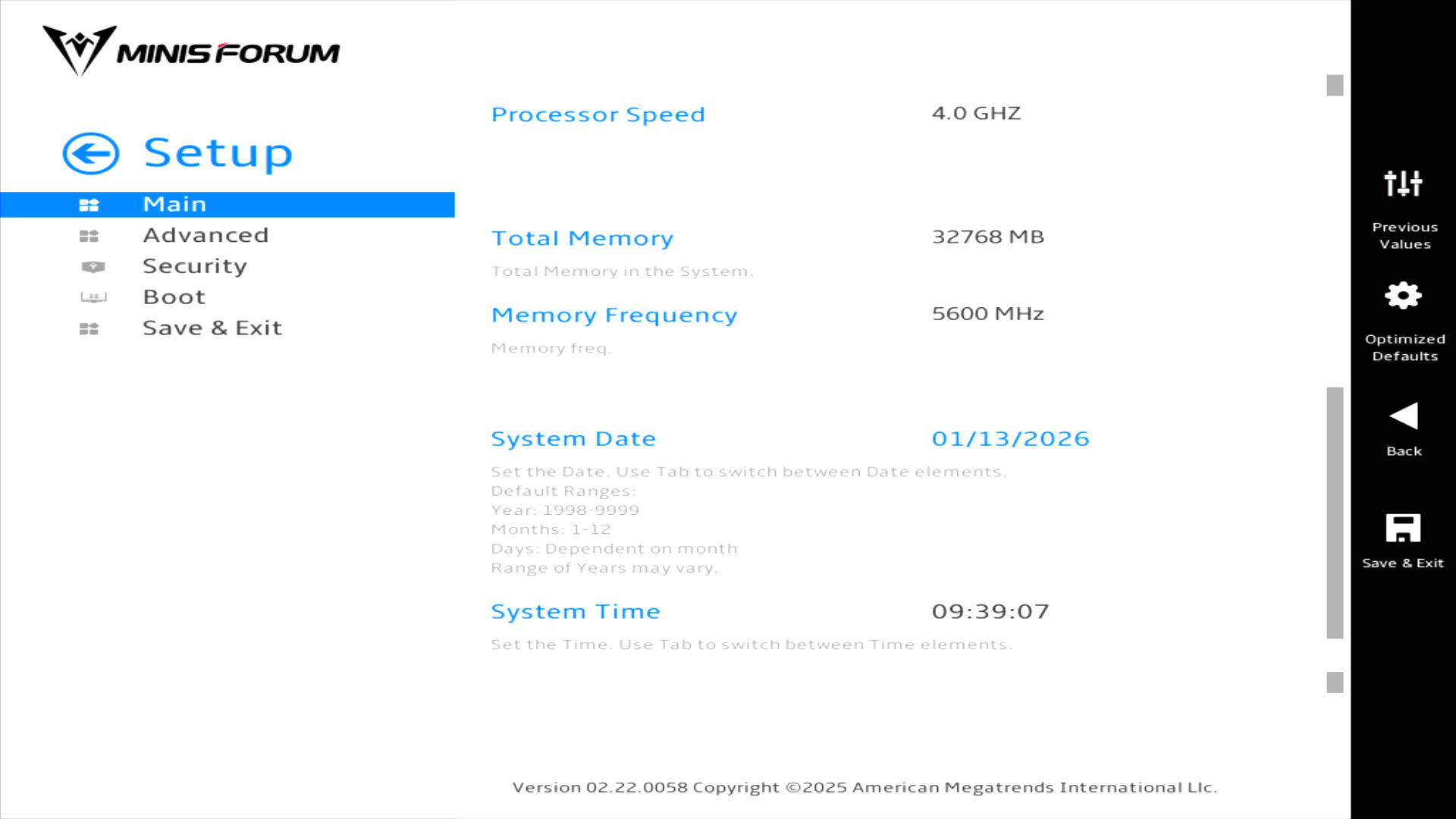
Nothing too exciting here. Let’s delve into the Advanced section.
Advanced

PowerLimit Setting
This offers a dropdown box where we can choose between Balance Mode, or Performance Mode.
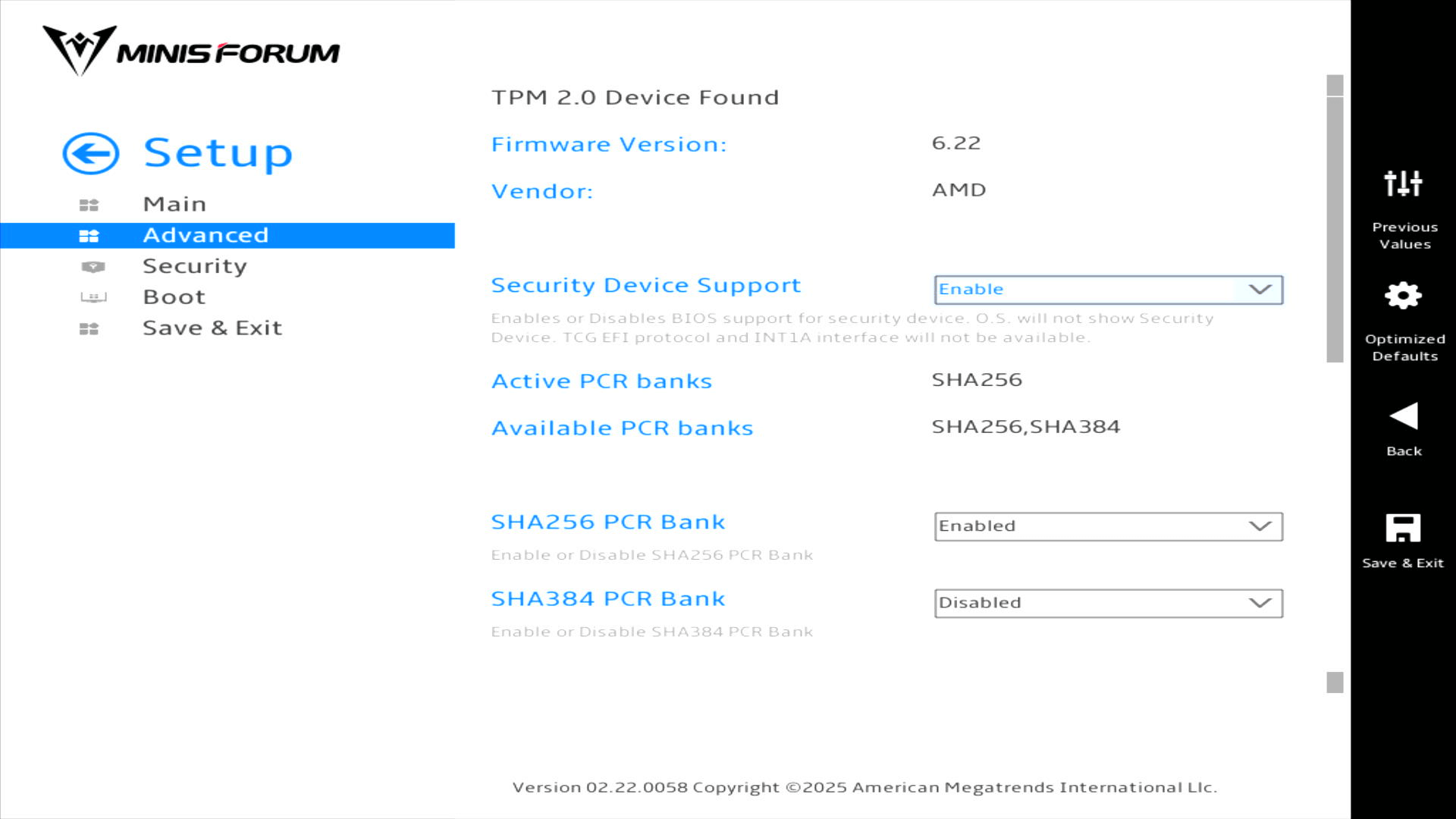
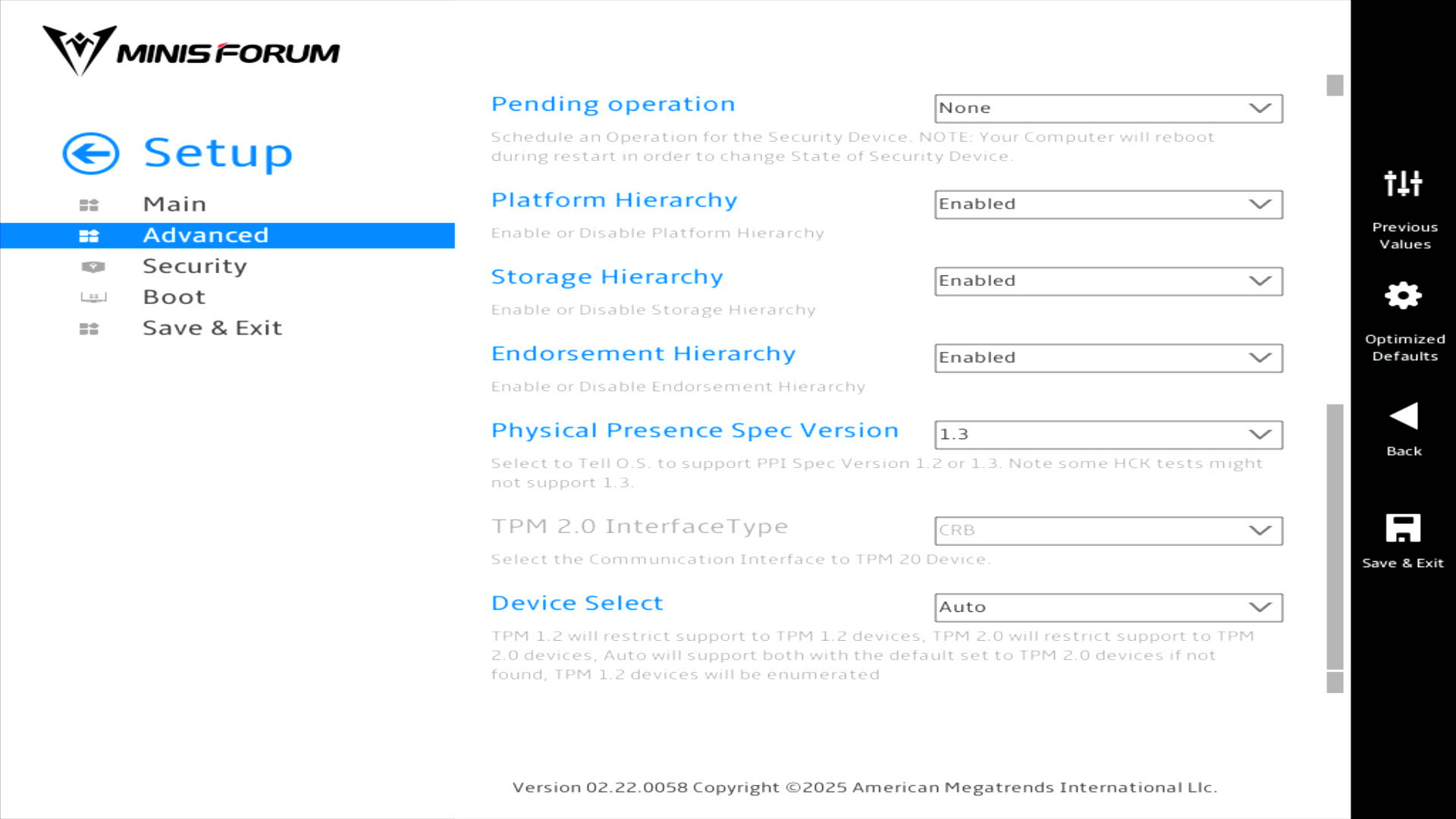
Trusted Computing
CPU Configuration
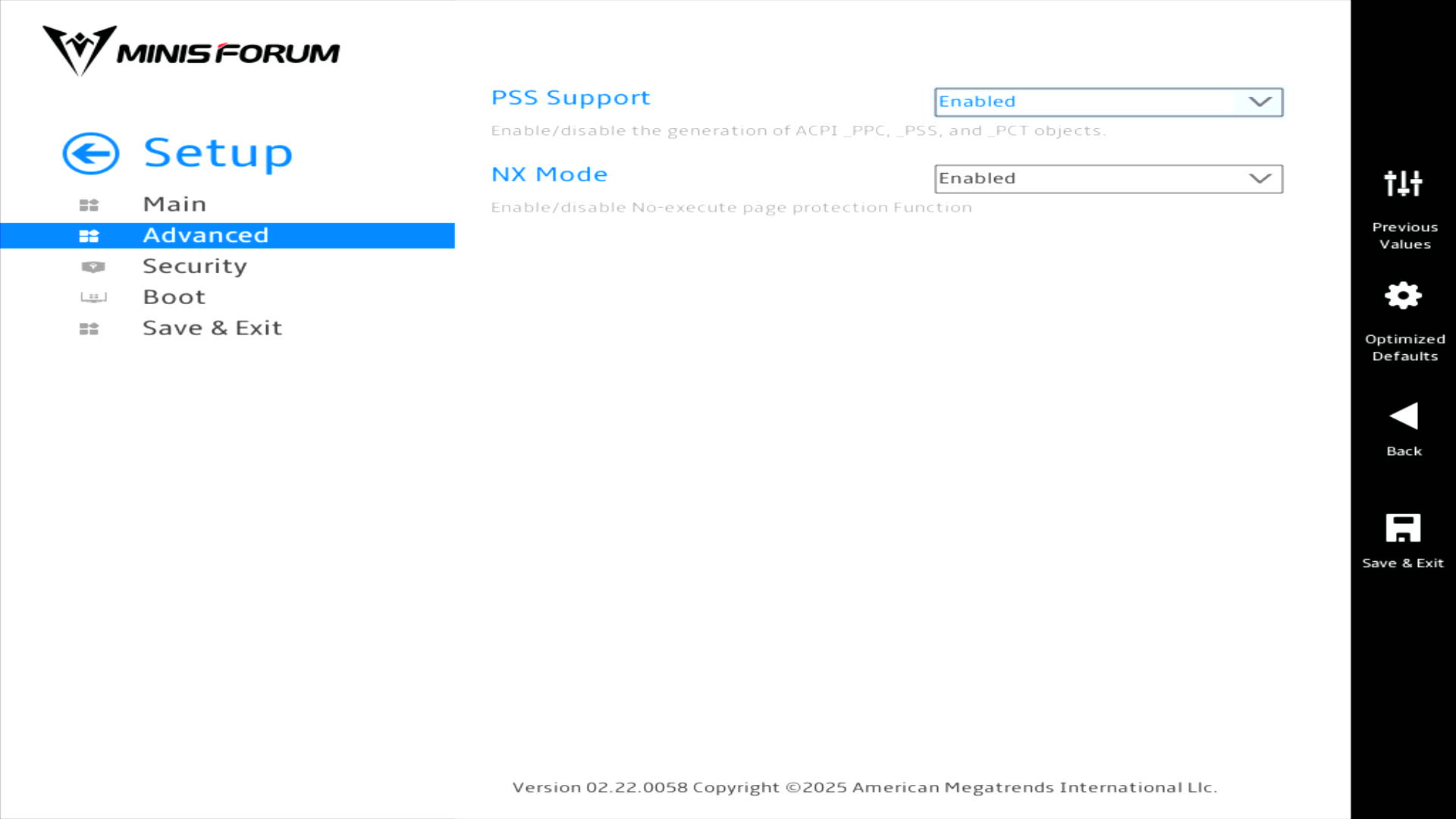
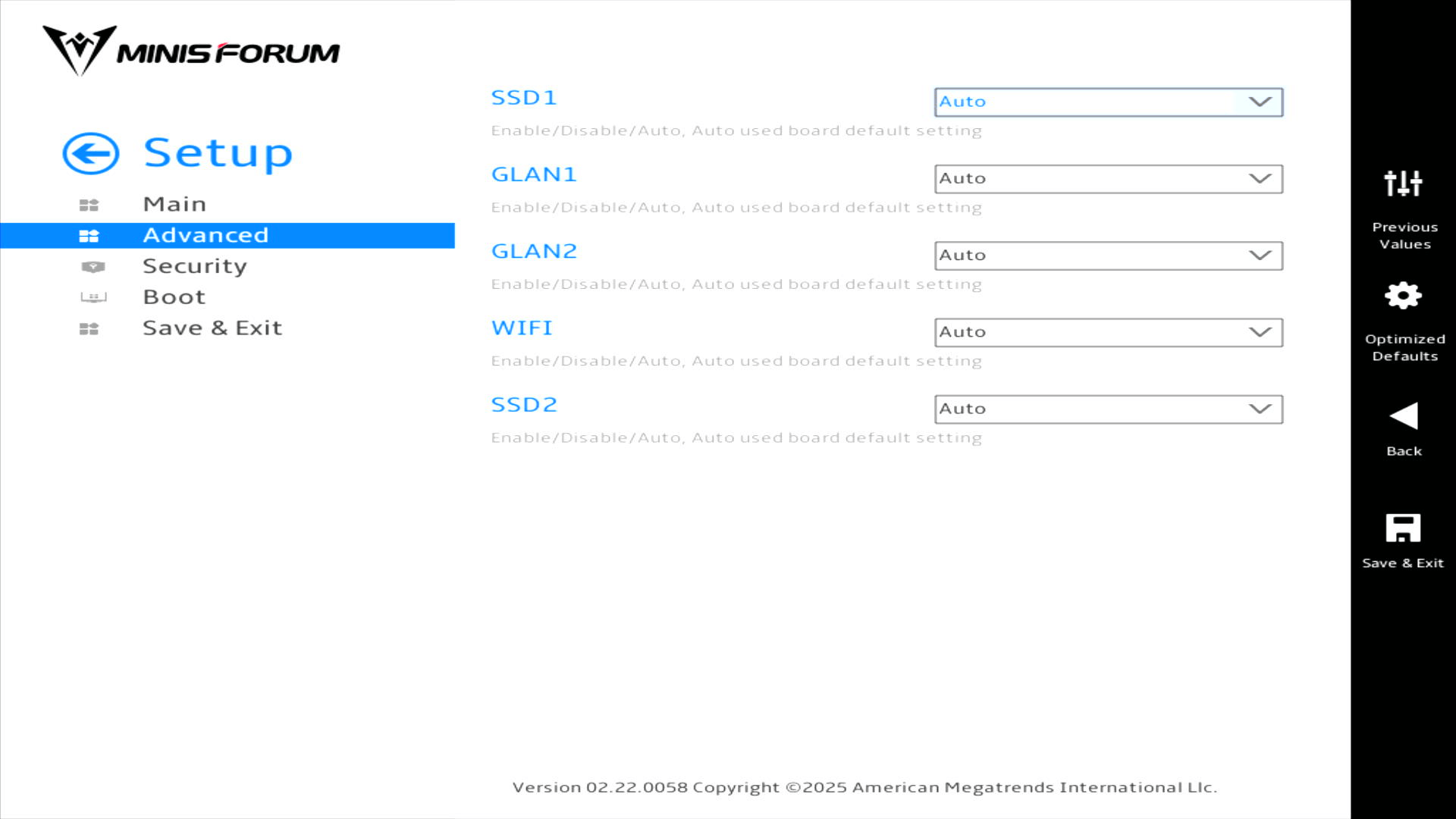
Onboard Devices setting

There are separate pages for NVME RAID mode and PCI-E-Port the former is not shown as it simply has the option to enable or disable NVMe RAID mode. By default it’s disabled.
Here’s the PCI-E-Port page with its options.
ACPI Setting
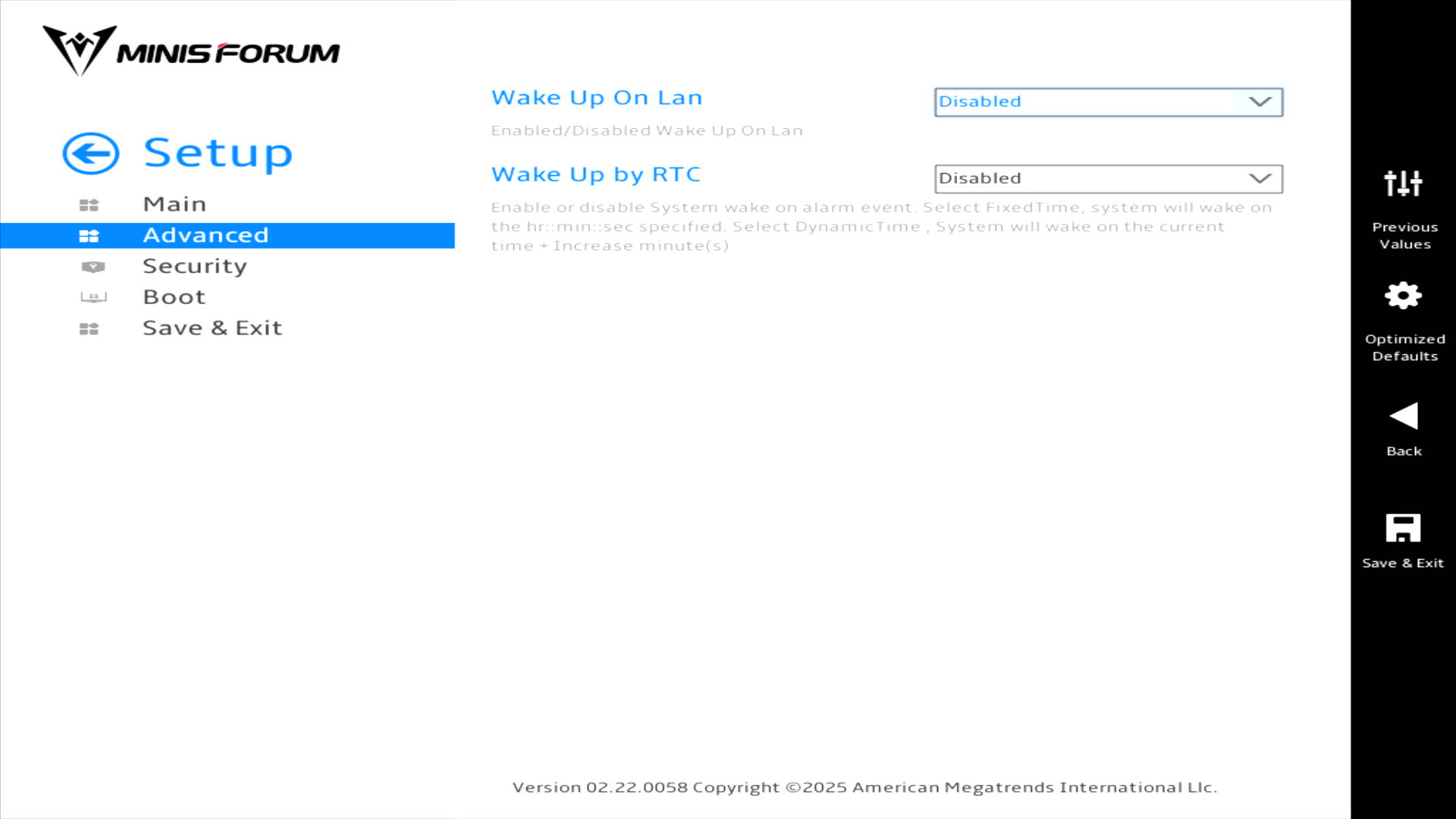
I’m showing the default settings.
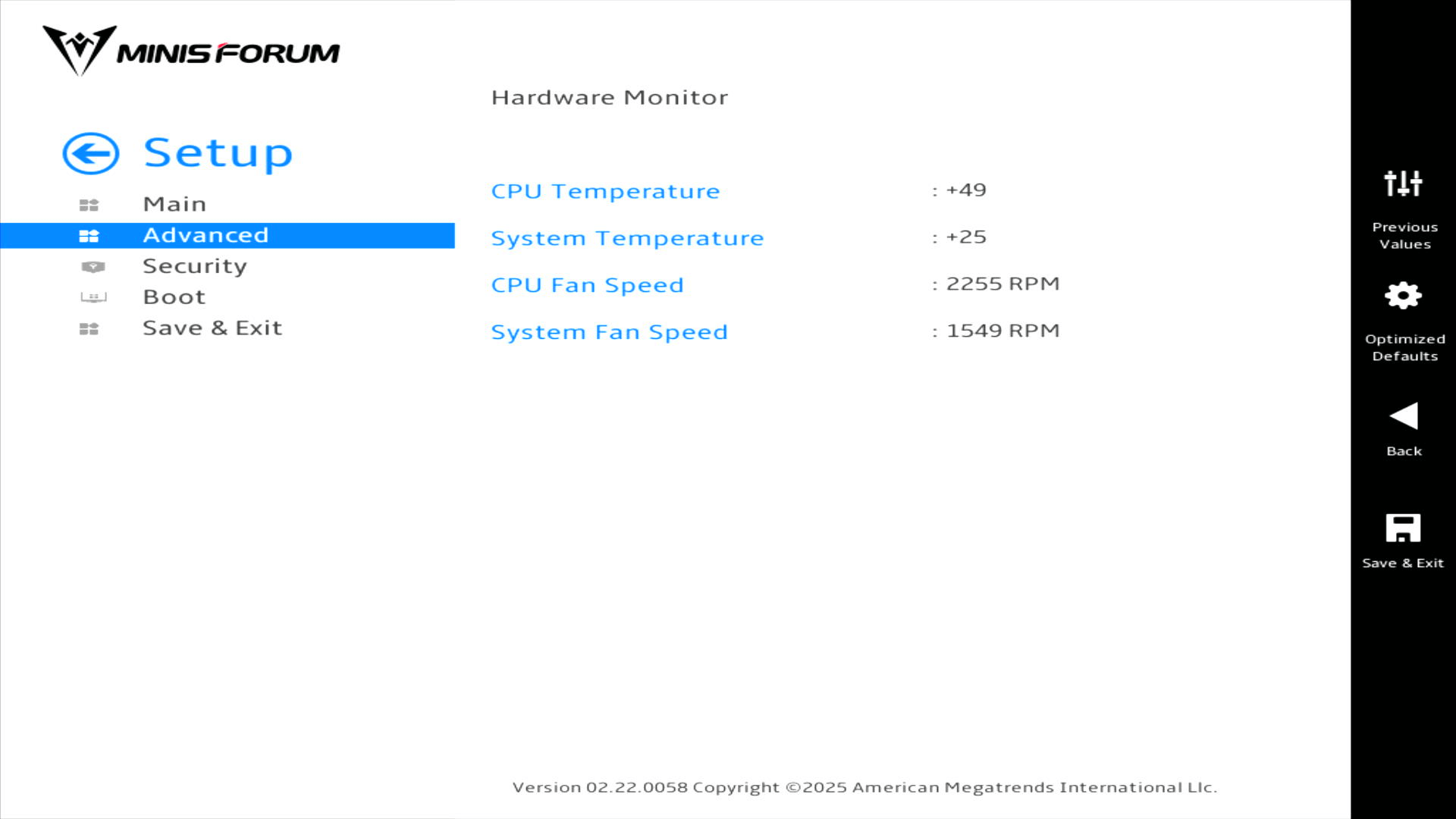
Hardware Monitor
Network Stack Configuration
I’m not showing an image for this section as it simply lets you enable/disable the UEFI network stack.
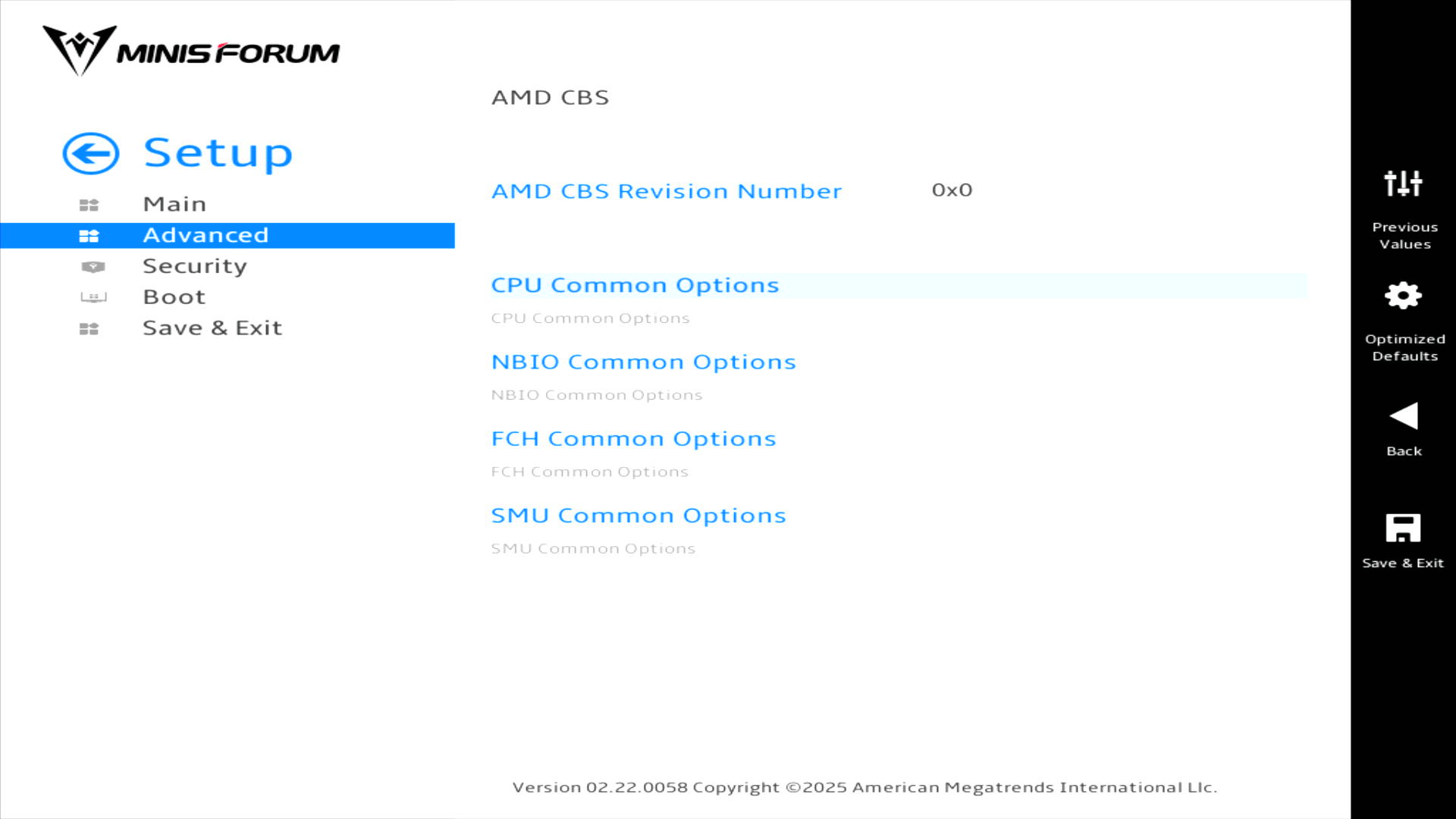
AMD CBS
This is one of the most interesting sections. Here’s the main section page.
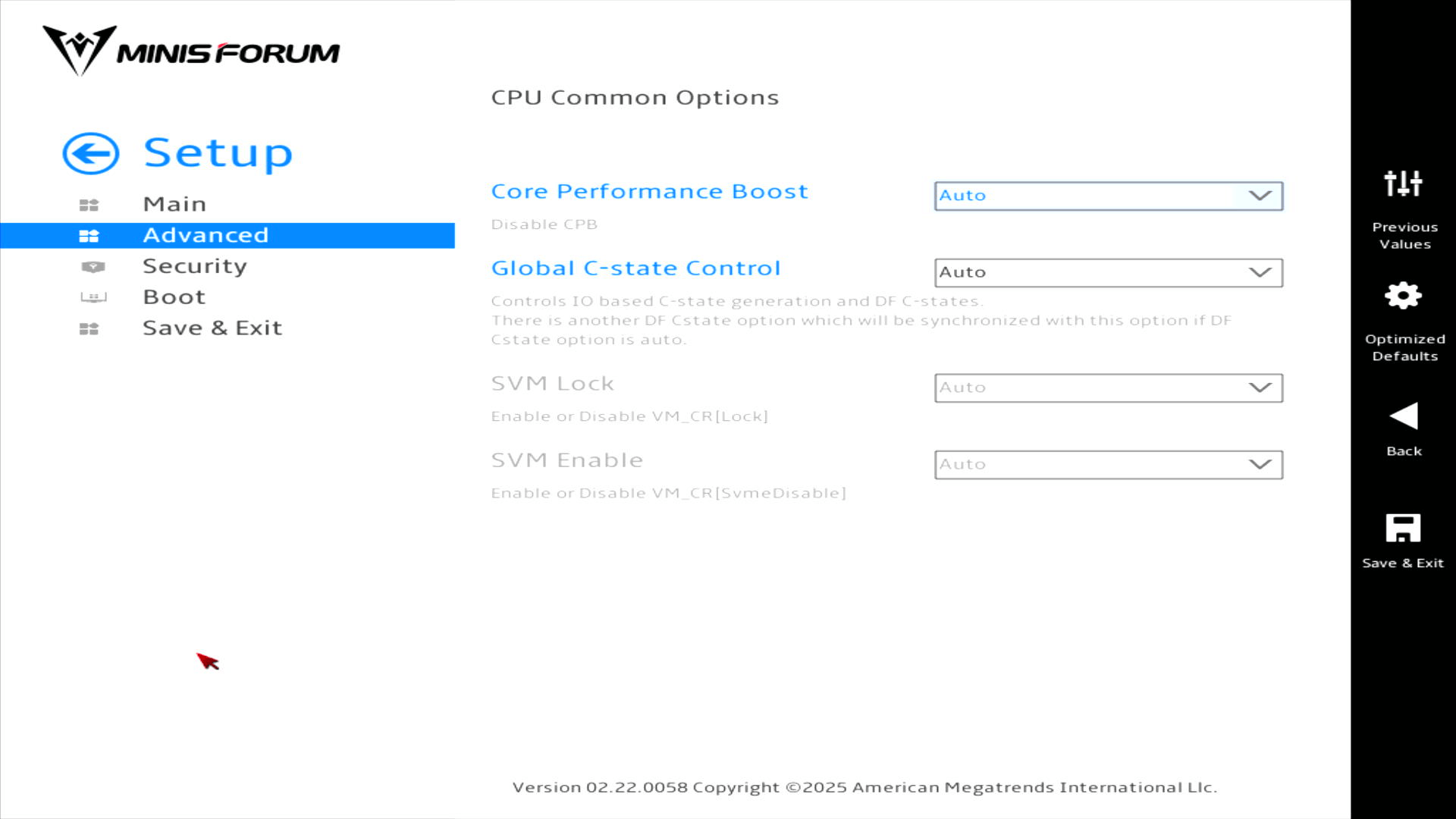
CPU Common Options
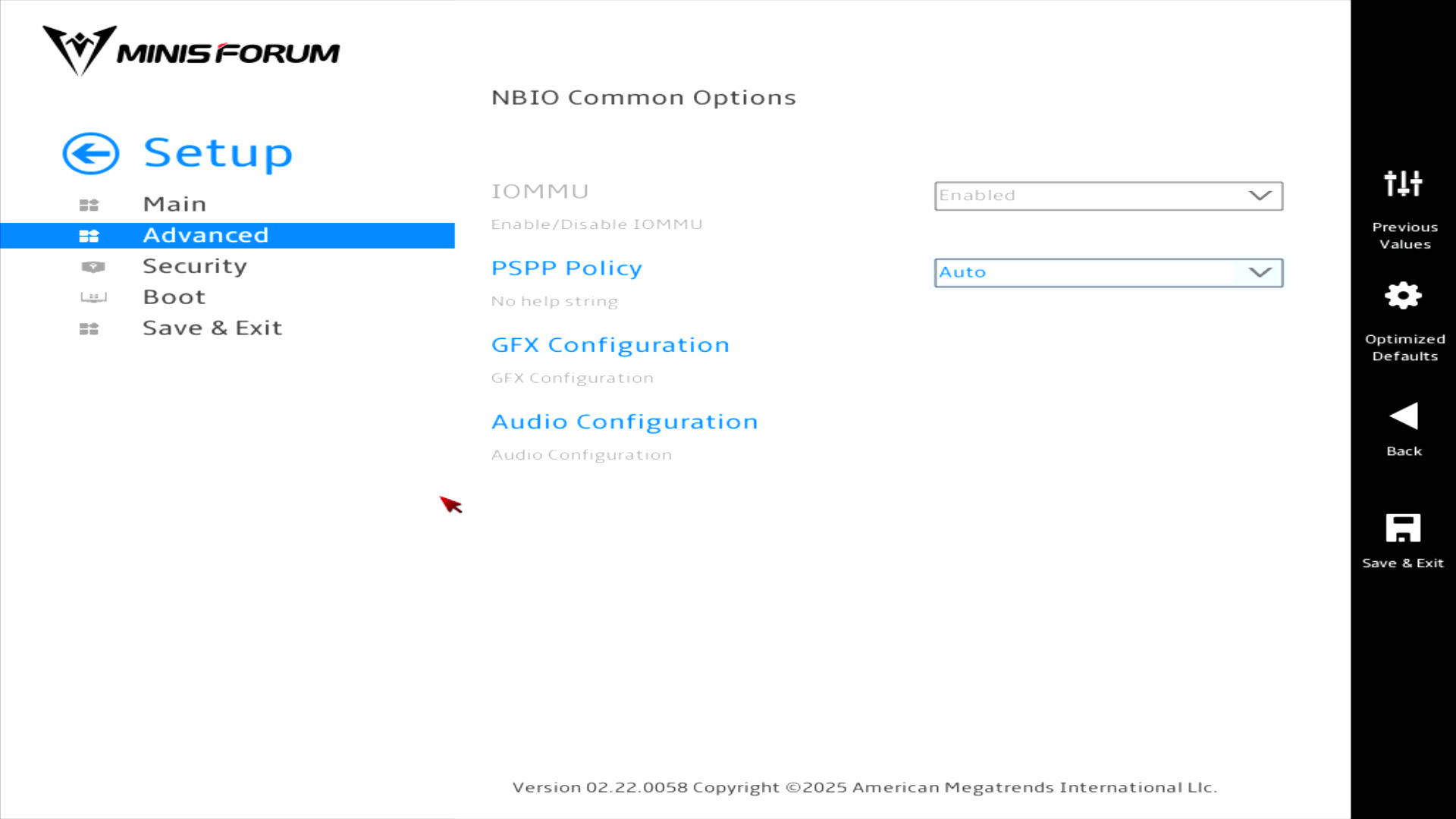
NBIO Common Options
Let’s take a look at GFX Configuration.
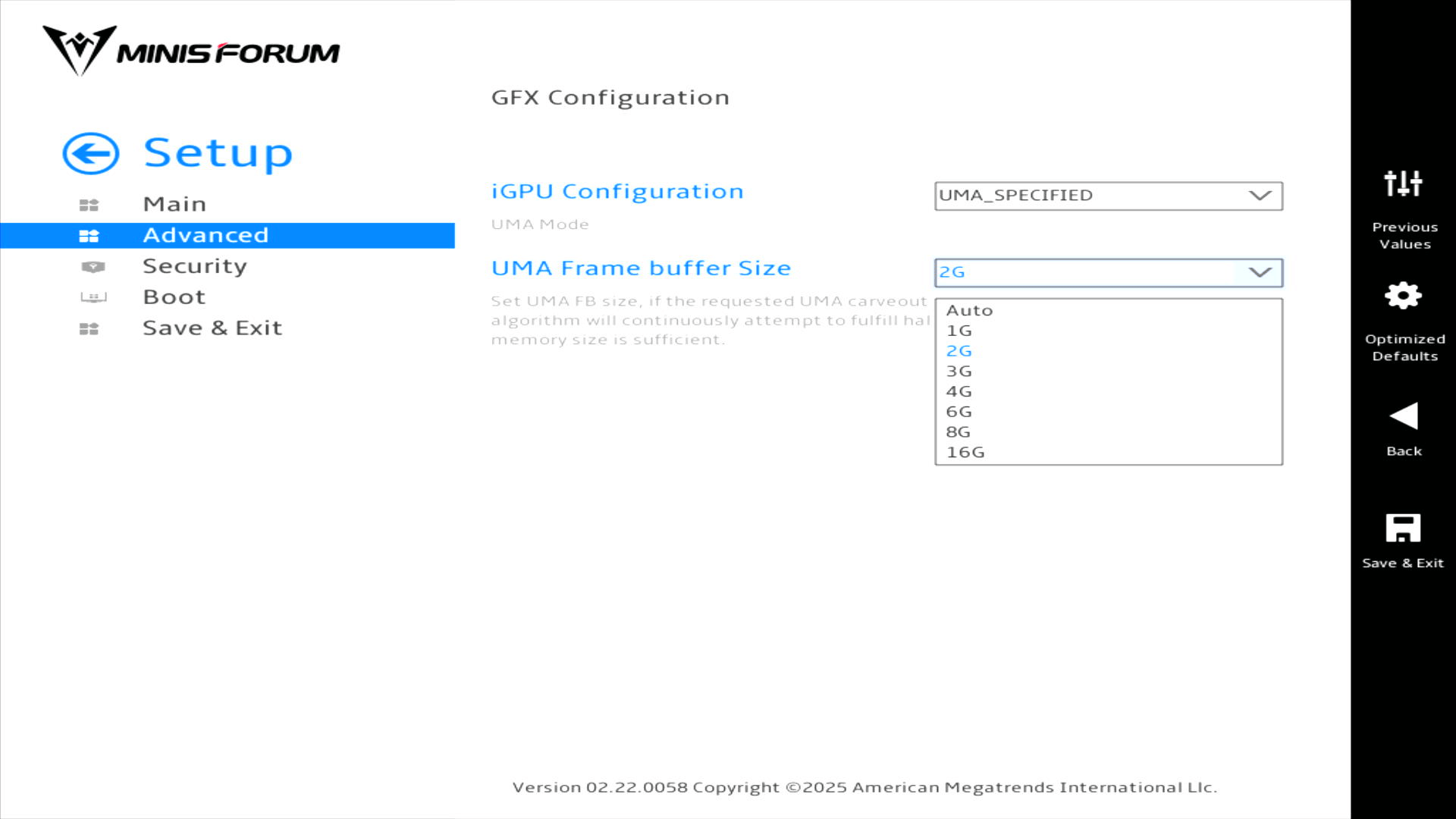
Here we can choose the amount of RAM to allocate to the iGPU.
I’m not showing the Audio Configuration page as it simply lets you enable or disable the HD Audio controller.
FCH Common Options
I’m not showing this page as it simply controls Ac Power Loss options (choose from Always Off, Always On, or Previous).
SMU Common Options

Security
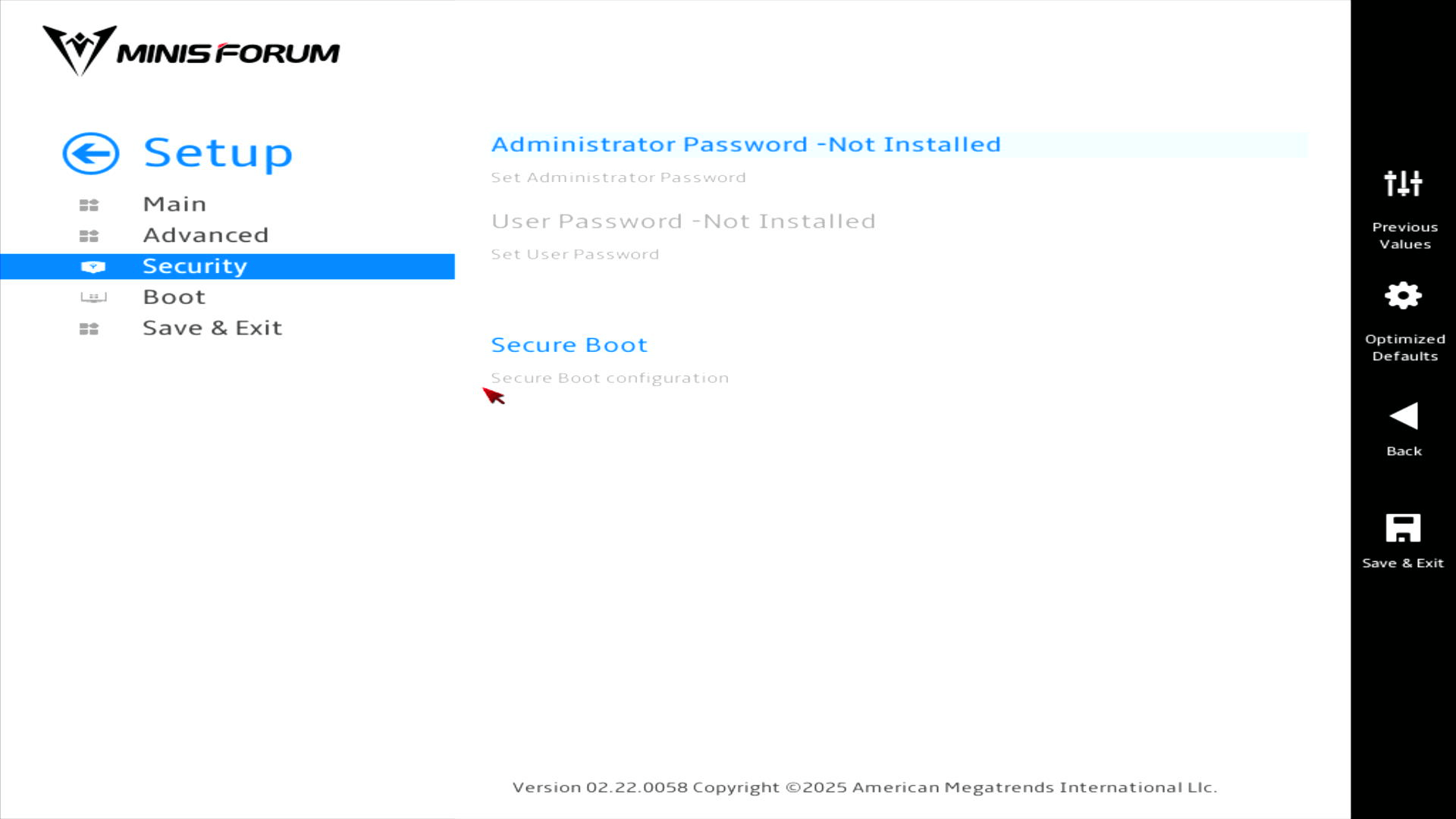
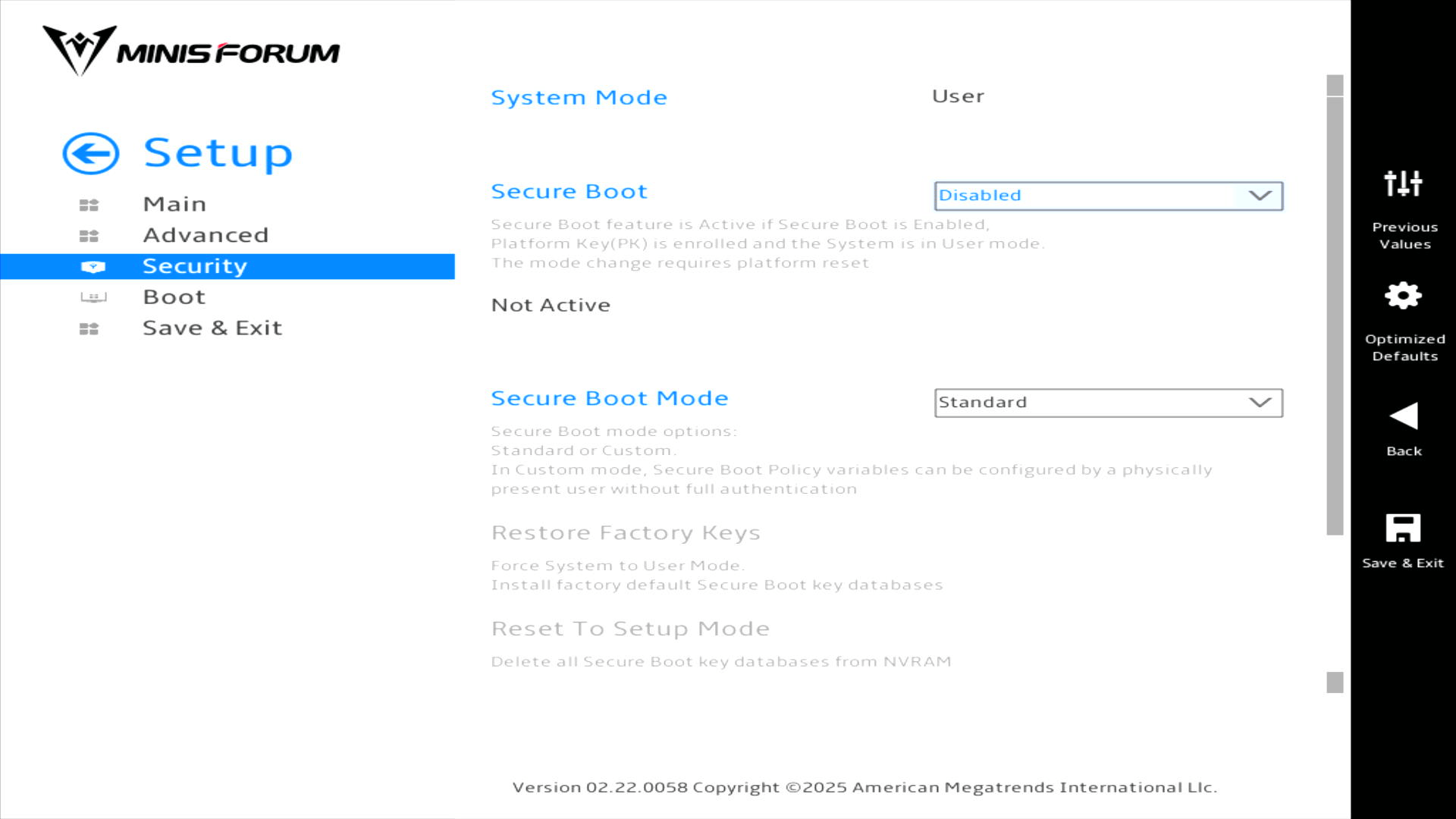
Here we can set the administrator password and configure Secure Boot.
Disabling Secure Boot is essential in order to install Linux.
Boot
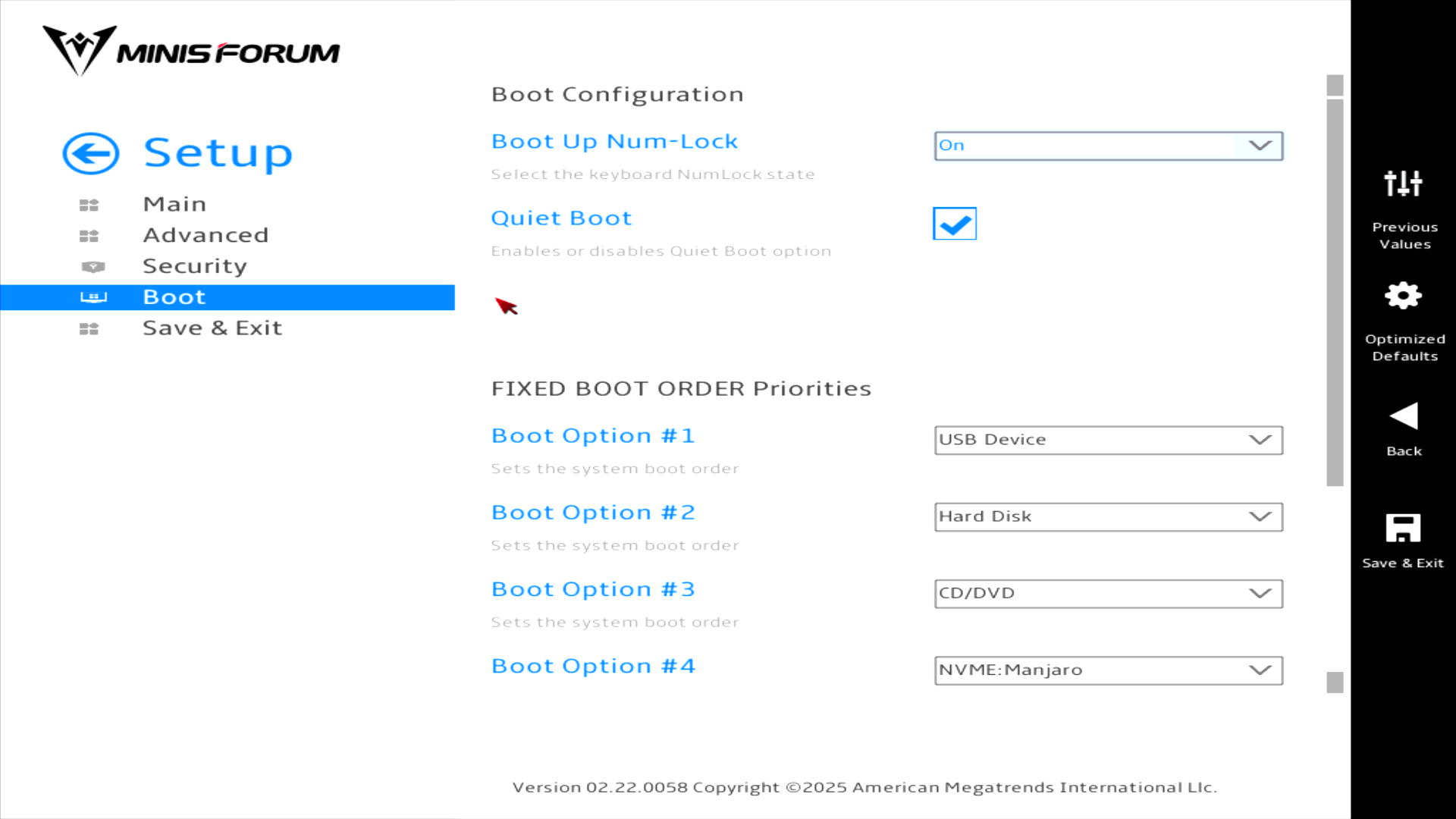
This is another useful section as it lets you choose the boot order. The UM890 Pro offers fast USB ports, so I’ve used the boot order in the past to boot from USB external devices. It’s a quick way of testing Linux distributions with a far more faithful representation of performance compared to virtual machines.
Complete list of articles in this series:
| Minisforum UM890 Pro Mini PC | |
|---|---|
| Introduction | Introduction to the series and interrogation of the machine |
| Benchmarks | Benchmarking the Minisforum UM890 Pro |
| Power | Testing and comparing the power consumption |
| BIOS - cTDP | Power Consumption with different TDP settings in the BIOS |
| BIOS | BIOS, which stands for Basic Input/Output System, plays a crucial role |