
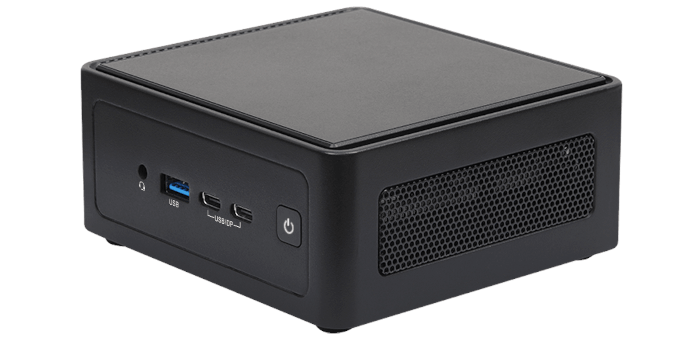
Advanced
There are a lot of options available in this section. I’m not going to cover everything, but instead focus on the most interesting areas.
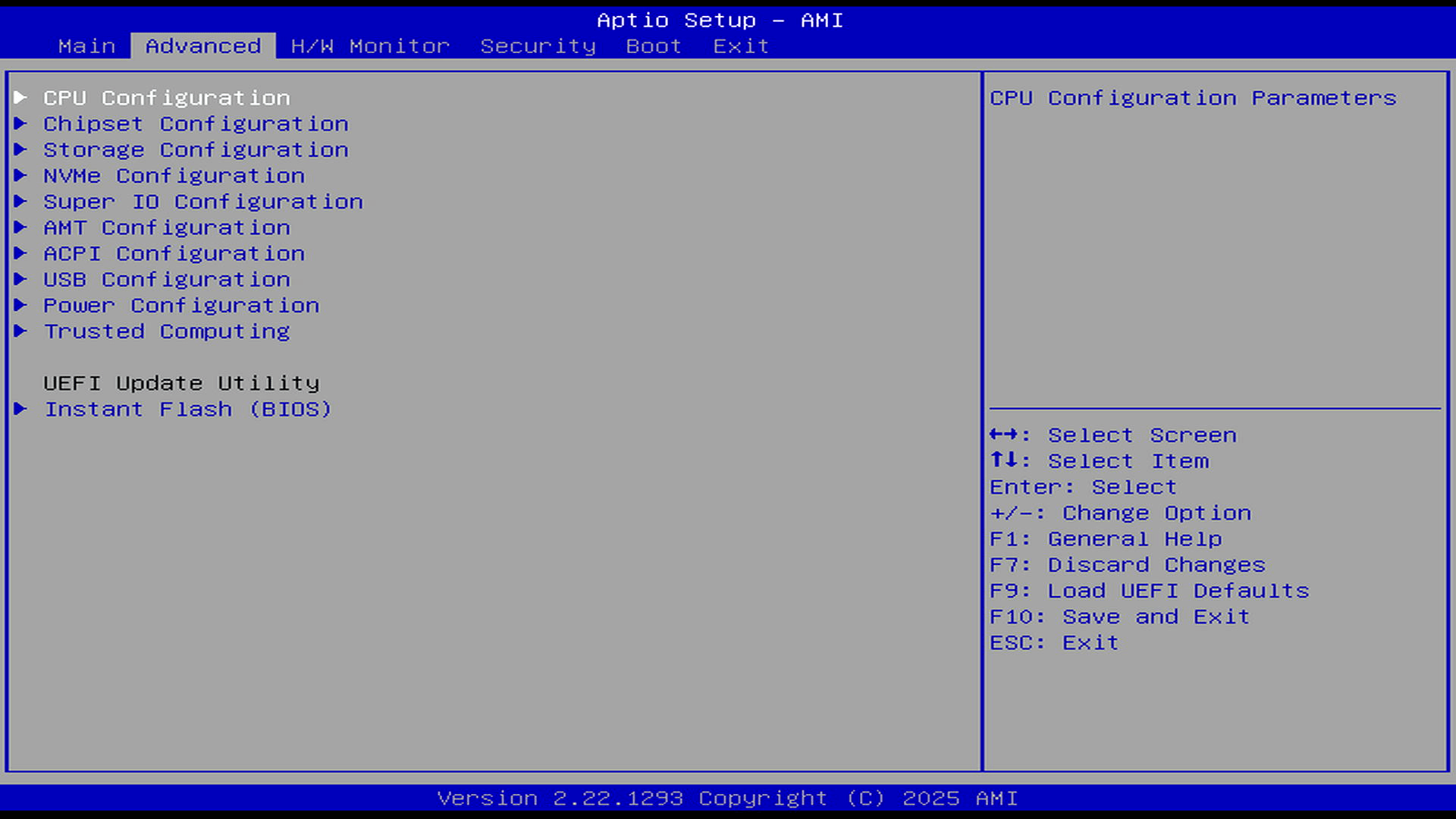
CPU Configuration
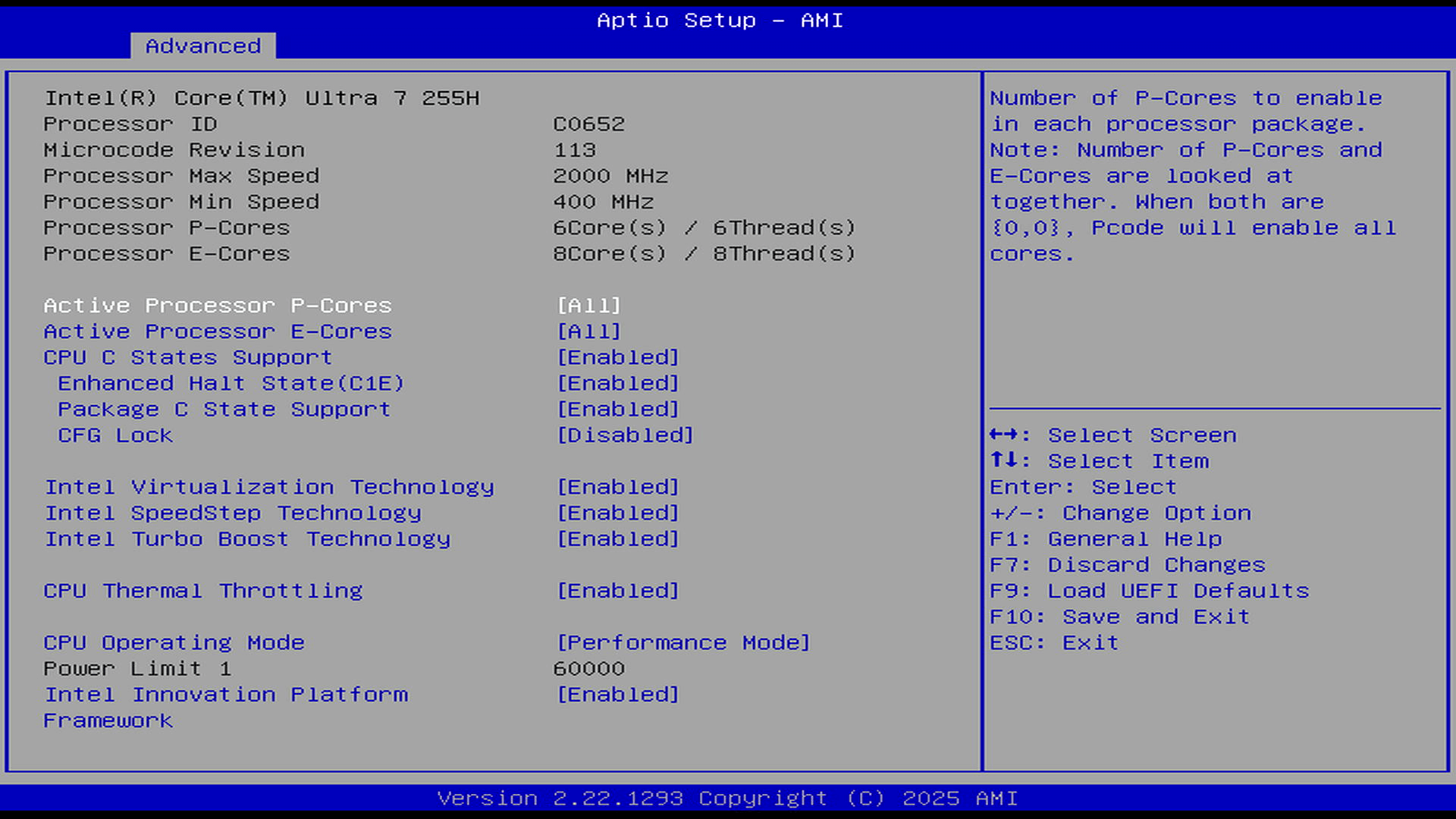
The NUX BOX-255H has 6 P-Cores, 8 E-Cores, and 2 LP E-Cores. The BIOS lets you reduce the number of active cores. As you can see, we can lower the number of P-Cores but not to zero. All refers to 6 active P-Cores.
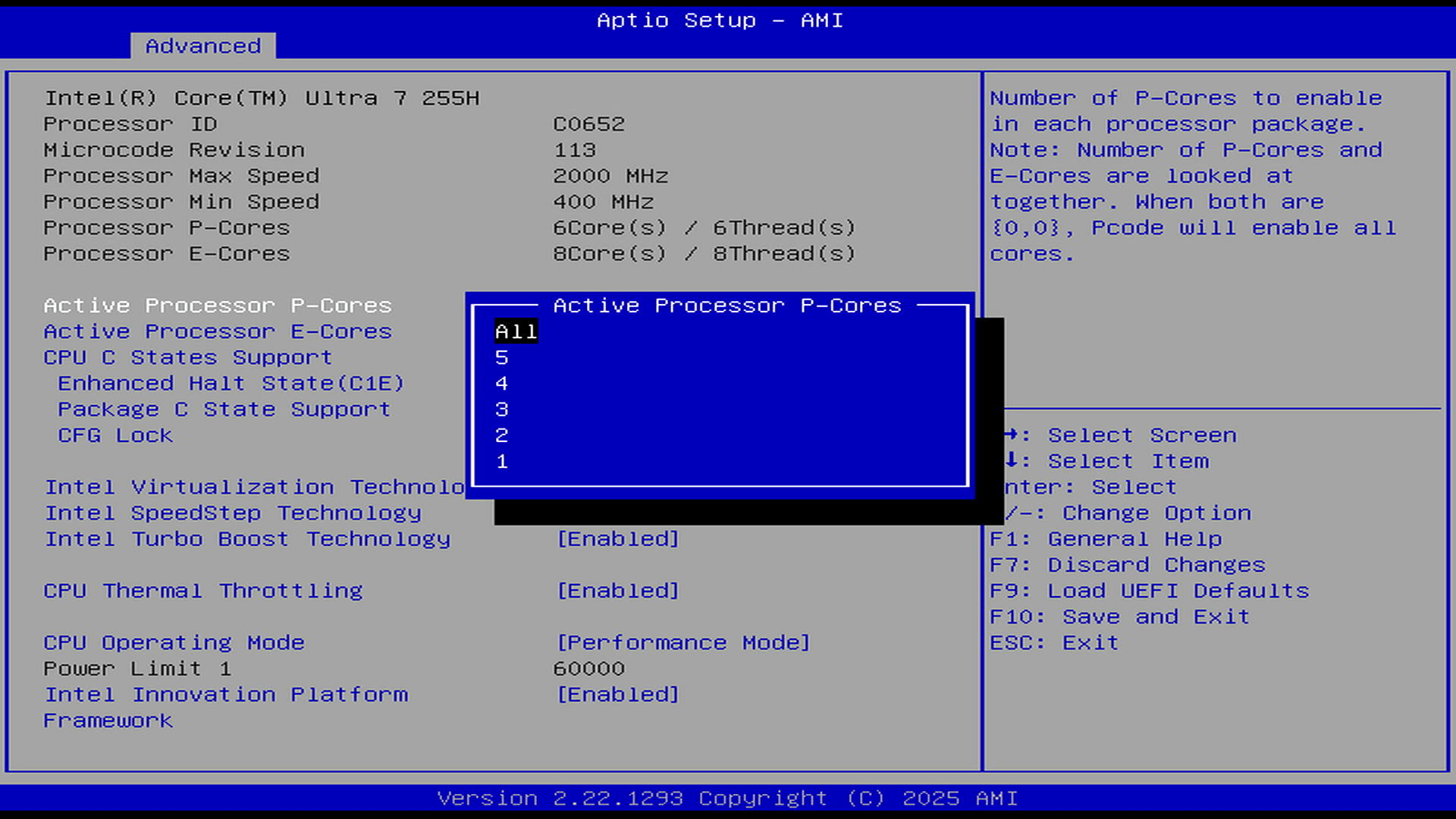
We have complete flexibility with the E-Cores, with the option to have 0-8 active E-Cores. There’s no option to disable any of the 2 LP E-Cores though.
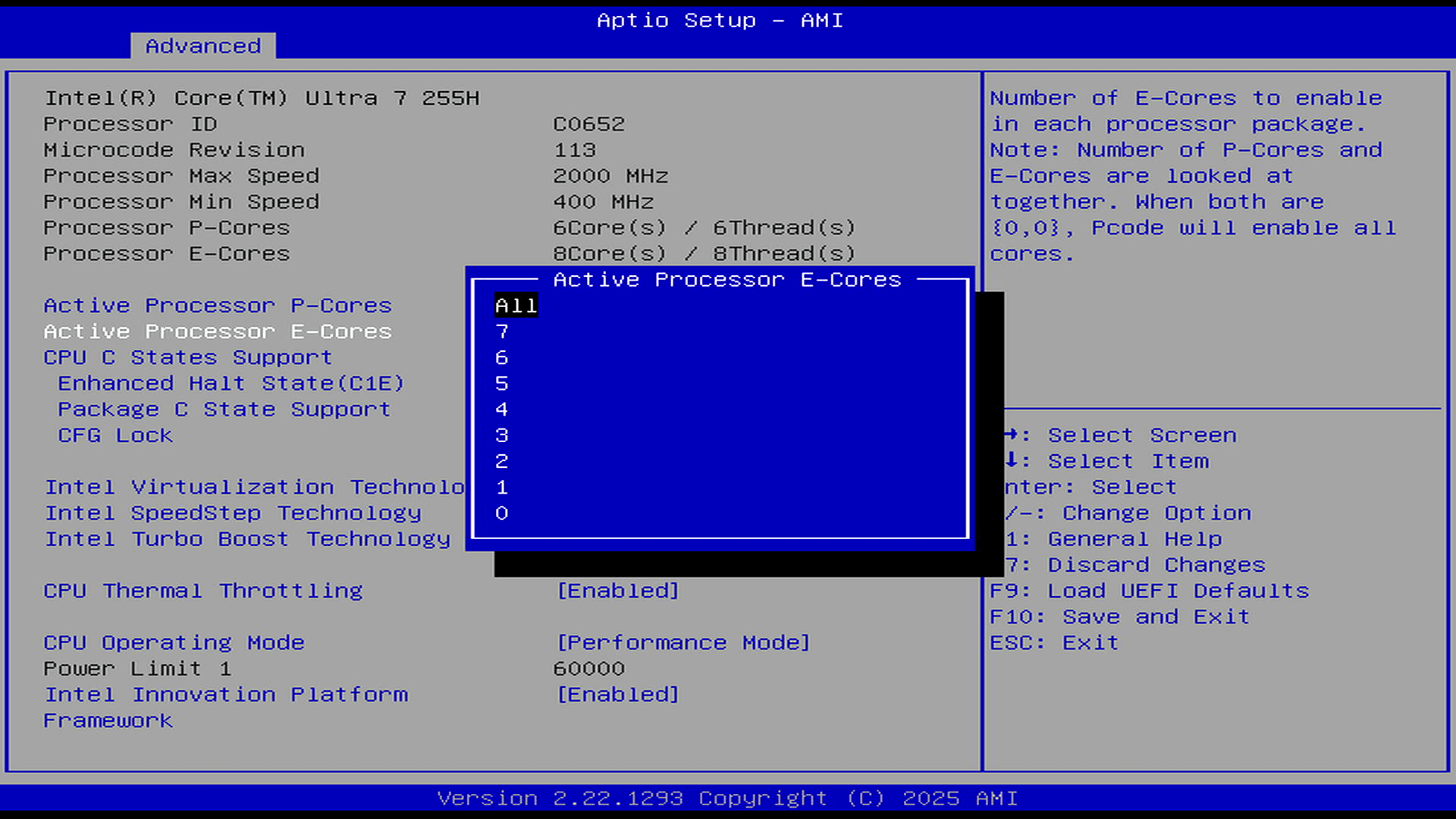
I’ll briefly go through the other options:
CPU C States Support – this offer support for power saving.
Enhanced Halt State – this is also enabled by default. It offers lower power consumption.
Package C State Support – Package C-states (\(C0\)-\(C10\)) are advanced power-saving modes on modern Intel processors that reduce energy usage by throttling or shutting down inactive components.
CFG Lock – disable or enable the CFG lock. CFG Lock restricts the operating system from writing to the CPU’s power management configuration. It is commonly enabled by default on motherboards to protect system stability.
Intel Virtualization Technology – allows a platform to run multiple operating systems and applications, so that one computer system can function as multiple virtual systems.
Intel SpeedStep Technology – allows more than two frequency ranges to be supported.
Intel Turbo Boot Technology – enables the processor to run above its base operating frequency when the operating system requests the highest performance state.
CPU Thermal Throttling – enable CPU internal thermal control mechanism to keep the CPU from overheating. On this machine it’s essential that this option is left enabled as the mini PC gets close to its maximum CPU temperature when under high load.
CPU Operating Mode – choose between normal mode or performance mode.
Chipset Configuration
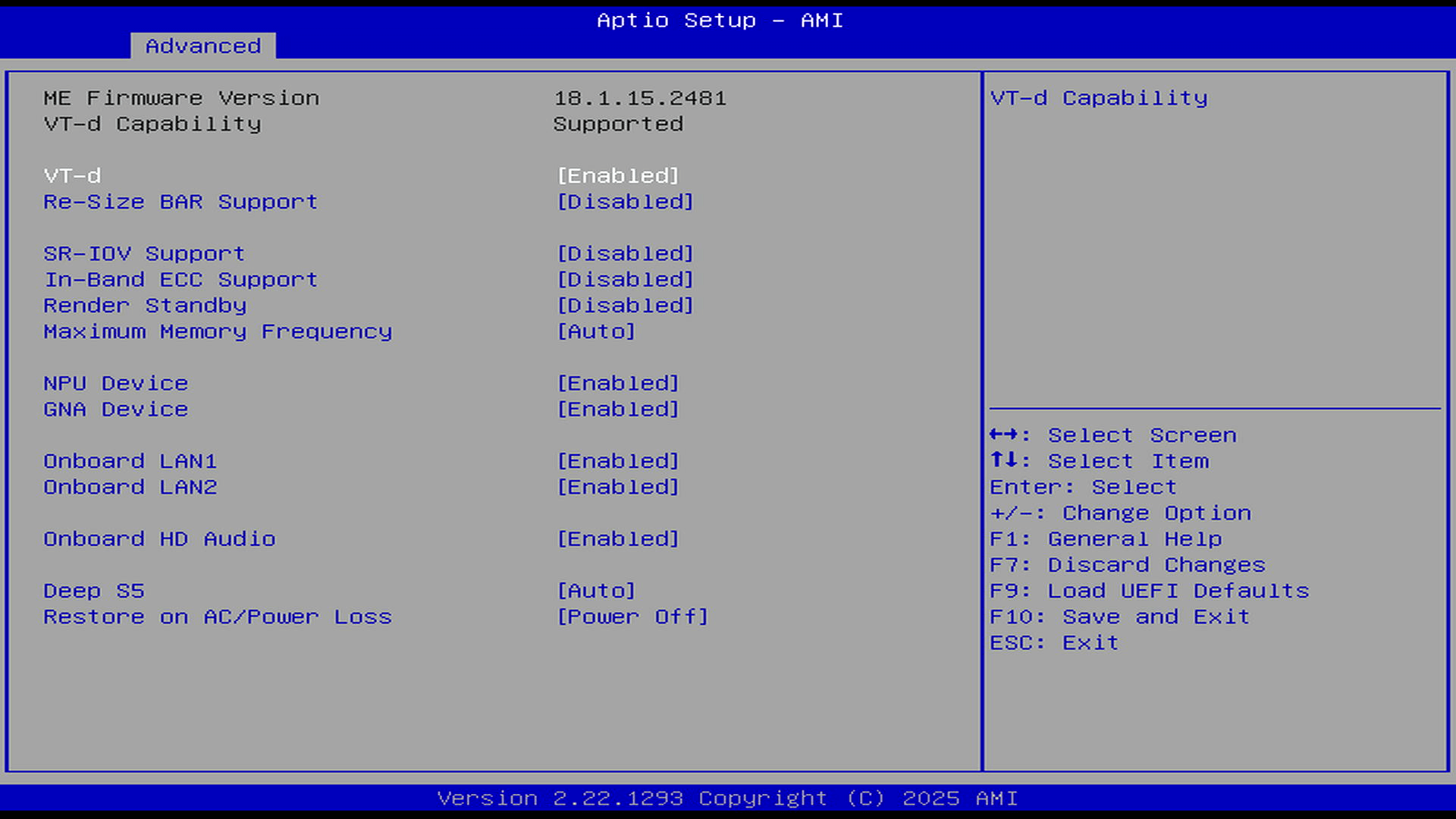
Storage Configuration
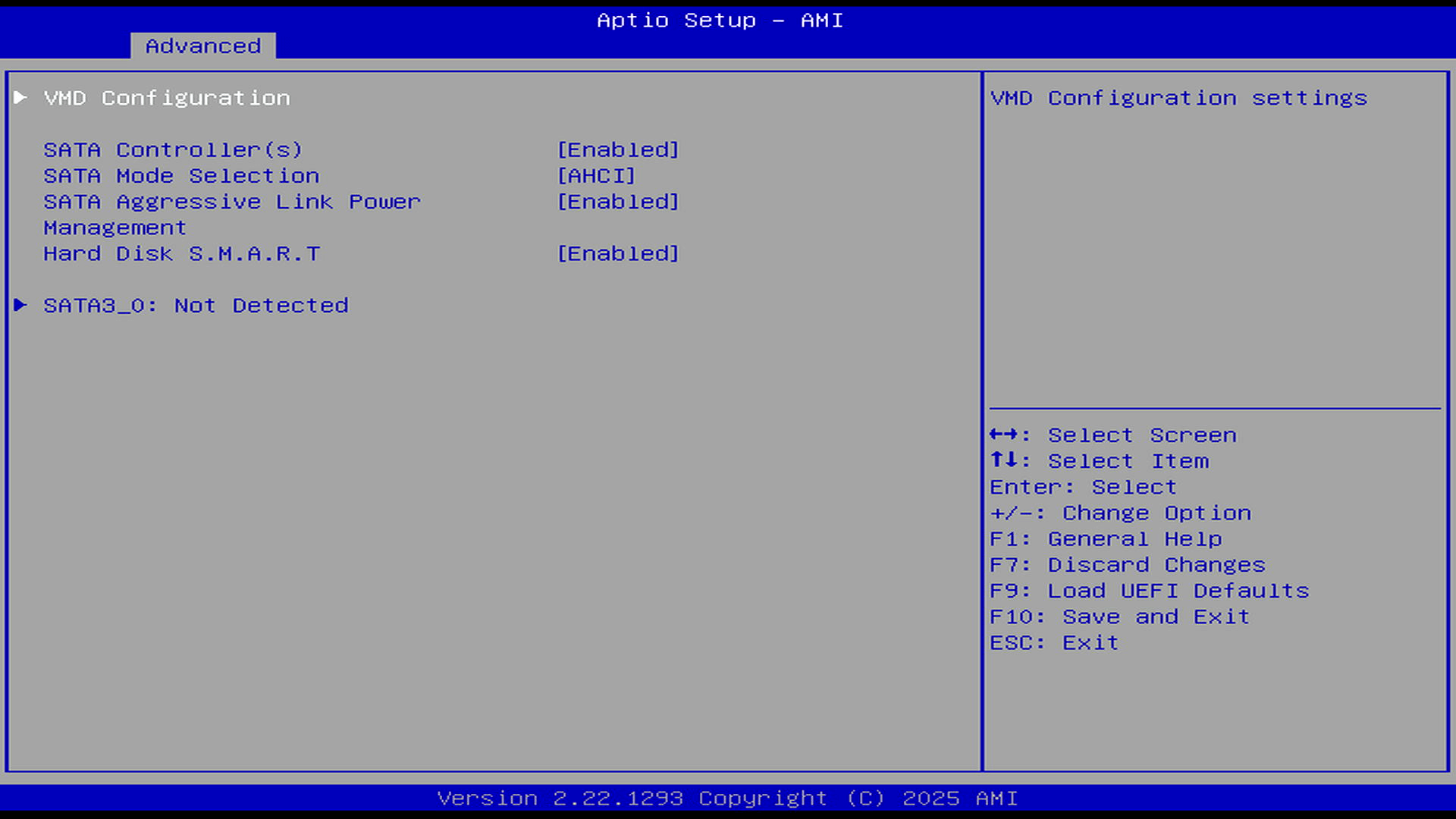
NVMe Configuration
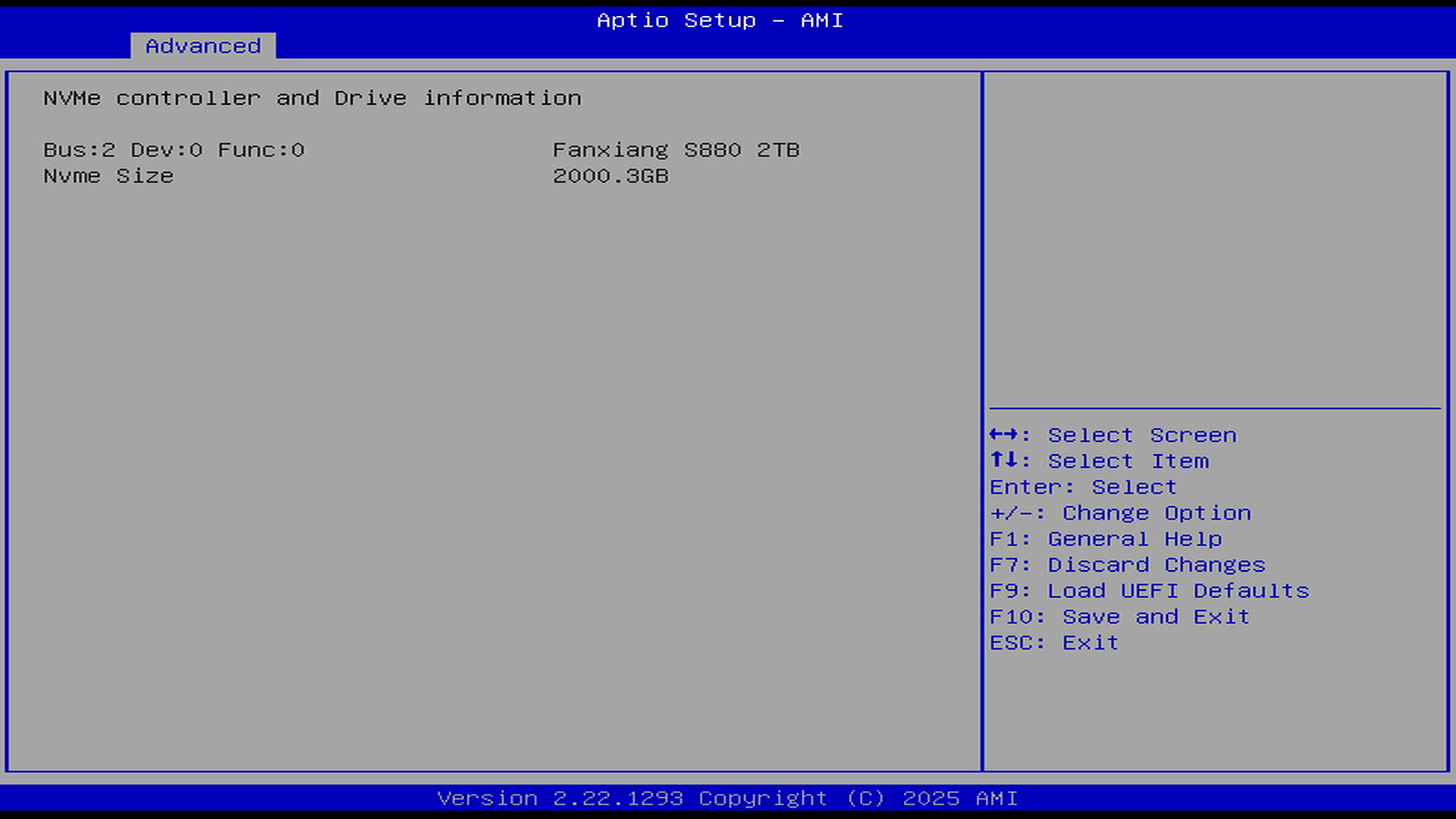
The BOX-255H supports 2 M.2 internal storage devices. One of them supports 2242/2280 with PCI-e Gen 4×4, the other only supports 2242 with PCIe Gen 4×4. When I received the machine, I purchased a fanxiang 2TB NVMe SSD. It cost £90.61. Like RAM, NVMe prices have shot up due to AI demand. The 2TB stick currently retails for £269.99. Holey Moley!
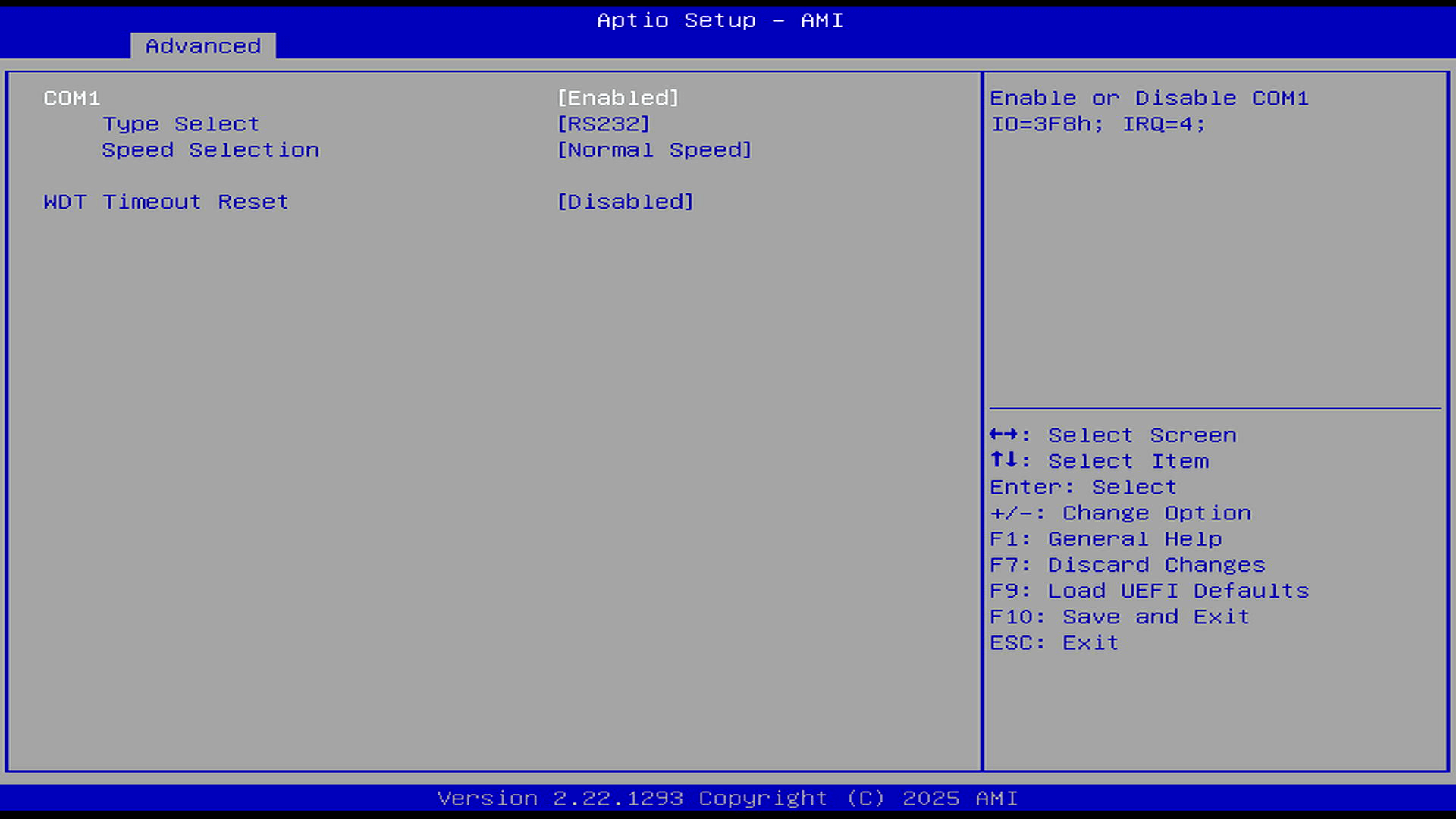
Super IO Configuration
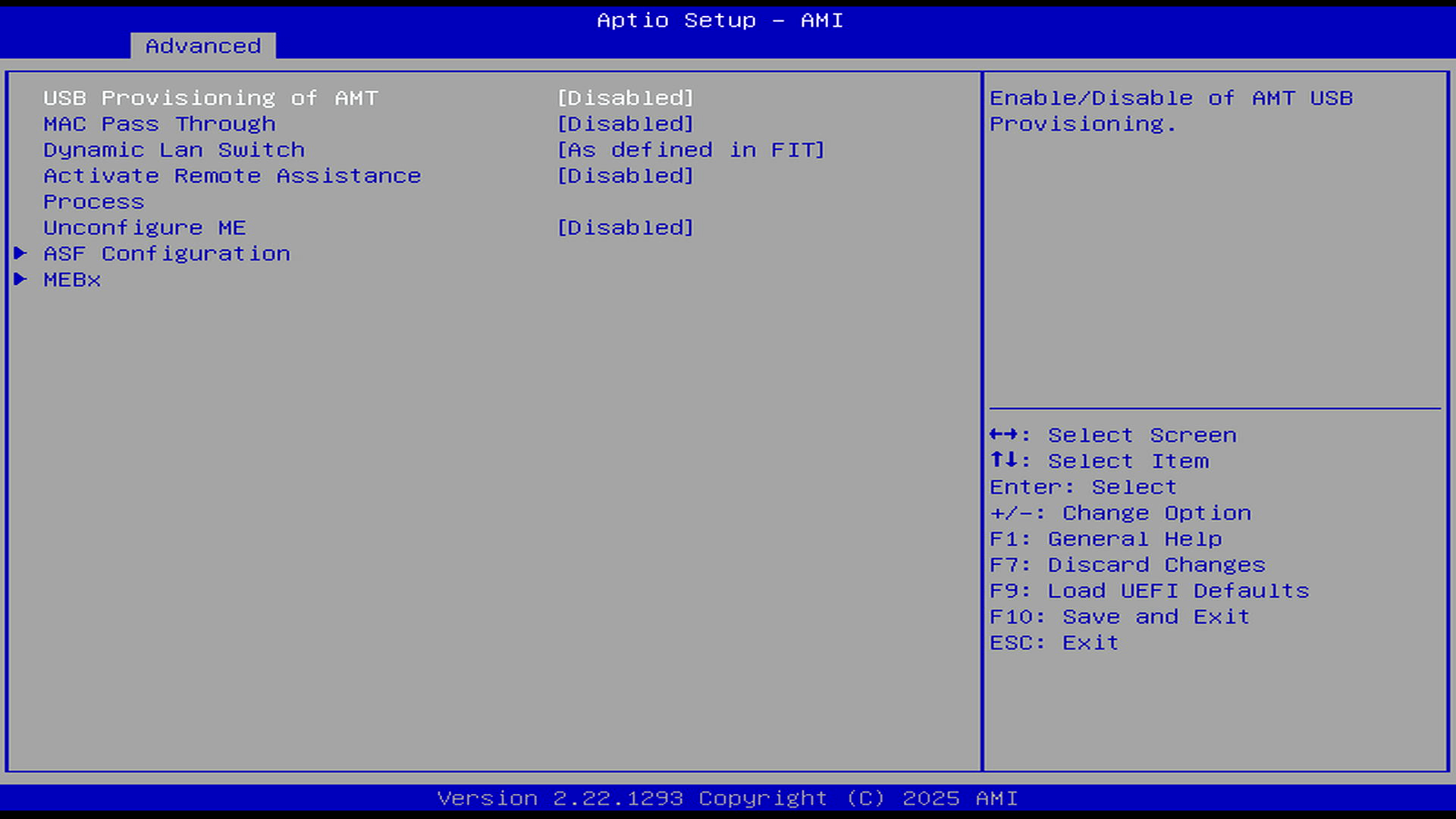
AMT Configuration
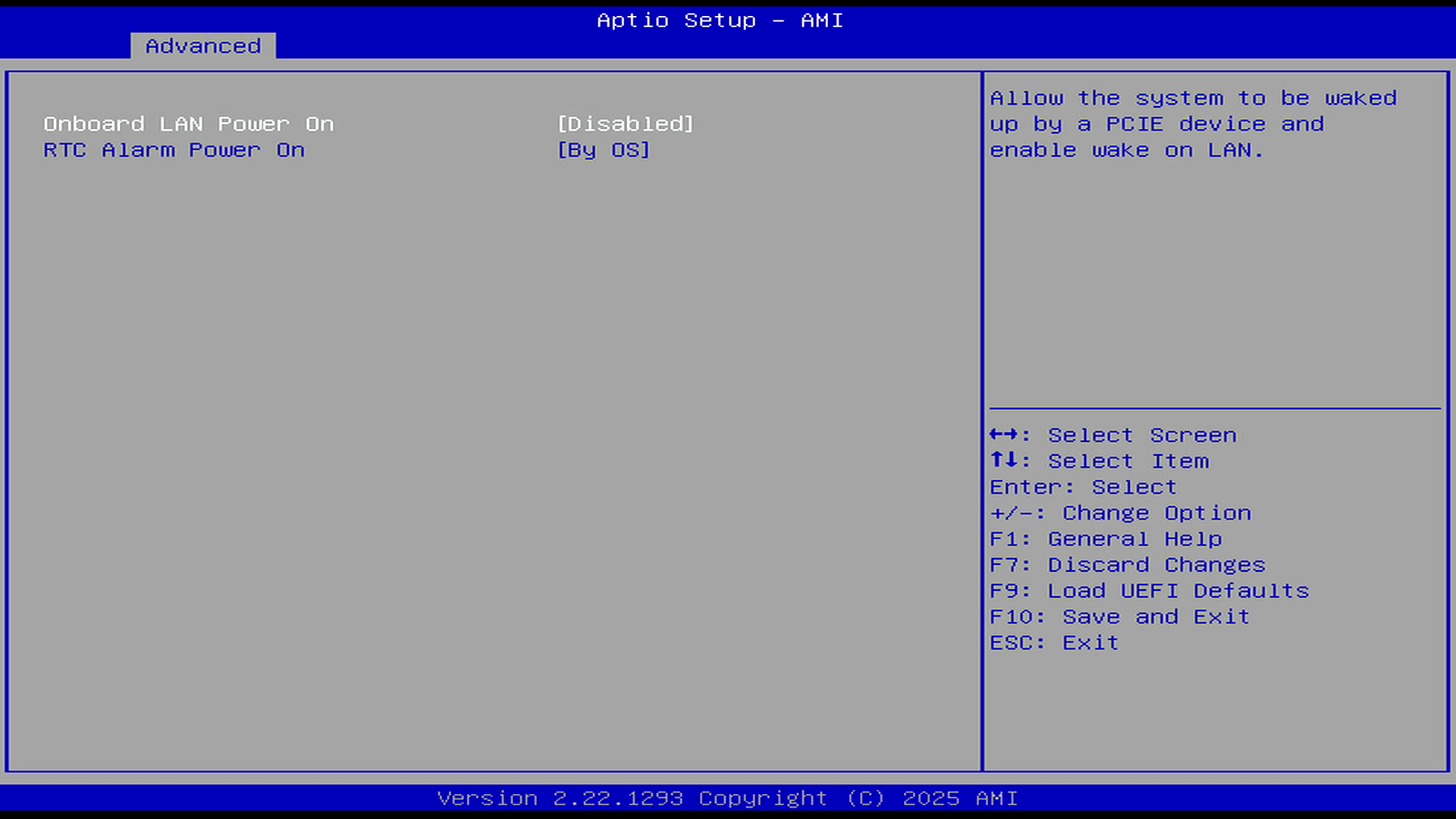
ACPI Configuration
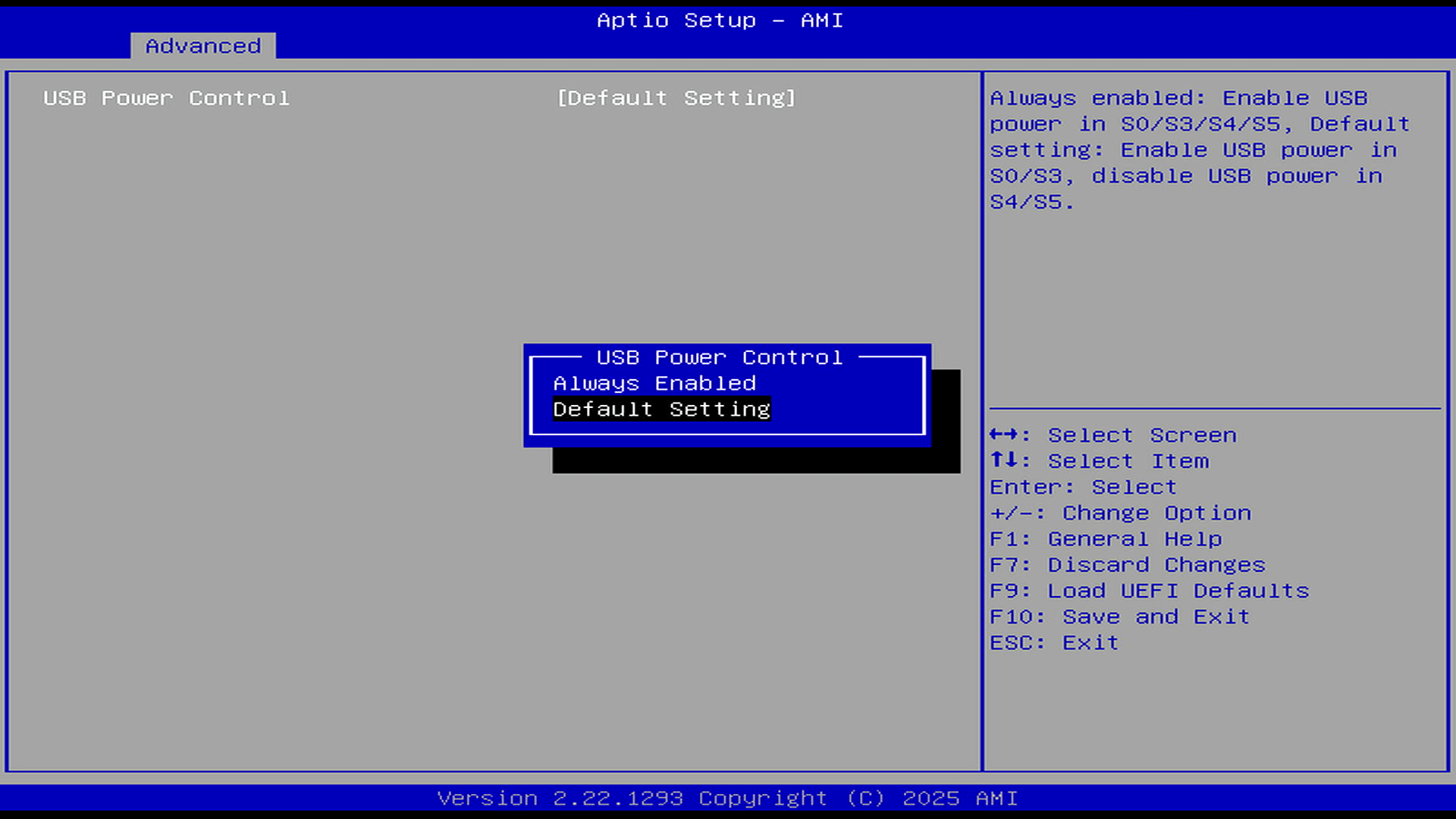
USB Configuration
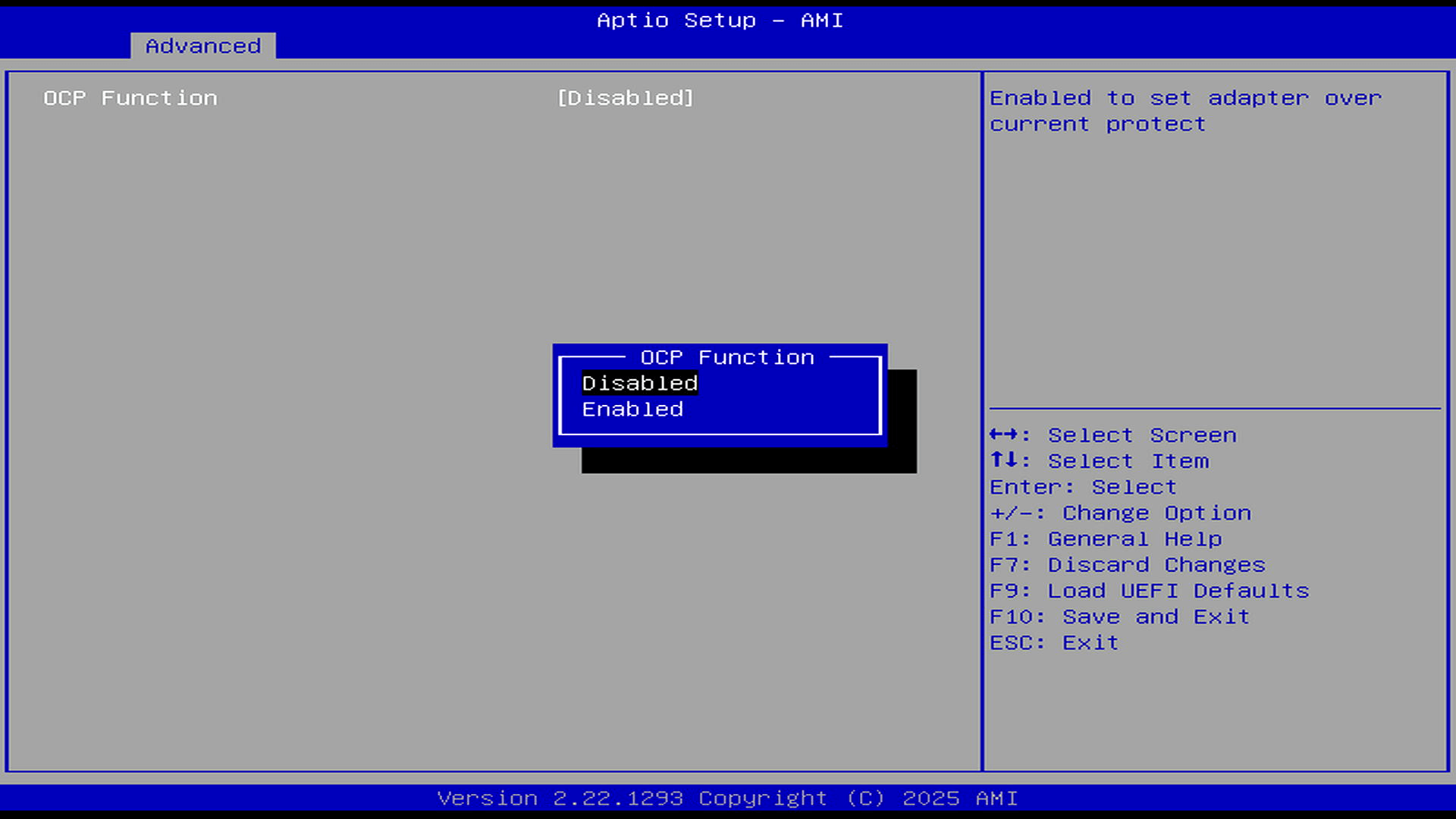
Power Configuration
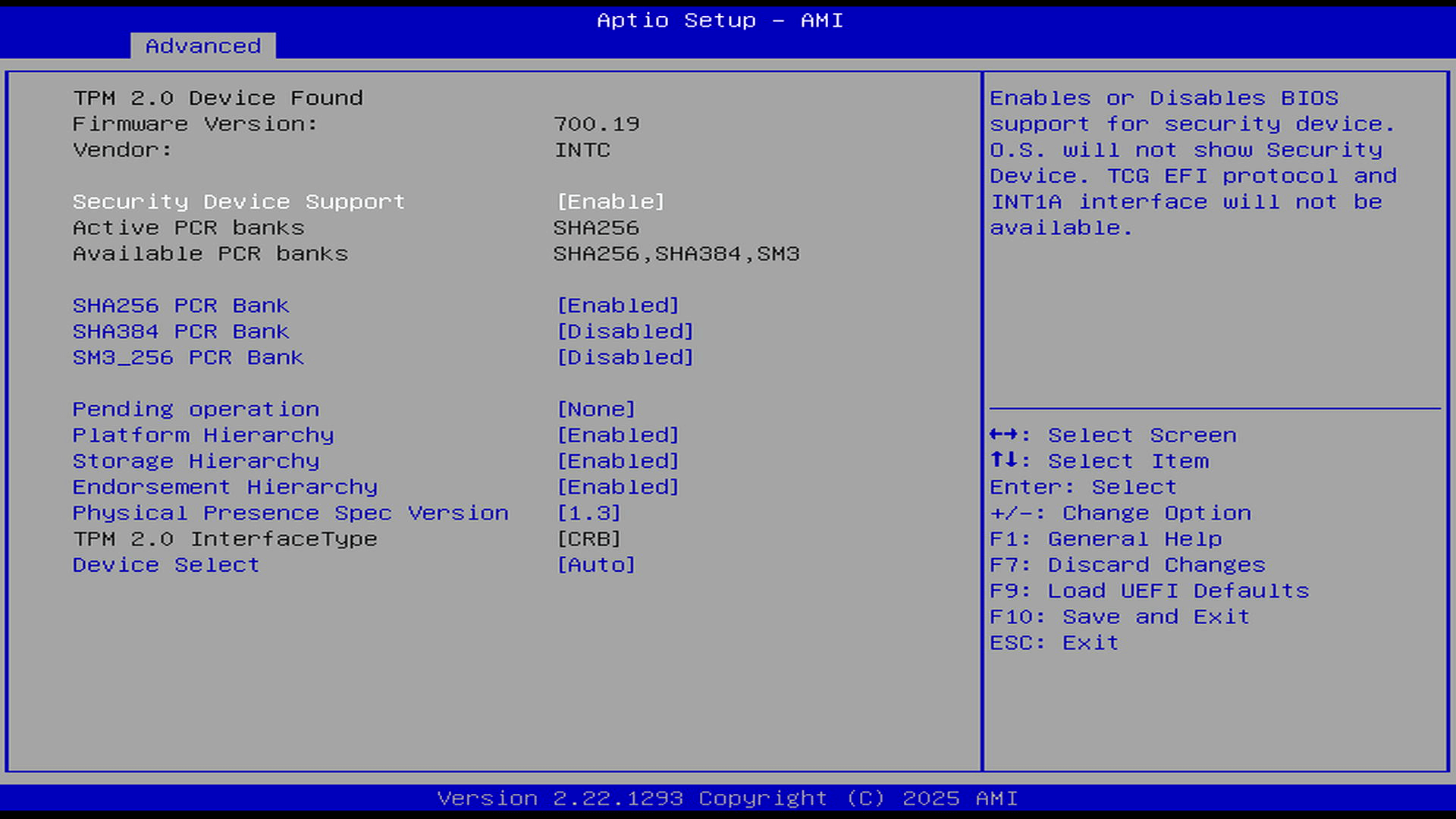
Trusted Computing
Next page: Page 3 – H/W Monitor, Security, and Boot
Pages in this article:
Page 1 – Introduction
Page 2 – Advanced
Page 3 – H/W Monitor, Security, and Boot
Complete list of articles in this series:
| ASRock Industrial NUC BOX-255H | |
|---|---|
| Introduction | Introduction to the series and interrogation of the NUC BOX-255H |
| Benchmarks | Benchmarking the NUC BOX-255H |
| Power | Testing and comparing the power consumption |
| Stable Diffusion | Deep Learning with Stable Diffusion |
| Audacity AI Plugins | Let's explore OpenVINO AI Plugins for Audacity |
| 3 Types of Cores | P-cores, E-cores and low power E-cores performance |
| GIMP AI Plugins | Stable Diffusion, Super Resolution, Semantic Segmentation |
| Ubuntu | Upgrading from Ubuntu 25.04 to Ubuntu 25.10 |
| Image Upscaling Tools | A survey of upscaling tools |
| Noise | Comparing the machine's noise with other mini PCs |
| BIOS | Basic Input/Output System |