
Advanced
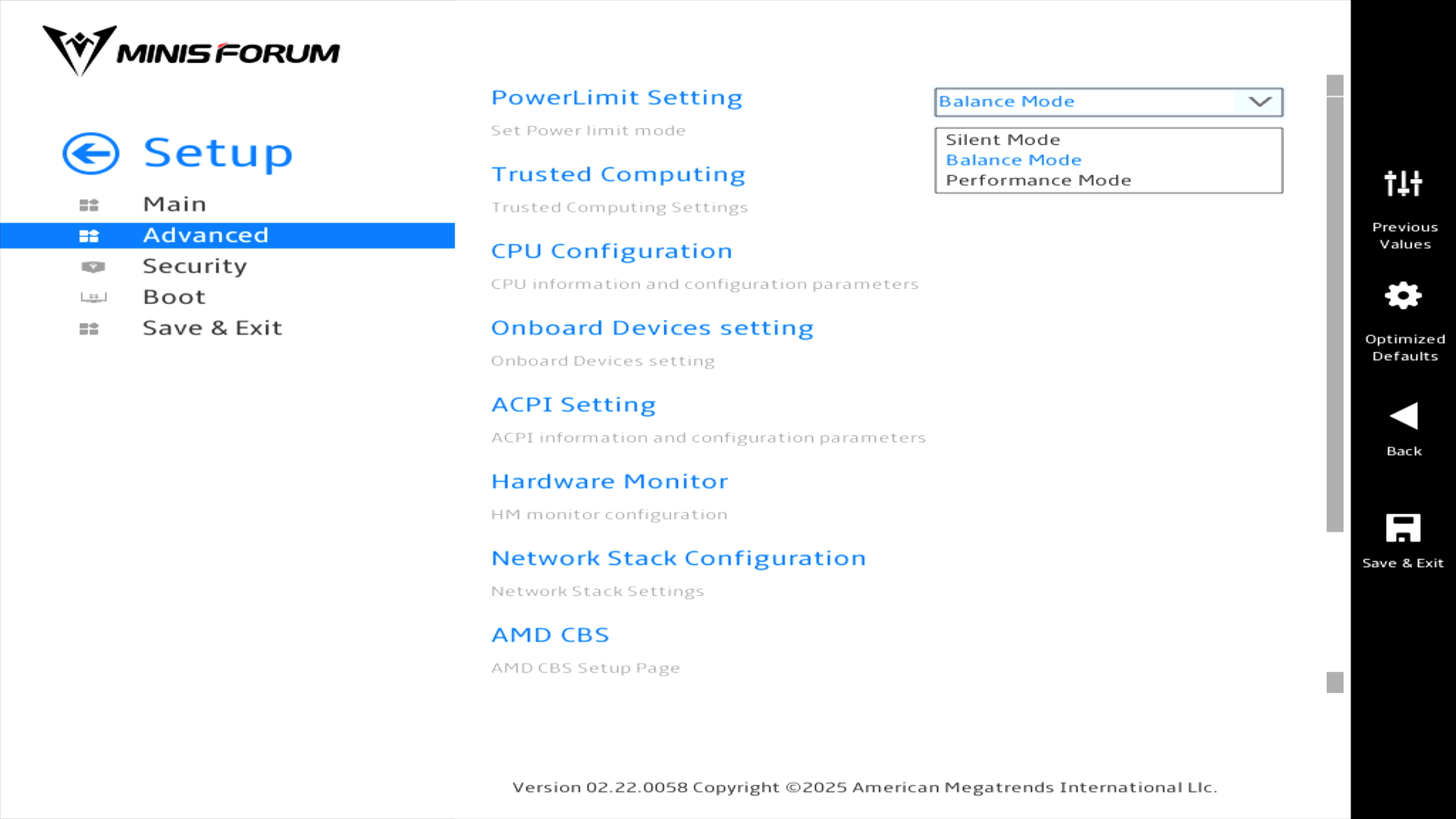
PowerLimit Setting, the first heading, lets you choose between a Silent Mode, Balance Mode, and Performance Mode. I’ve mostly run the machine with the Balance Mode.
Trusted Computing
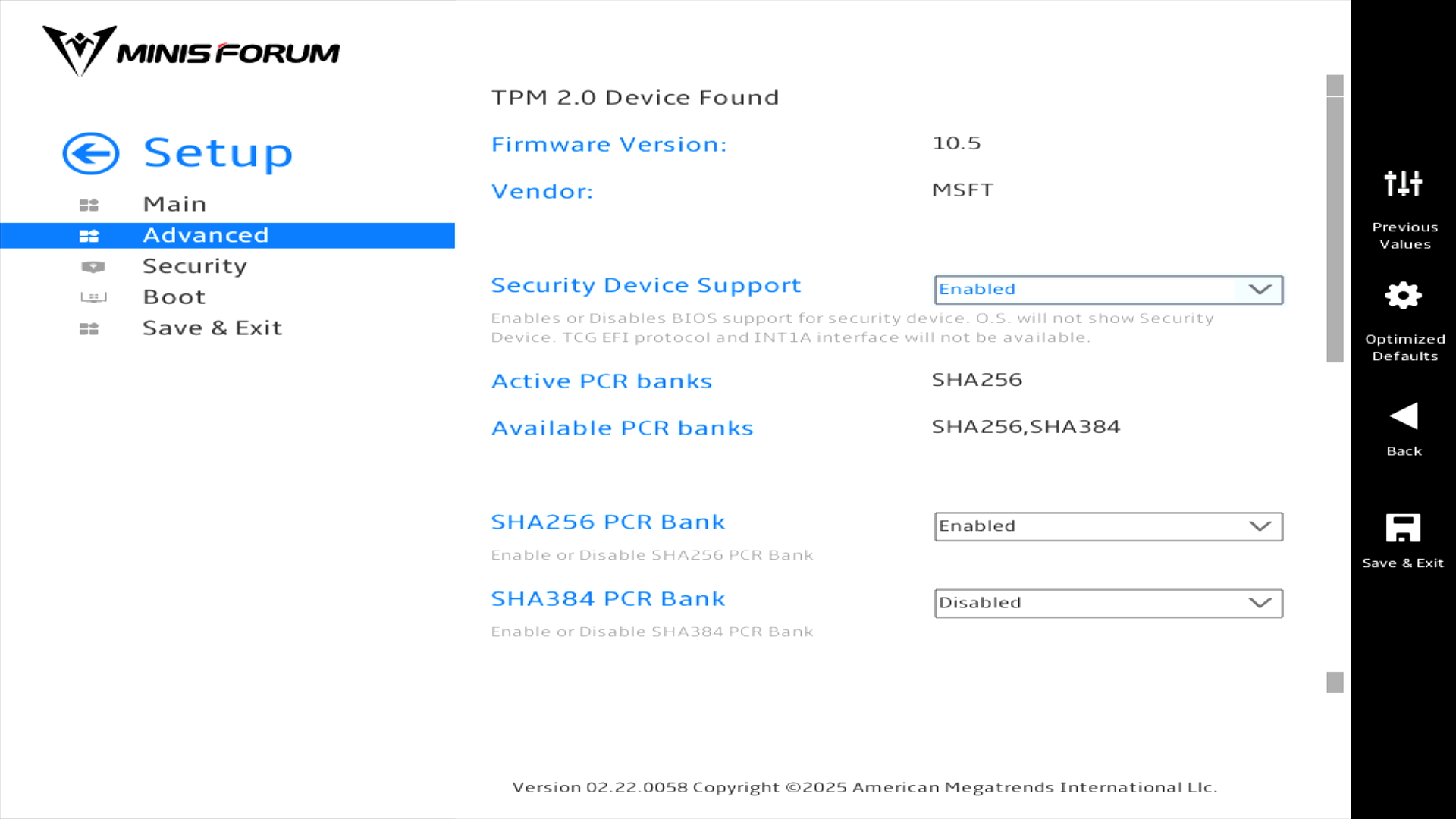
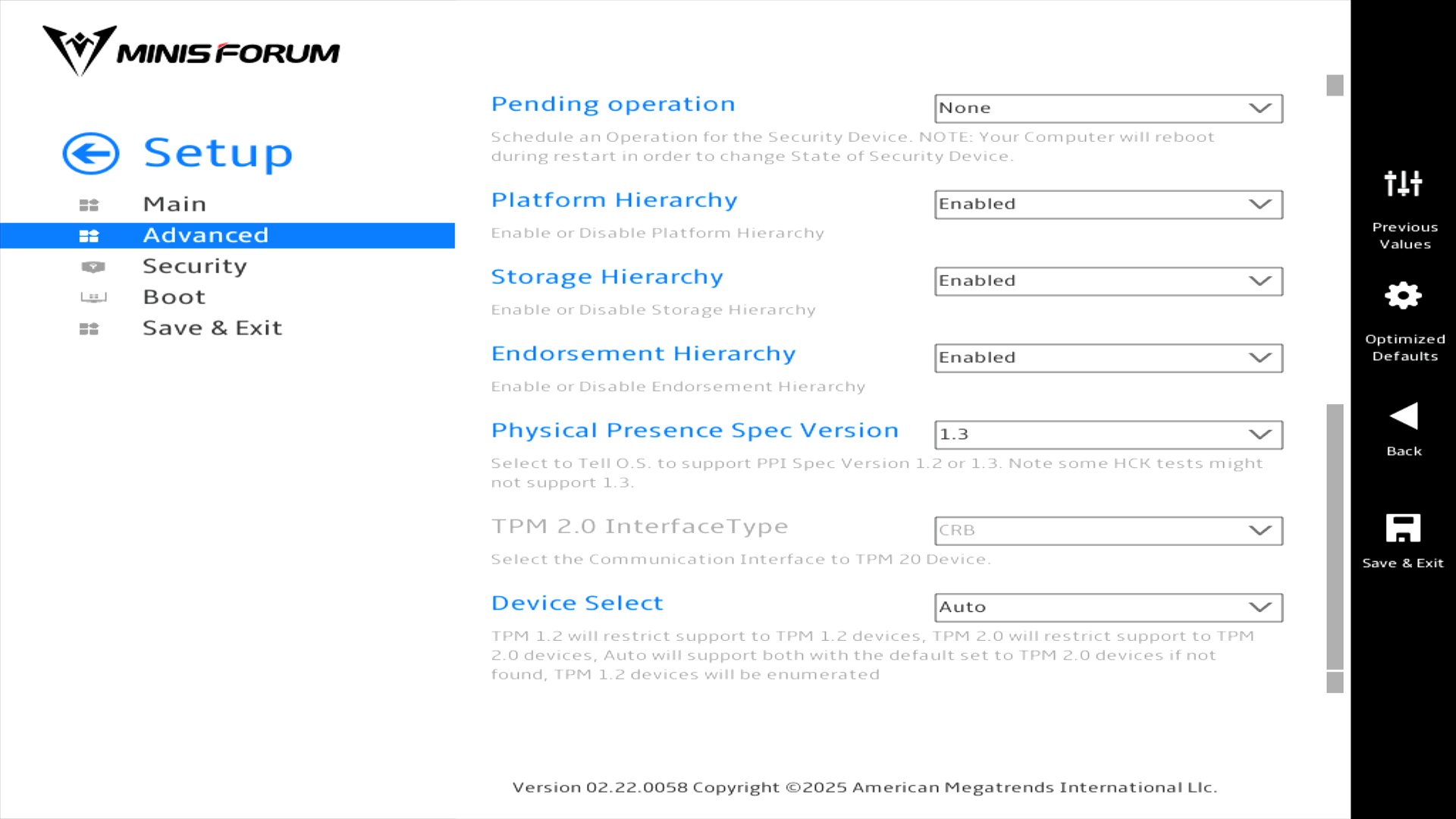
There are quite a few options available in this section so I’ll show them in 2 separate images.
CPU Configuration
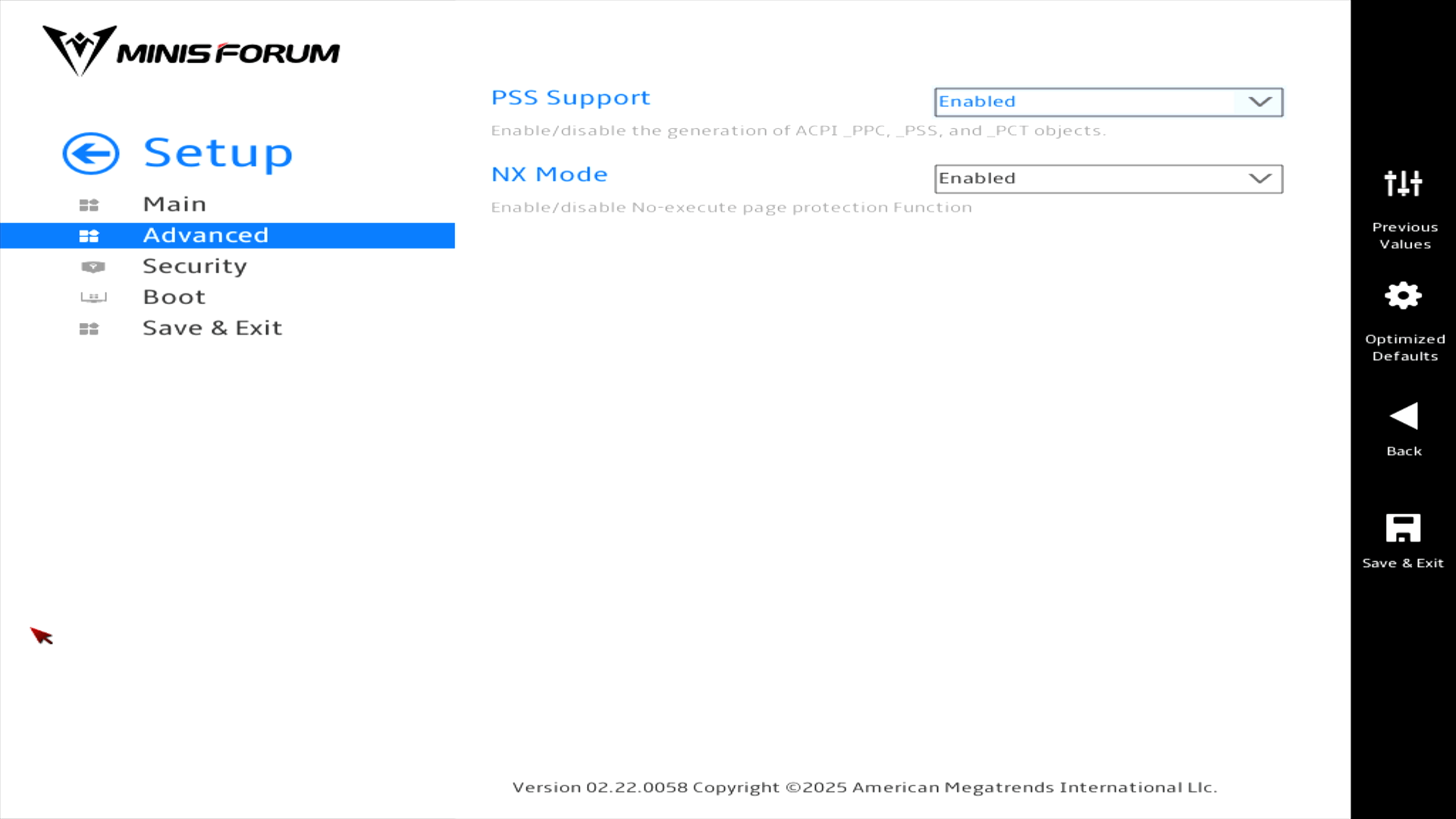
There’s nothing here I’d want to change.
Onboard Devices setting
I’ve just about squeezed all the options available in a single image.
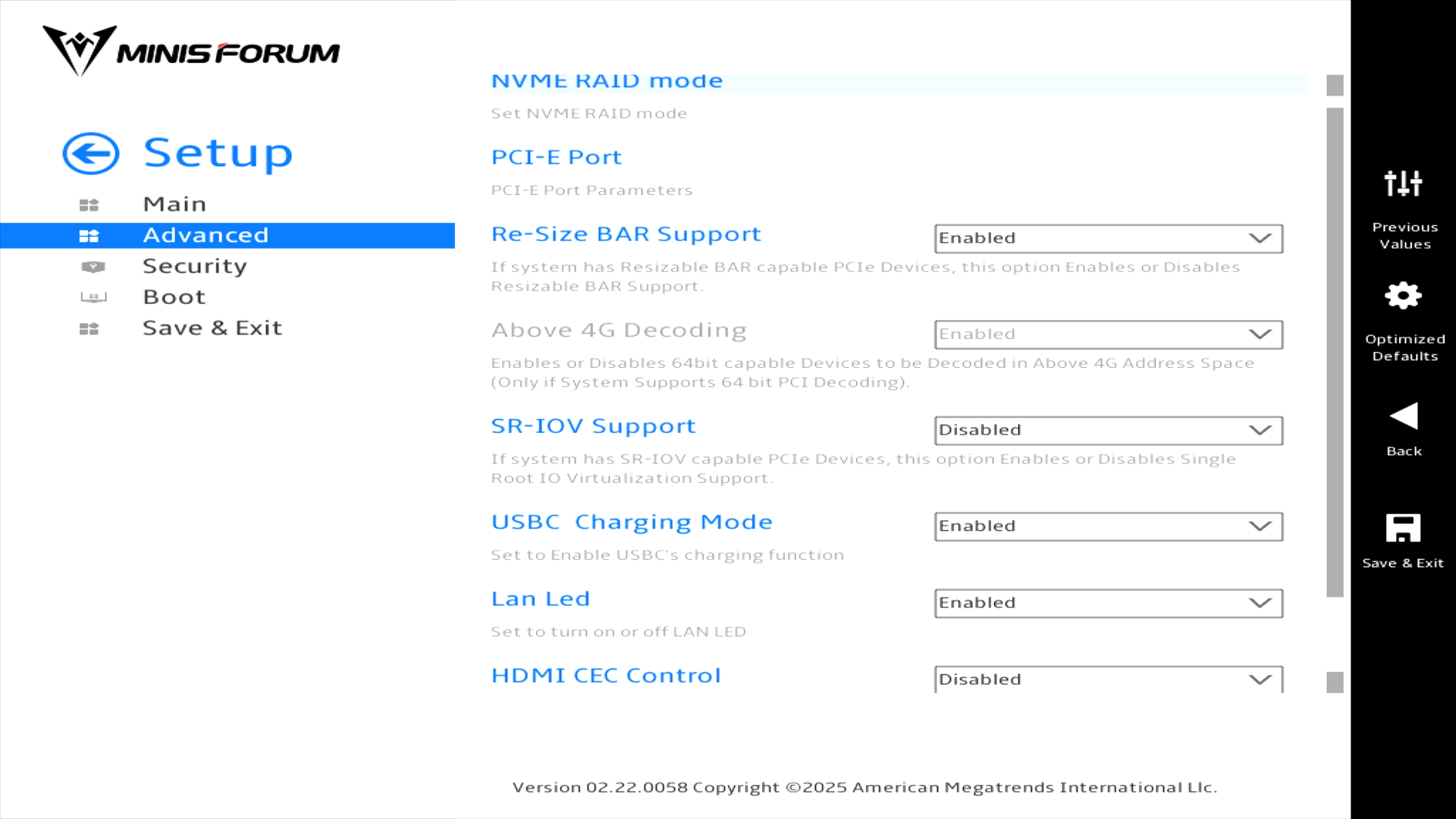
There are separate pages for NVME RAID mode and PCI-E-Port the former is not shown as it simply has the option to enable or disable NVMe RAID mode. By default it’s disabled.
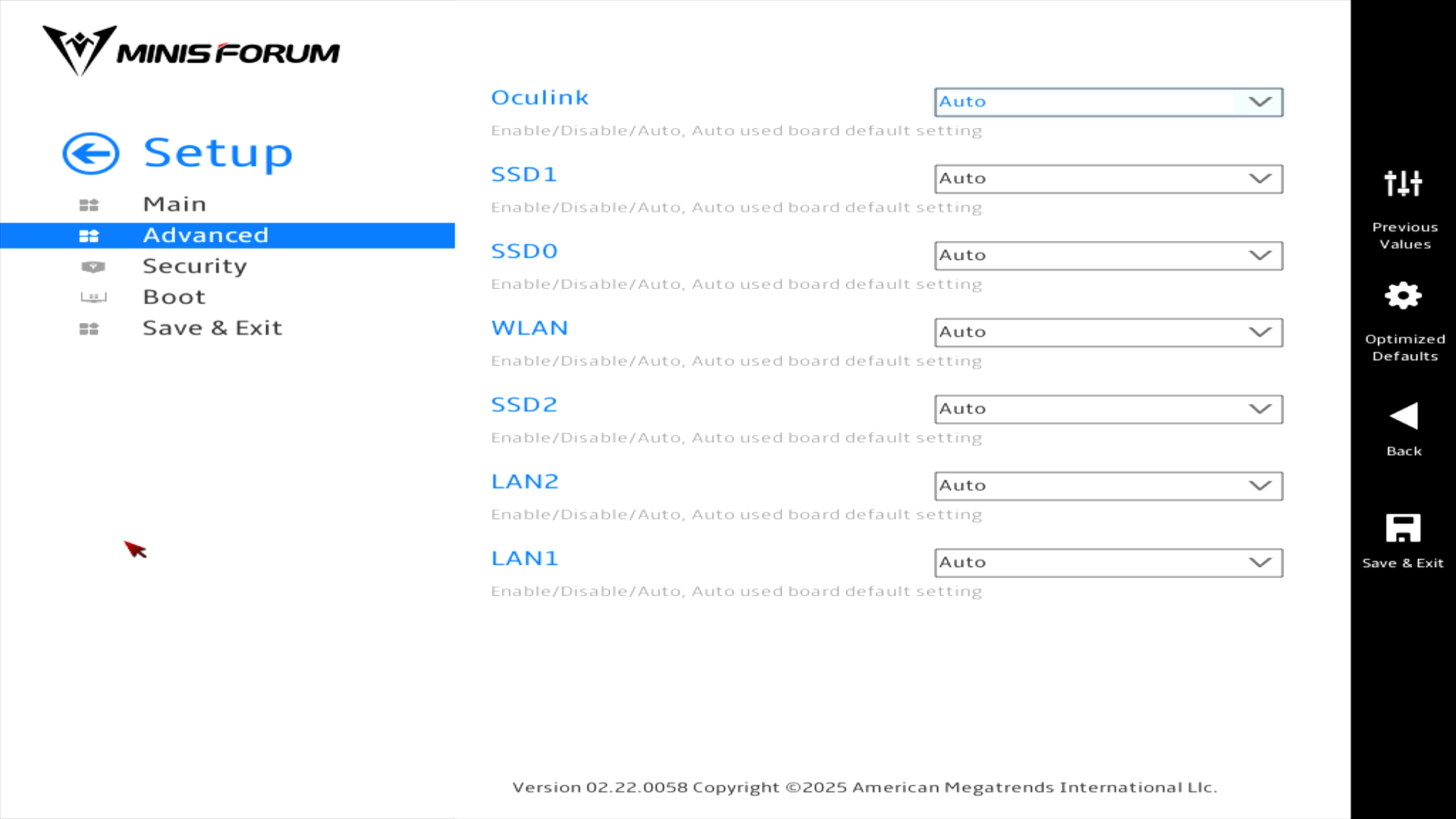
Here’s the PCI-E-Port page with its options.
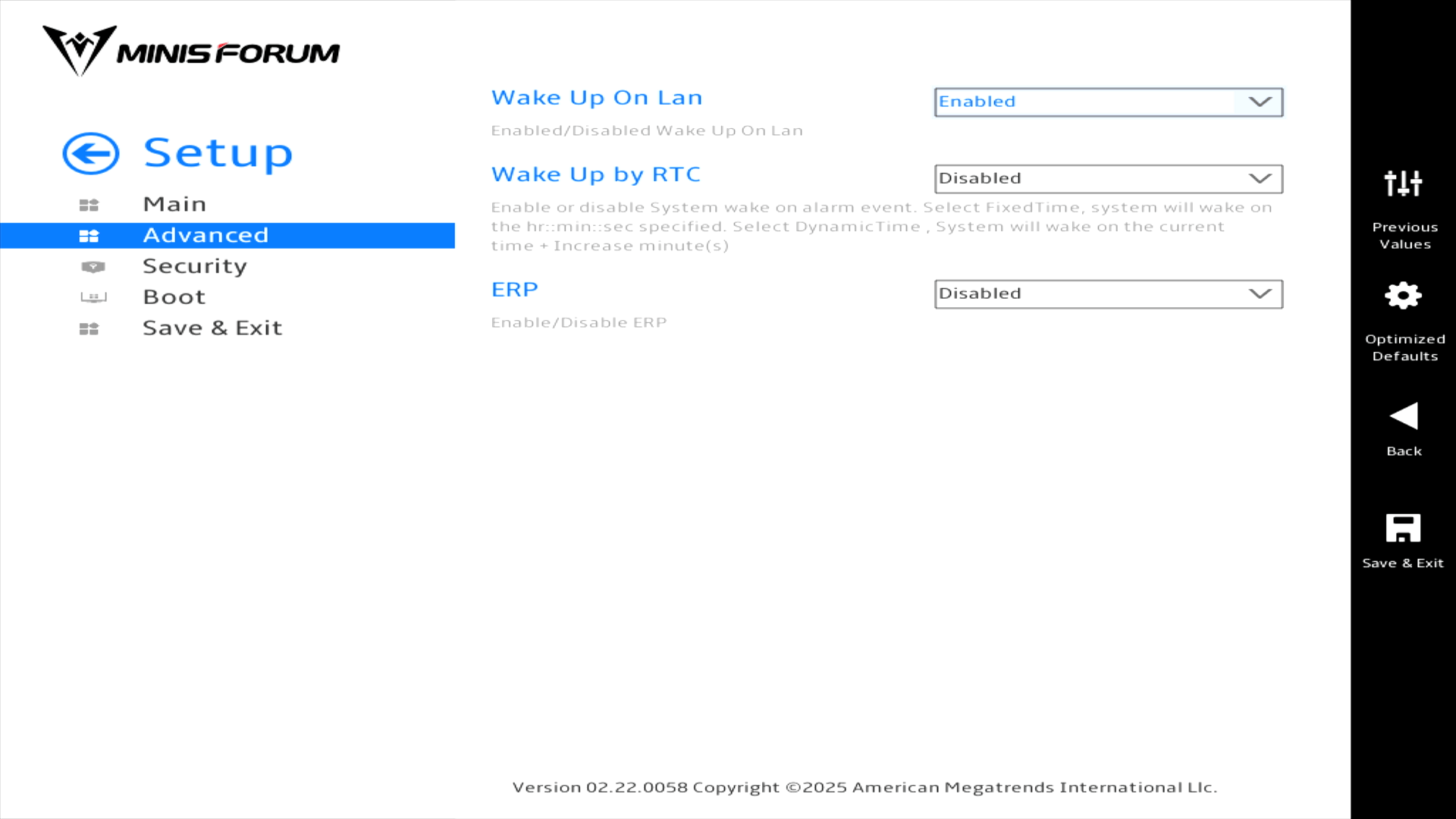
ACPI Setting
Hardware Monitor
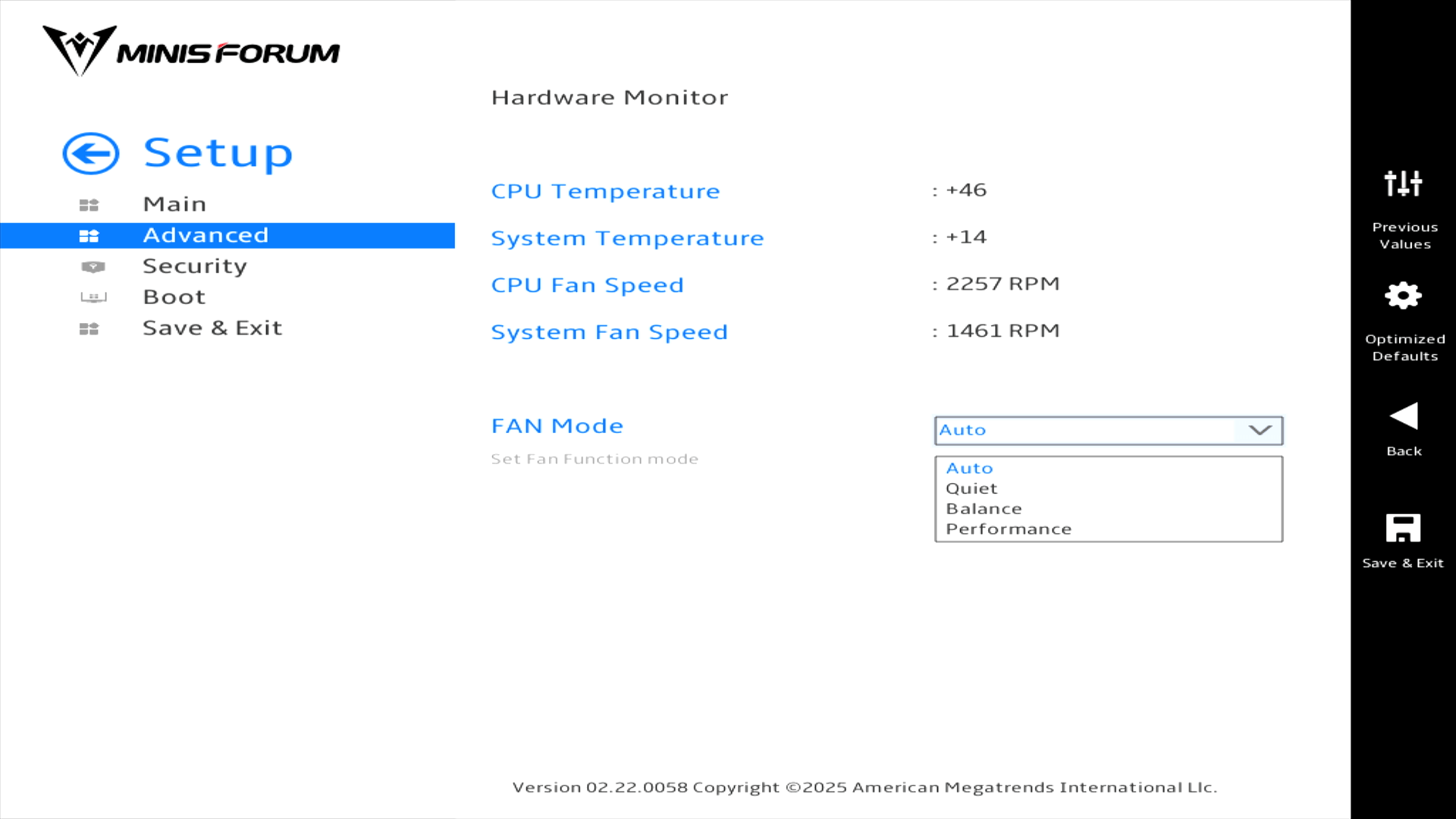
It’s good there’s a FAN mode. But the AI X1 Pro is very quiet even when running in the Performance FAN mode.
Network Stack Configuration
I’m not showing an image for this section as it simply lets you enable/disable the UEFI network stack.
AMD CBS
This is one of the most interesting sections. Here’s the main section page.
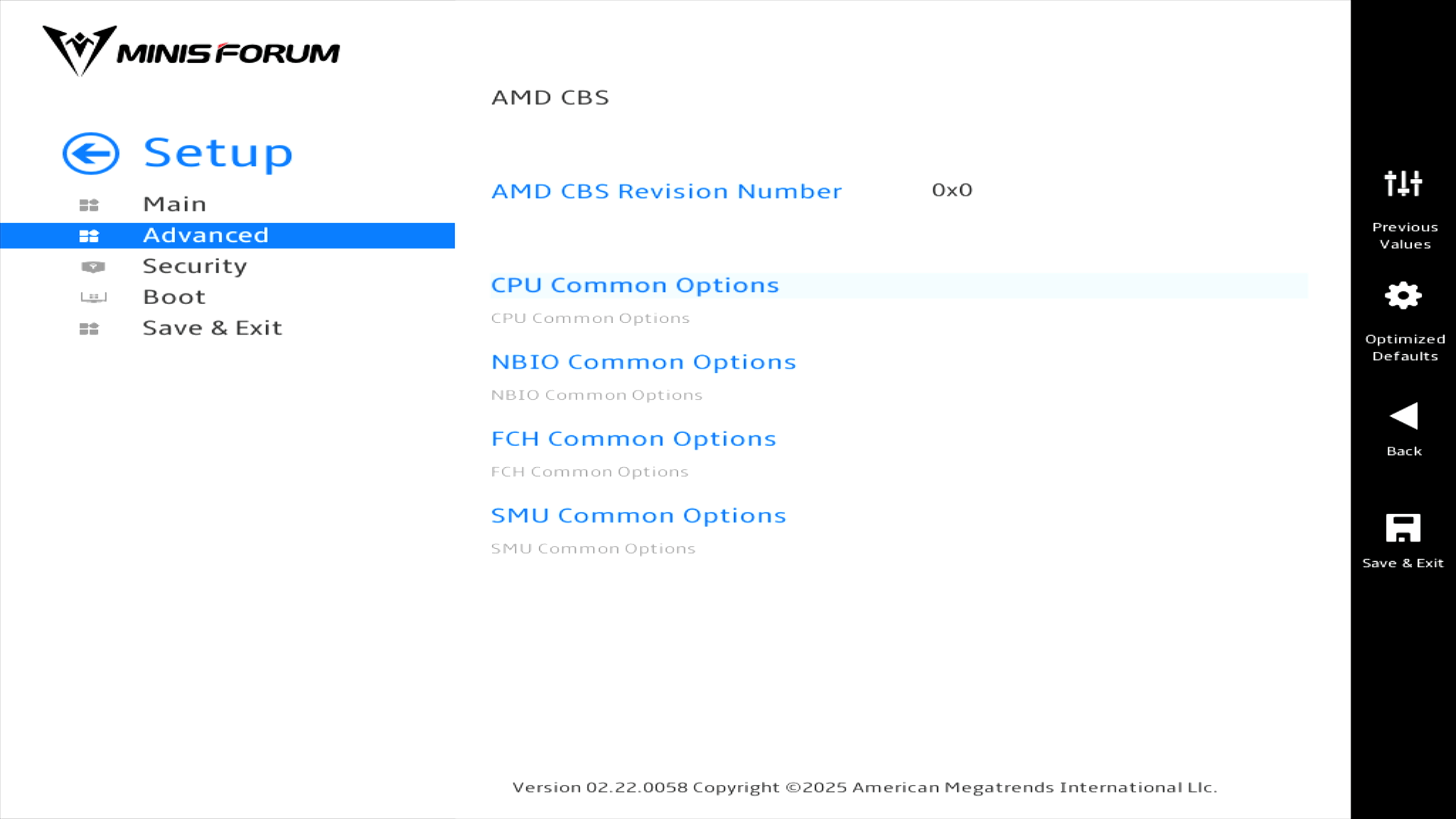
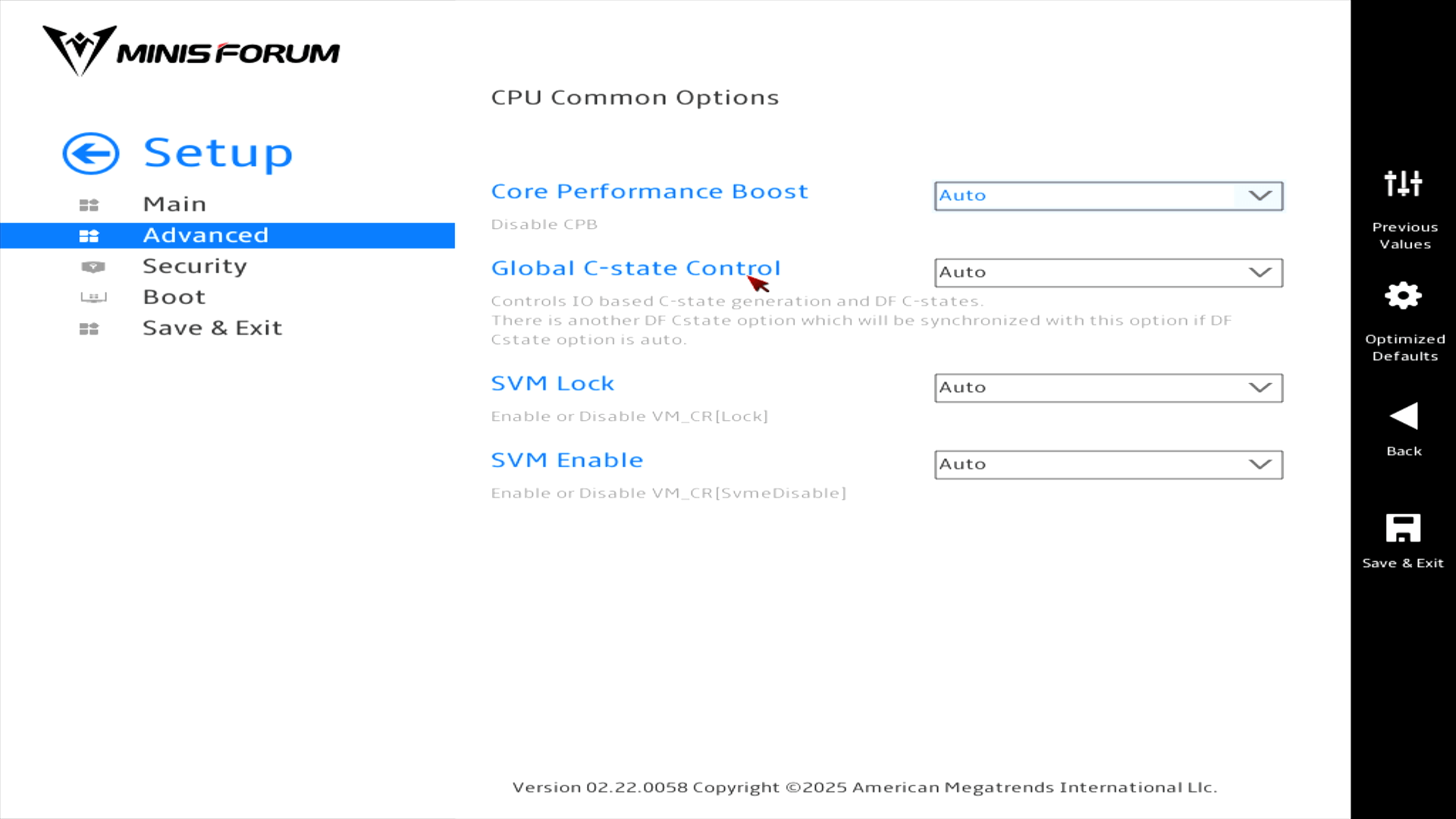
CPU Common Options
NBIO Common Options
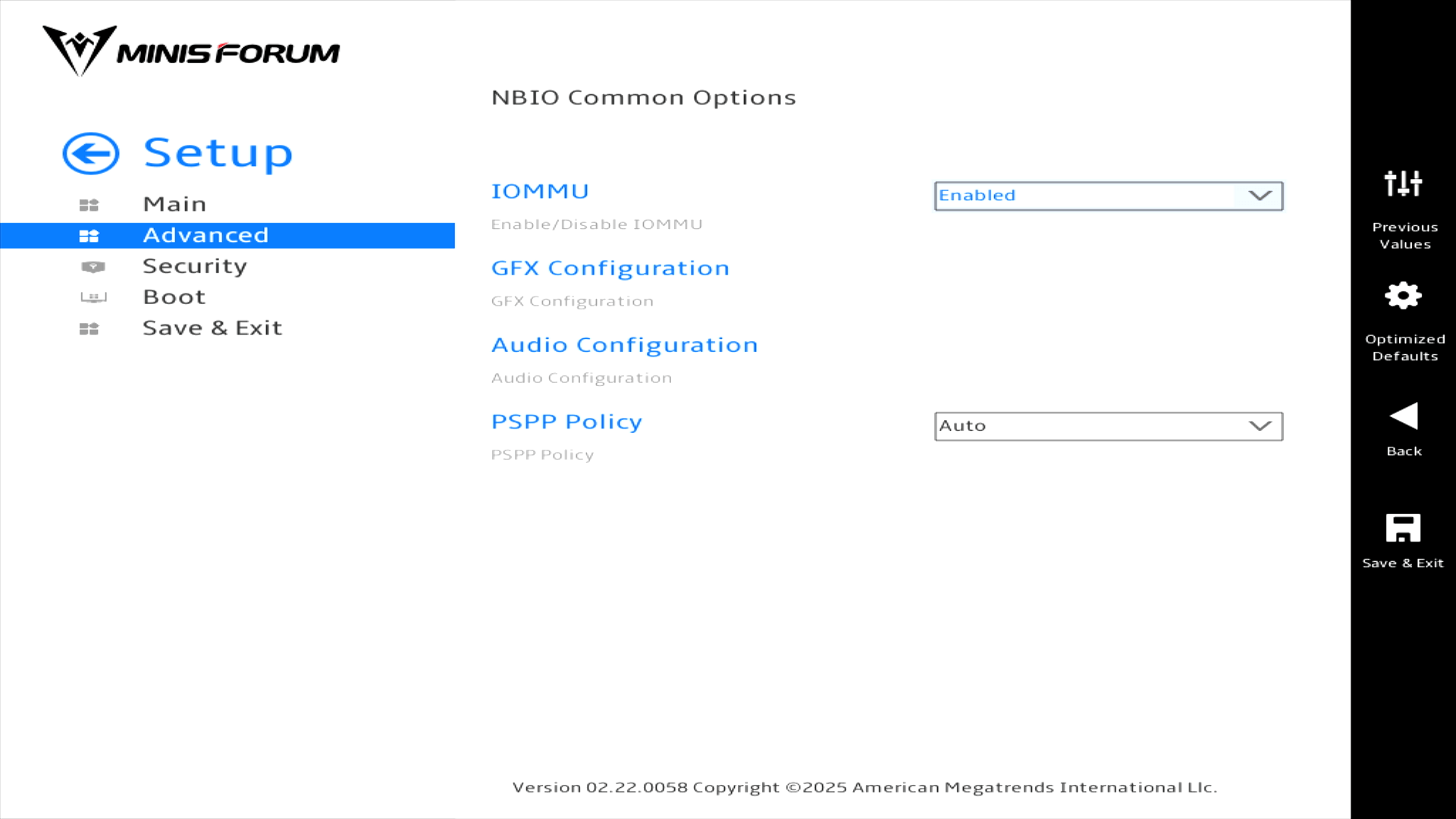
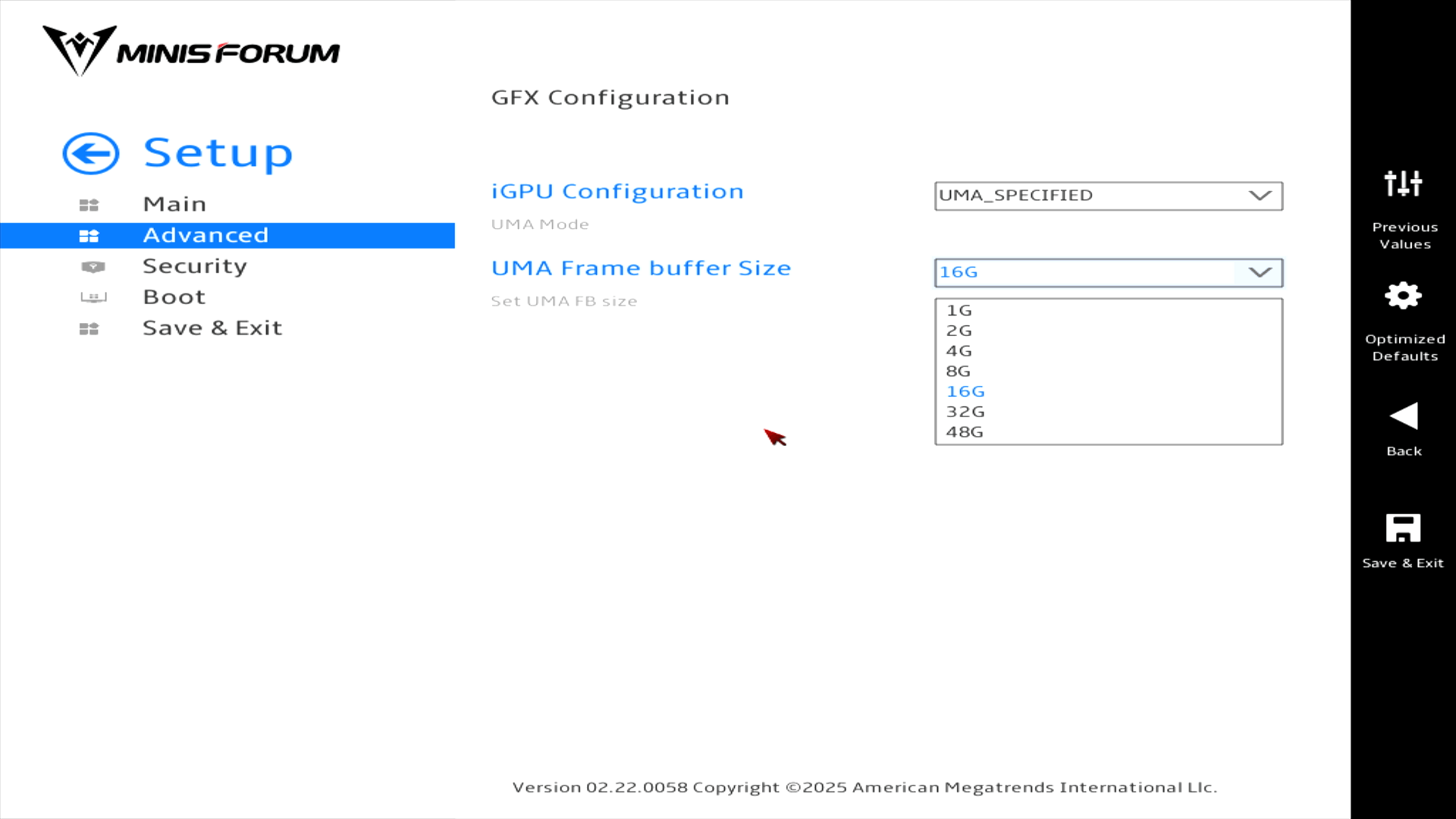
Let’s take a look at the GFX Configuration menu which lets you set the UMA Frame buffer size. Having very large amounts allocated is very useful for AI software as it lets you run large LLM models on the machine.
SMU Common Options
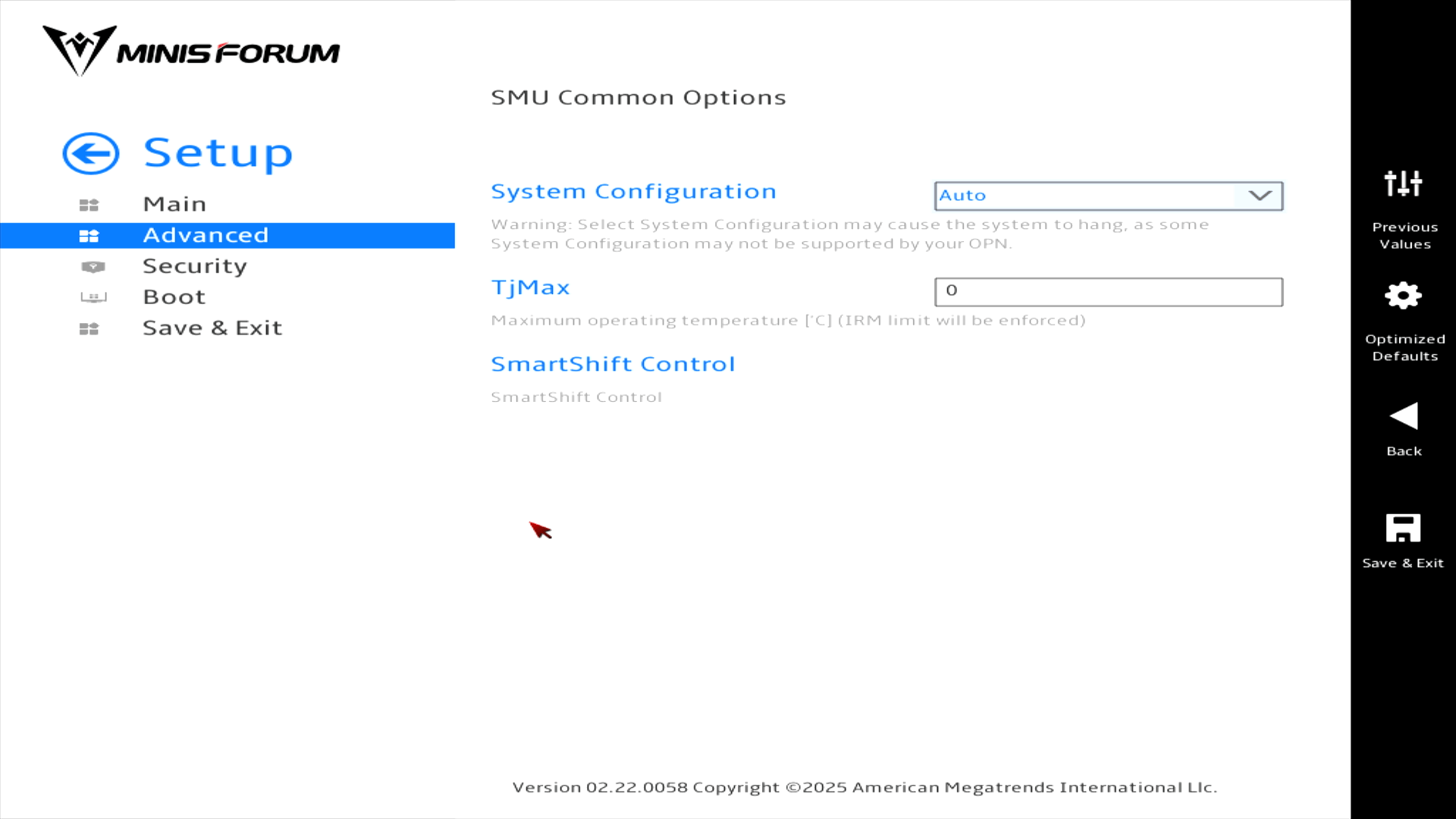
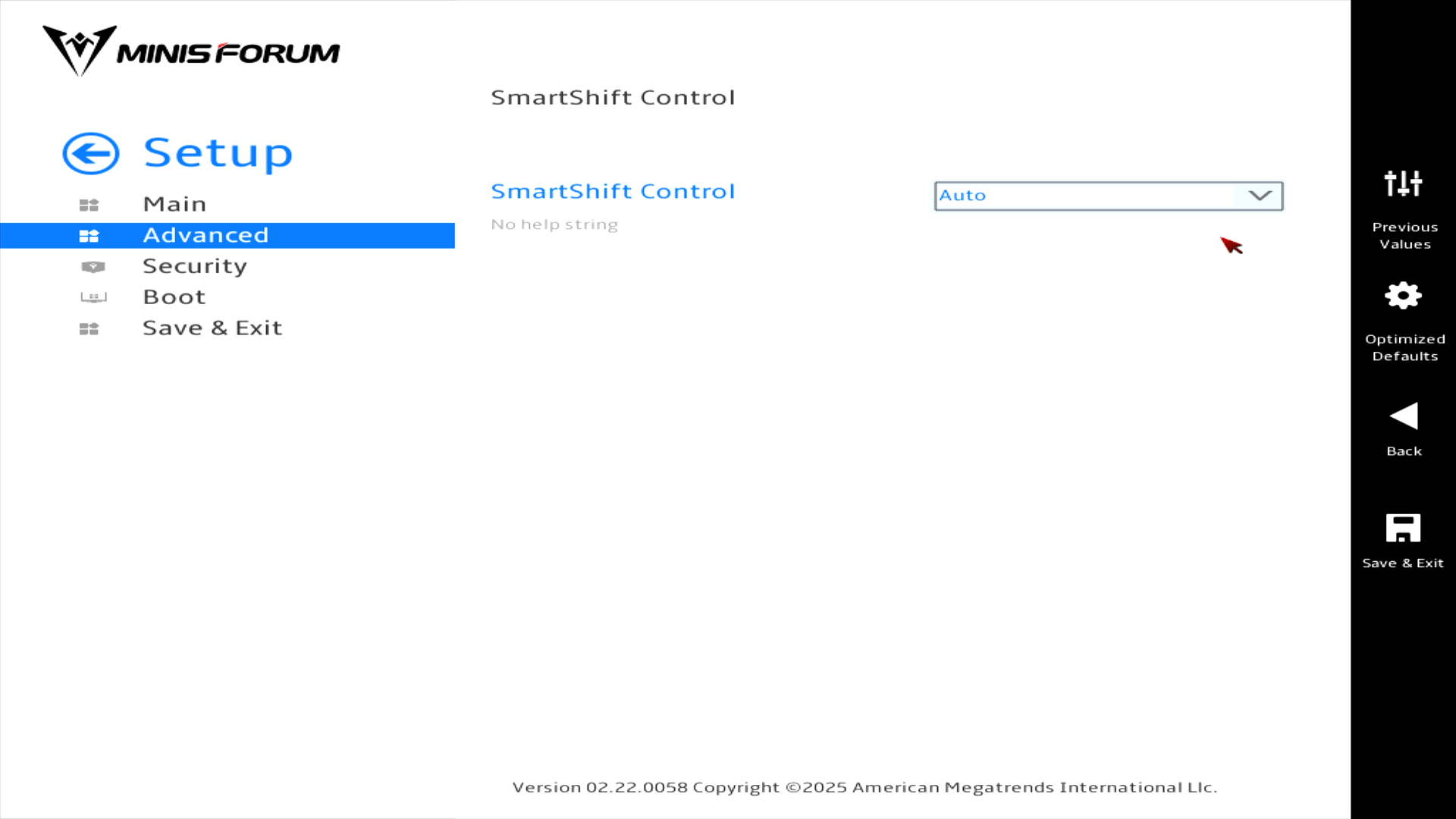
Let’s delve into SmartShift Control. By default it’s set to Auto.
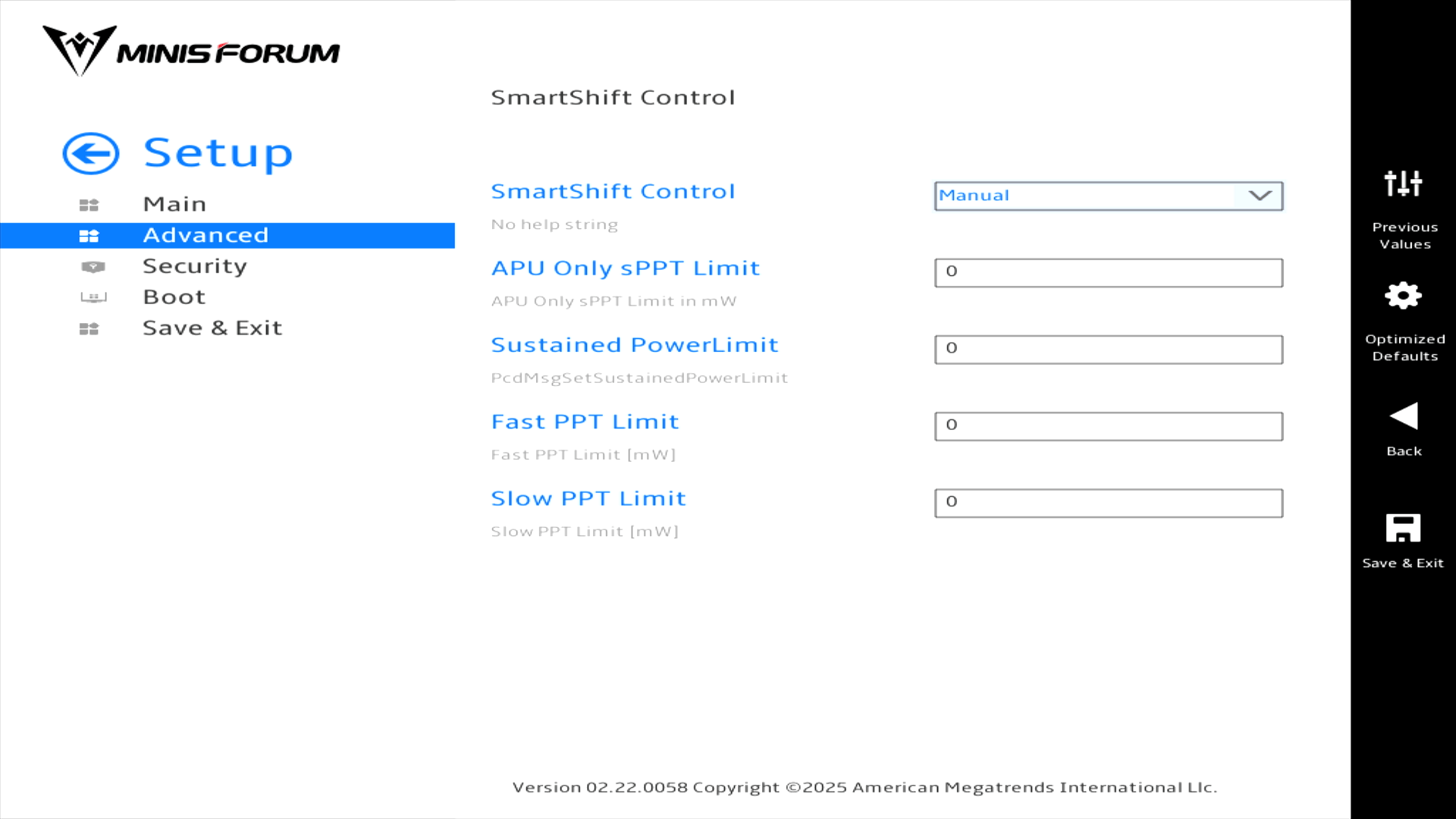
But there’s also a manual option.
Next page: Page 3 – Security and Boot
Pages in this article:
Page 1 – Introduction / Main
Page 2 – Advanced
Page 3 – Security and Boot
Complete list of articles in this series:
| Minisforum AI X1 Pro | |
|---|---|
| Introduction | Introduction to the series and interrogation of the machine |
| Benchmarks | Benchmarking the Minisforum AI X1 Pro |
| Power | Testing and comparing the power consumption |
| Jan | ChatGPT without privacy concerns |
| ComfyUI | Generate video, images, 3D, audio with AI |
| AMD Ryzen AI 9 HX 370 Cores | Primary (Zen 5) and Secondary Cores (Zen 5c) |
| Gerbil | Run large language models locally |
| Neural Processing Unit (NPU) | Introduction |
| Gaia | Run LLM Agents |
| Noise | Comparing the machine's noise with other mini PCs |
| Bluetooth | Fixing Bluetooth when dual-booting |
| BIOS | A tour of the Basic Input/Output System |