
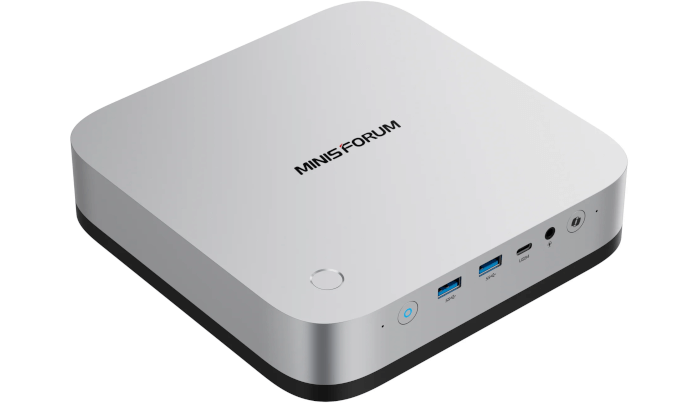
This is a series looking at the Minisforum AI X1 Pro running Linux. In this series, I examine every aspect of this Mini PC in detail from a Linux perspective.
When I published the first article in this series, the 64GB RAM / 1TB NVMe model sold for £929. Since then the price has increased to £1,255. That’s because of soaring prices for RAM and NVMe caused by a massive surge in AI demand.
For this article in the series, I’m going to take you through the options available in the BIOS using a standard USB video capture card. So what’s BIOS?
In the world of computing, BIOS, which stands for Basic Input/Output System, plays a crucial role. It’s a type of firmware that kicks in to provide essential runtime services for operating systems and programs, while also handling the hardware initialization needed during the boot-up process. When you power on your computer, the BIOS firmware, typically pre-installed on the motherboard, ensures everything starts up smoothly.
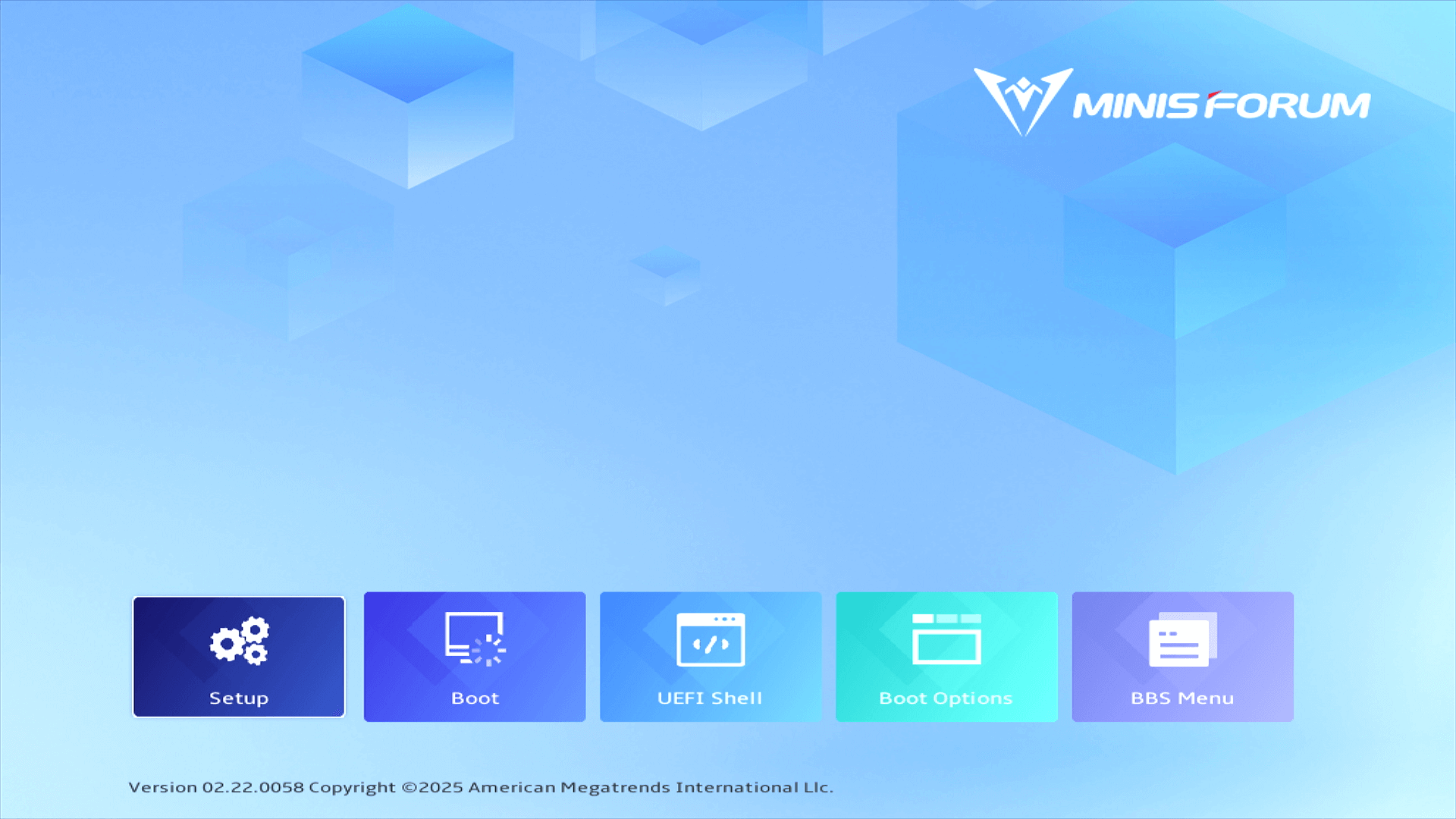
The Minisforum AI X1 Pro has a fancy BIOS splash screen.
Setup
The Main section offers general system information including BIOS version, build date, manufacturer name, product name, system UUID, processor type, processor speed, total memory, memory information, system date, and system time.
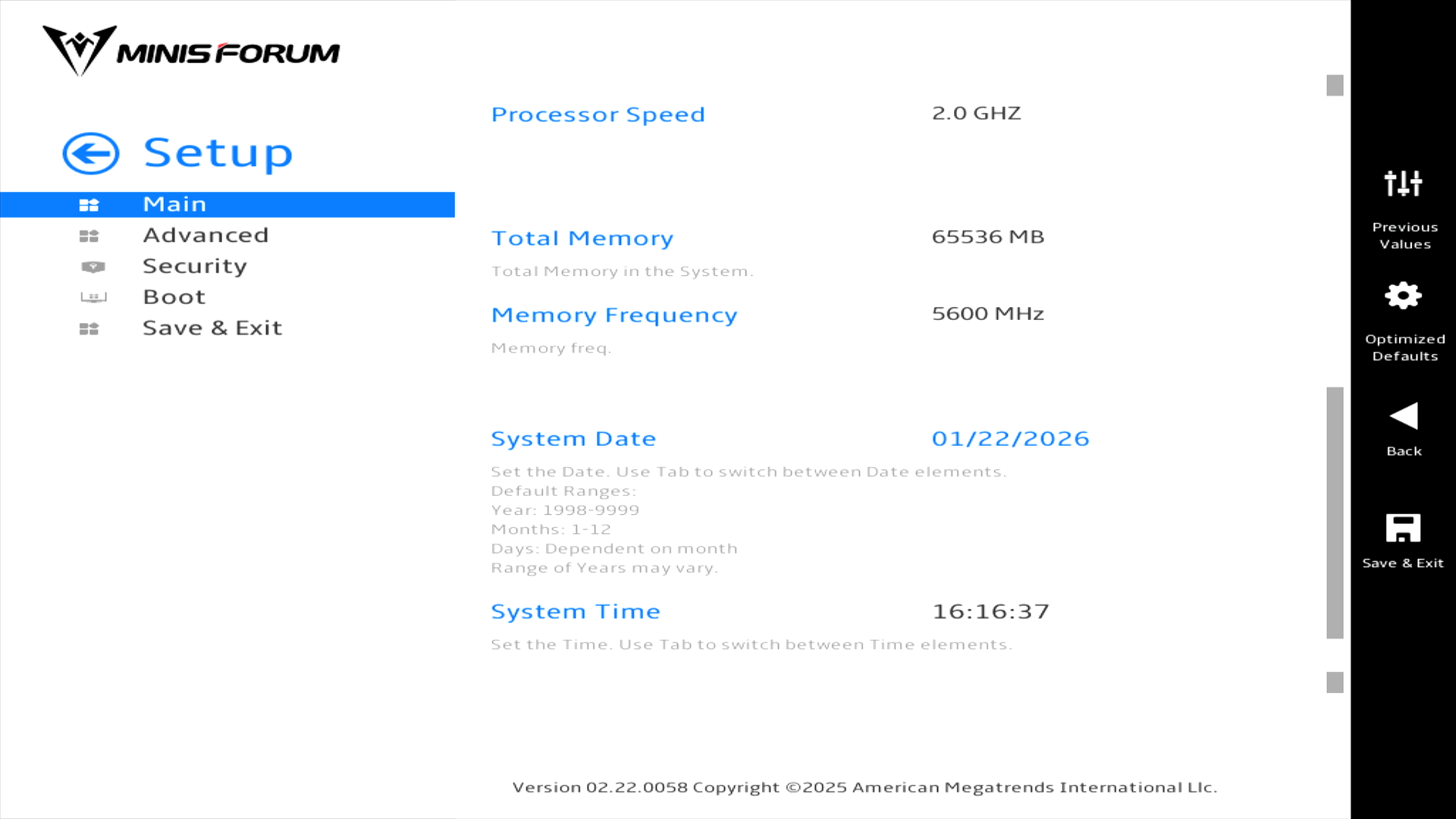
Nothing too exciting here. Let’s delve into the Advanced section.
Pages in this article:
Page 1 – Introduction / Main
Page 2 – Advanced
Page 3 – Security and Boot
Complete list of articles in this series:
| Minisforum AI X1 Pro | |
|---|---|
| Introduction | Introduction to the series and interrogation of the machine |
| Benchmarks | Benchmarking the Minisforum AI X1 Pro |
| Power | Testing and comparing the power consumption |
| Jan | ChatGPT without privacy concerns |
| ComfyUI | Generate video, images, 3D, audio with AI |
| AMD Ryzen AI 9 HX 370 Cores | Primary (Zen 5) and Secondary Cores (Zen 5c) |
| Gerbil | Run large language models locally |
| Neural Processing Unit (NPU) | Introduction |
| Gaia | Run LLM Agents |
| Noise | Comparing the machine's noise with other mini PCs |
| Bluetooth | Fixing Bluetooth when dual-booting |
| BIOS | A tour of the Basic Input/Output System |