
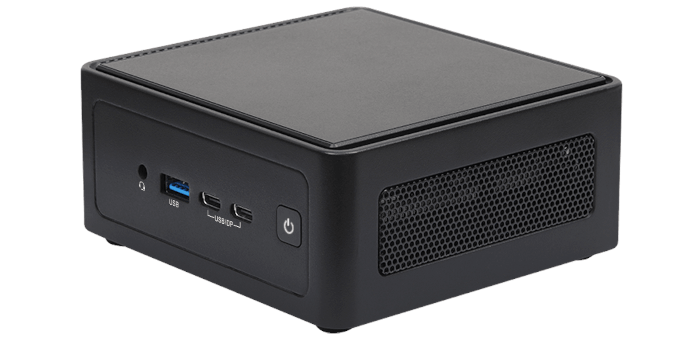
H/W Monitor
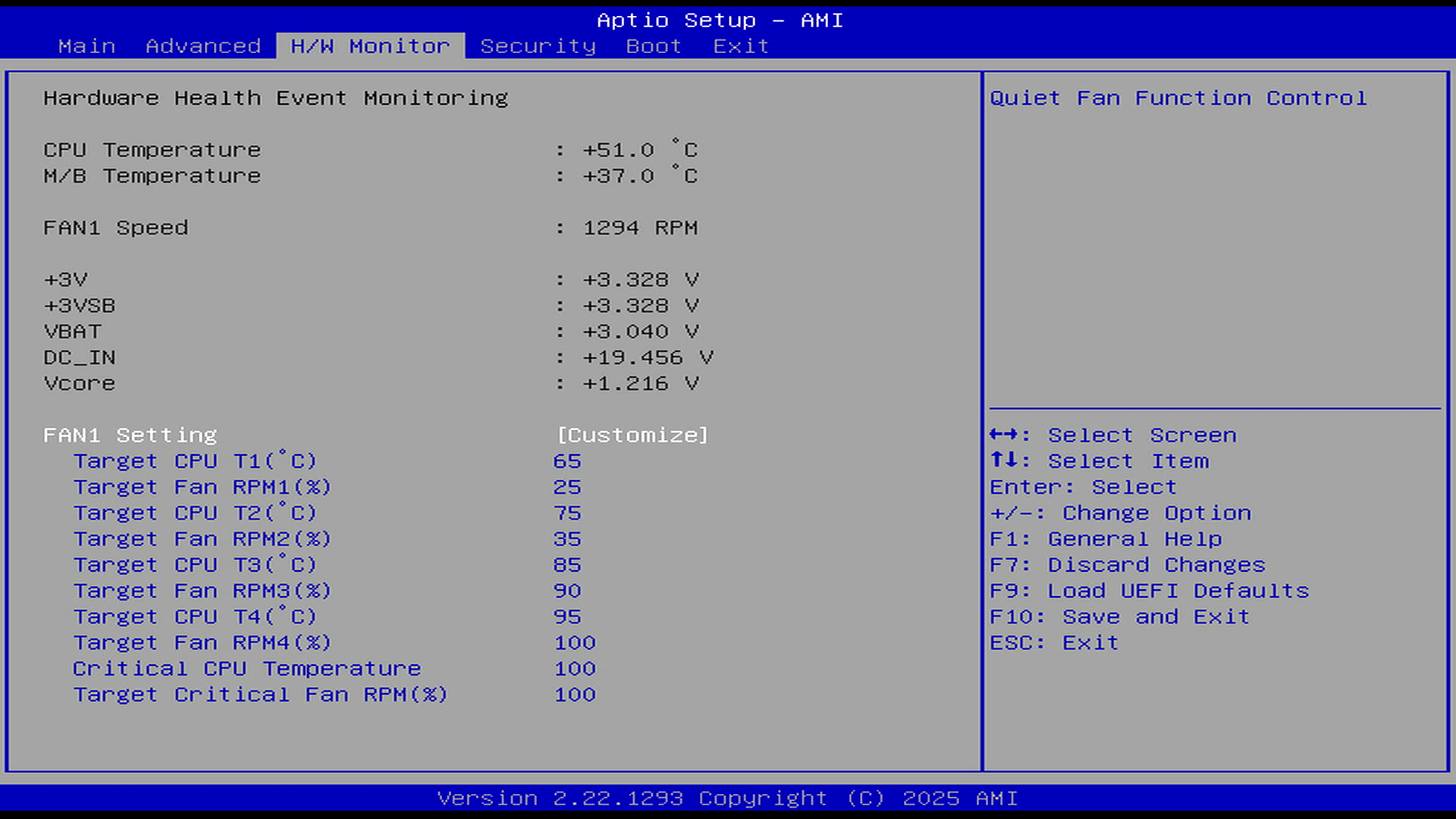
Being able to define fan speed at specific temperatures is an extremely useful option as it offers complete control of the internal fan speed. Most mini PCs are very limited in controlling fan speed. The ASRock machine excels in this area. The main benefit to me is that I can set the fan setup for silent operation. This means the ASRock machine is perfect for a bedroom or living room.
Security
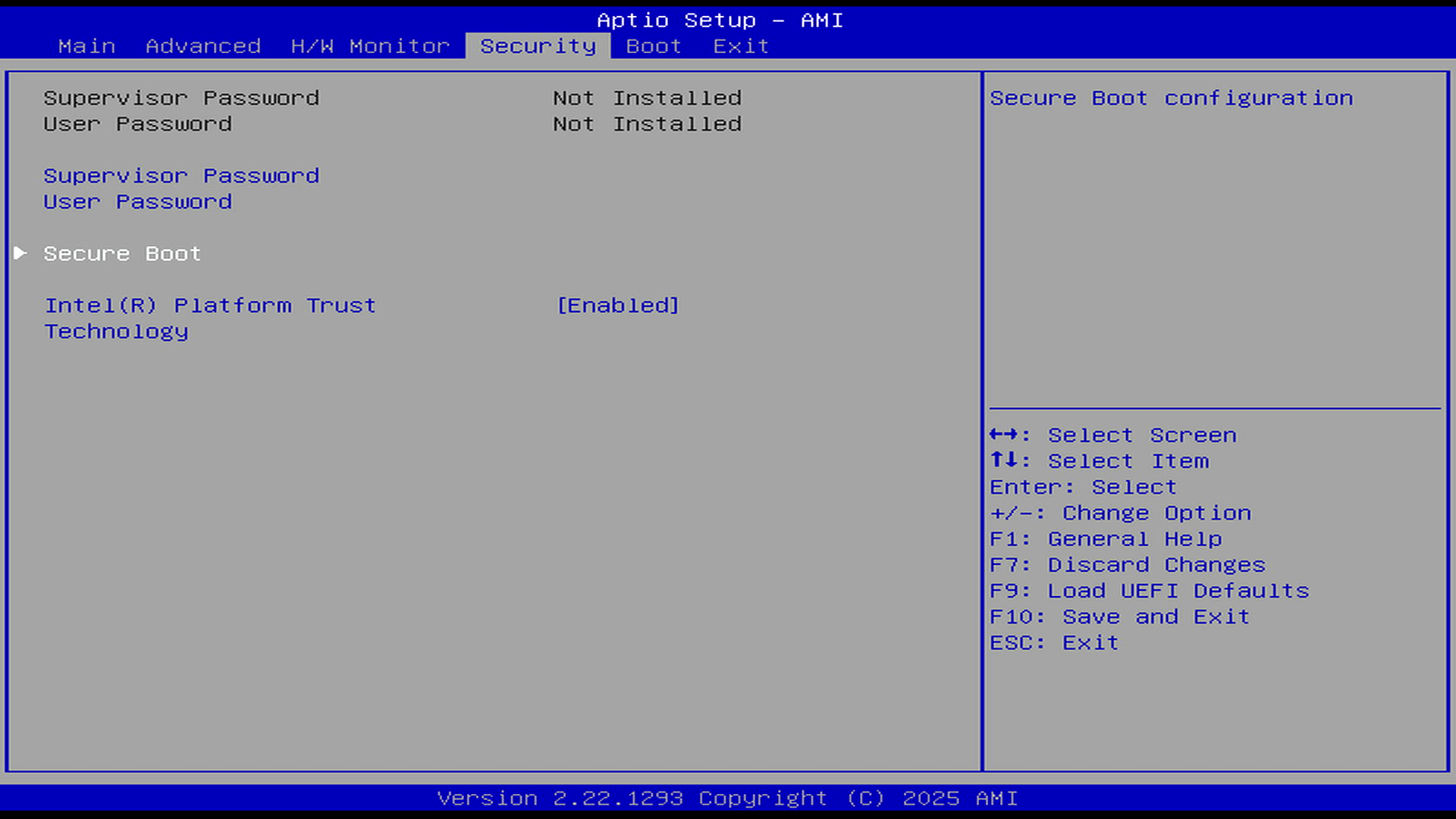
Secure Boot
Boot
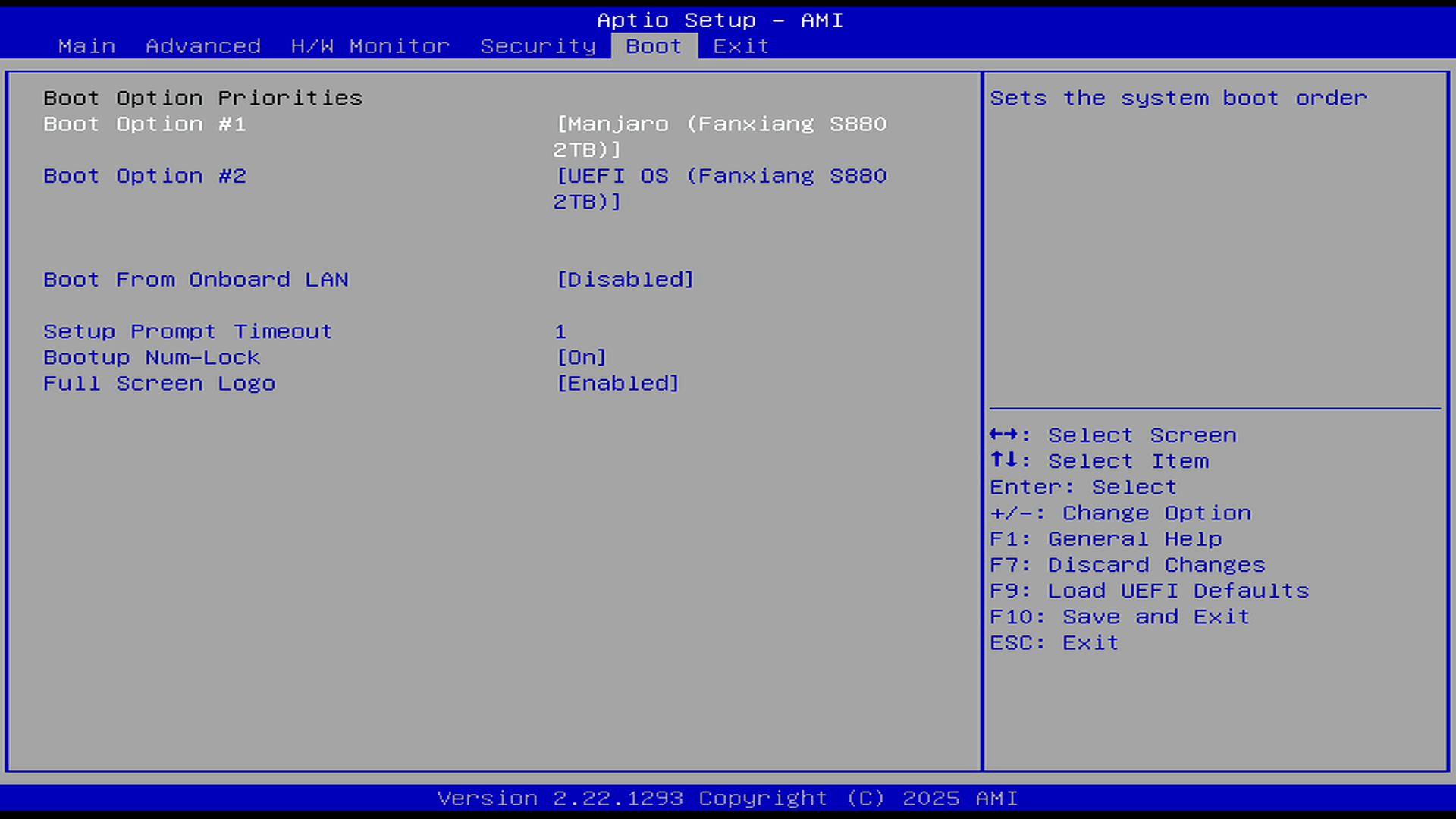
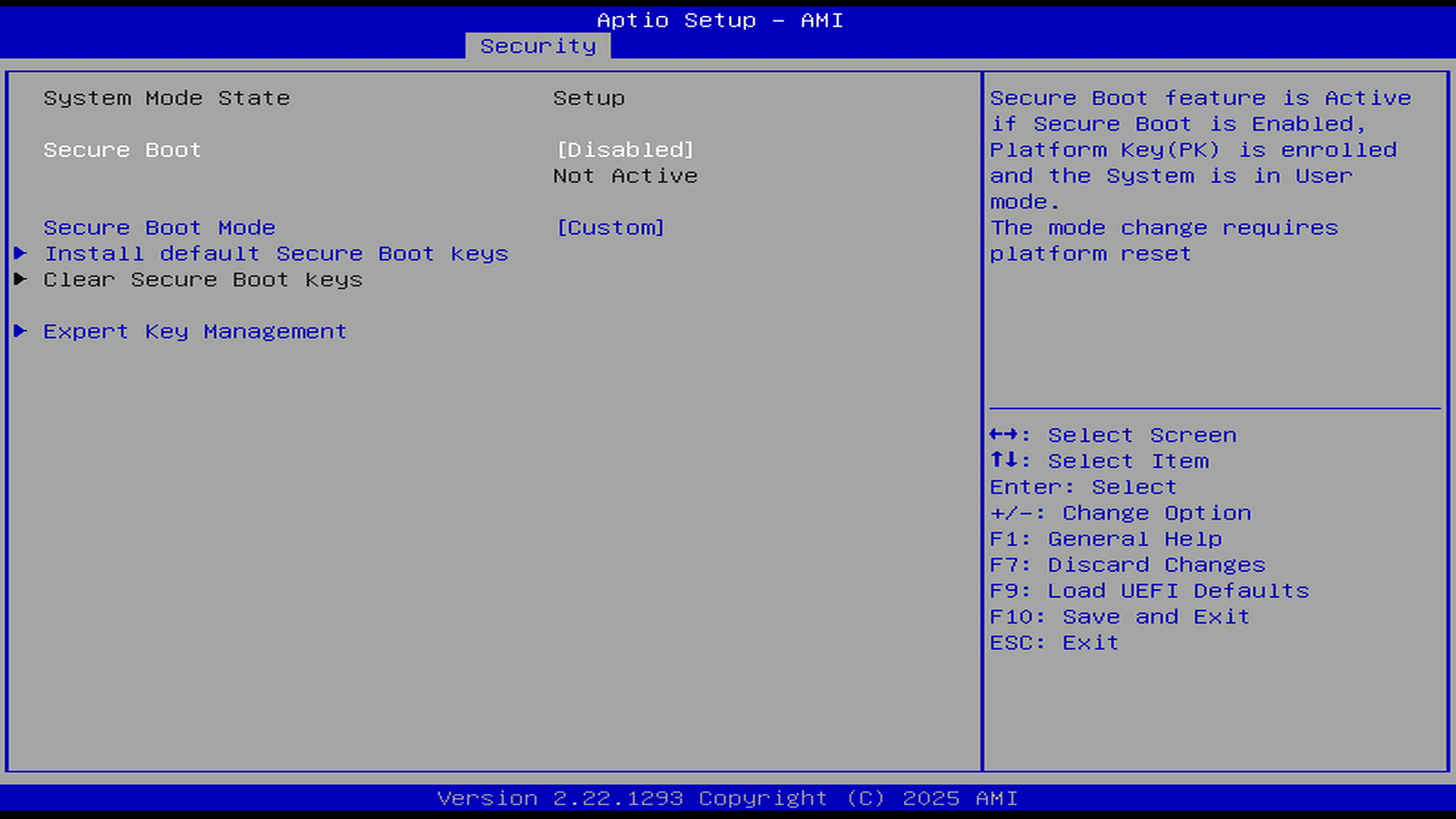
This is another useful section where you can set the order of devices. In the image I only have 1 NMVe present and no external USB devices are attached.
Pages in this article:
Page 1 – Introduction
Page 2 – Advanced
Page 3 – H/W Monitor, Security, and Boot
Complete list of articles in this series:
| ASRock Industrial NUC BOX-255H | |
|---|---|
| Introduction | Introduction to the series and interrogation of the NUC BOX-255H |
| Benchmarks | Benchmarking the NUC BOX-255H |
| Power | Testing and comparing the power consumption |
| Stable Diffusion | Deep Learning with Stable Diffusion |
| Audacity AI Plugins | Let's explore OpenVINO AI Plugins for Audacity |
| 3 Types of Cores | P-cores, E-cores and low power E-cores performance |
| GIMP AI Plugins | Stable Diffusion, Super Resolution, Semantic Segmentation |
| Ubuntu | Upgrading from Ubuntu 25.04 to Ubuntu 25.10 |
| Image Upscaling Tools | A survey of upscaling tools |
| Noise | Comparing the machine's noise with other mini PCs |
| BIOS | Basic Input/Output System |