
Last Updated on January 26, 2026
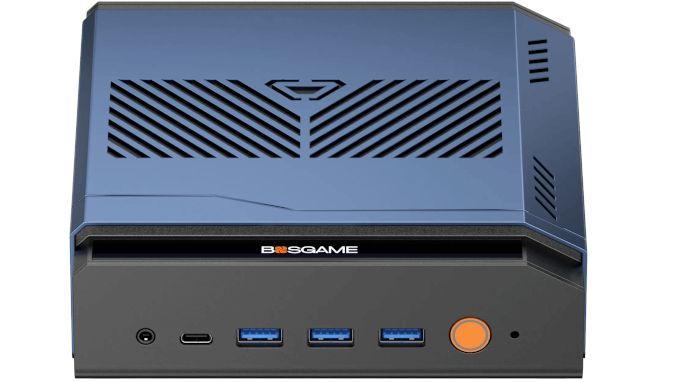
This is a new series looking at the BOSGAME M6 HX370 AI PC running Linux. In this series, I’ll examine every aspect of this Mini PC in detail from a Linux perspective.
In the world of computing, BIOS, which stands for Basic Input/Output System, plays a crucial role. It’s a type of firmware that kicks in to provide essential runtime services for operating systems and programs, while also handling the hardware initialization needed during the boot-up process. When you power on your computer, the BIOS firmware, typically pre-installed on the motherboard, ensures everything starts up smoothly.
A generous visitor donated a basic video capture device to me. I’ll use this device to give you a quick tour of the M6’s BIOS. The capture device lets me capture attractive screenshots of the BIOS which look decidedly better than any camera could take. I’m not providing images of everything possible for brevity.
Unlike some BIOS’s in modern mini PCs, there’s no graphical splash screen with the M6’s BIOS but it is a graphical interface. There’s a fairly spartan Setup menu. Let’s look at each of the main sections in turn.
Main
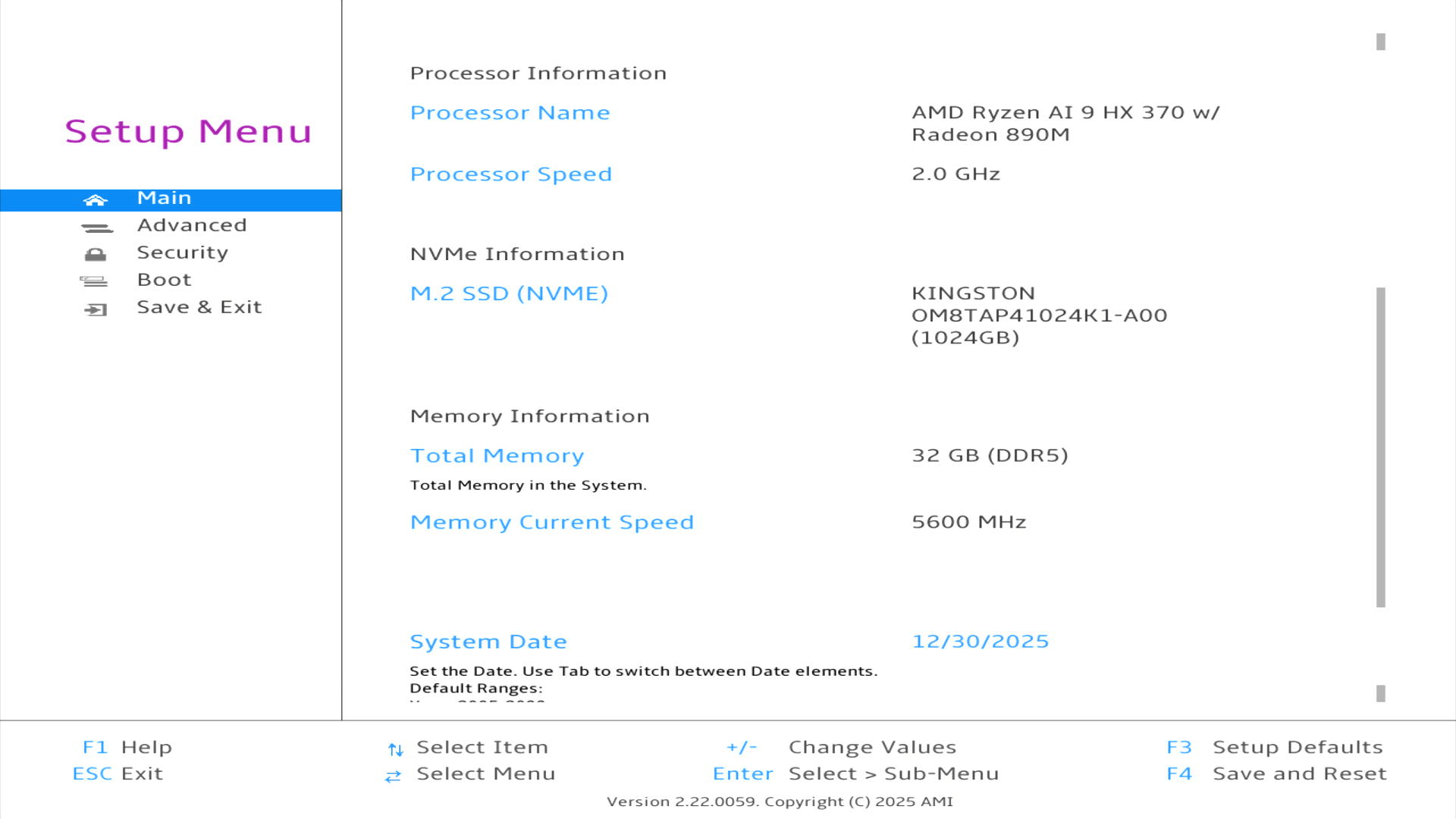
The main section gives some general information about the system including the NVMe, installed memory with clock speed, and the system date. Nothing terribly interesting here.
Advanced
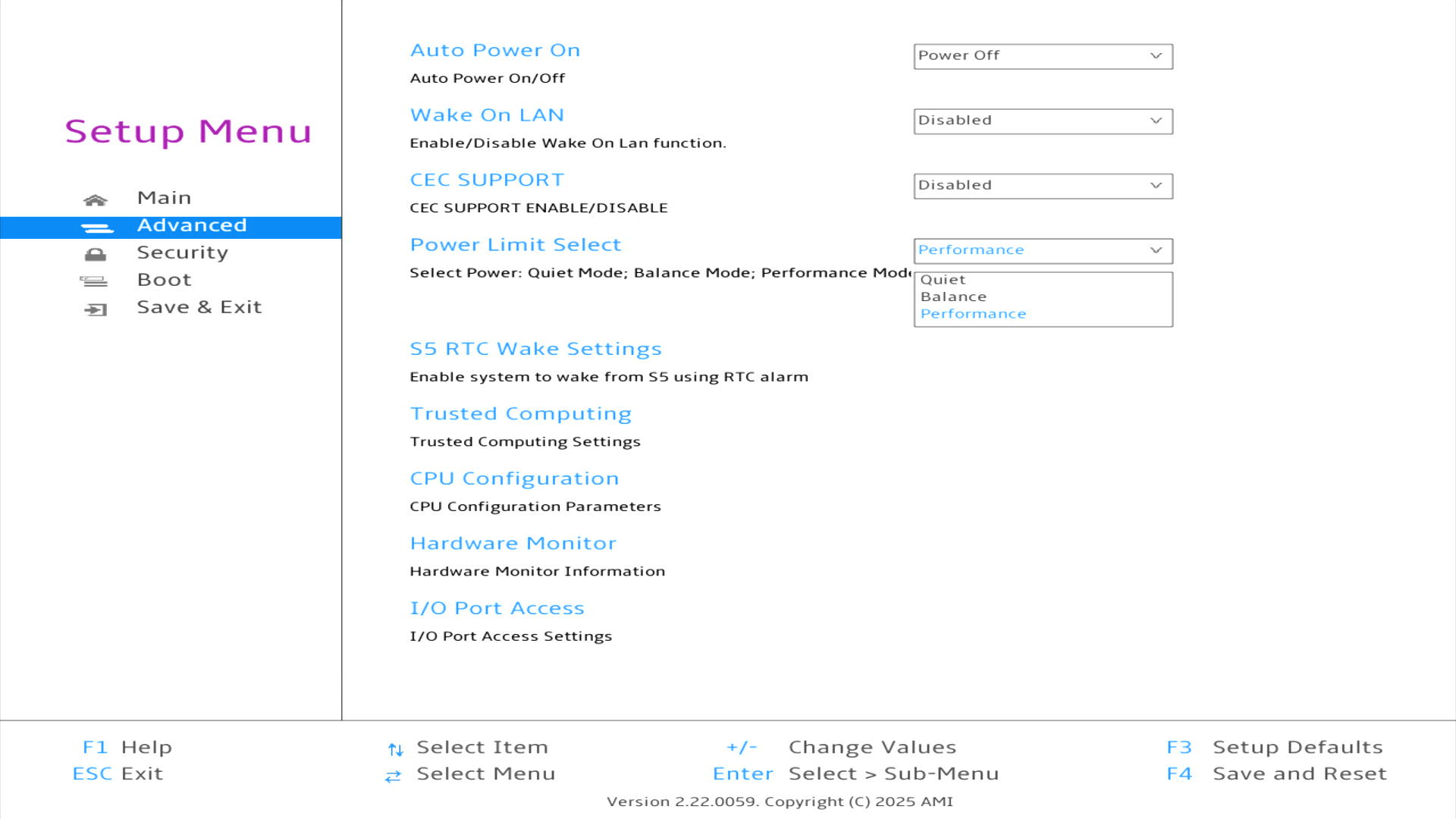
This section is more interesting. Most of the options are fairly explanatory, but the Power Limit Select is worth highlighting. We’ve seen in the benchmarking article that power consumption is slightly higher with the Performance Power Limit selected.
I accidentally left the machine on Performance since writing the benchmarking article. If you’re thinking it might make the machine noisy, you’d be wrong. The M6 is exceptionally quiet whatever power limit option you choose. The machine’s 2 fans also keep the machine extremely cool. It’s one of the best cooling solutions I’ve seen on a mini PC. Ideally I prefer a totally fanless machine but that’s really only a possibility with a desktop machine (although some fanless mini PCs are on the market but are either very expensive or very slow).
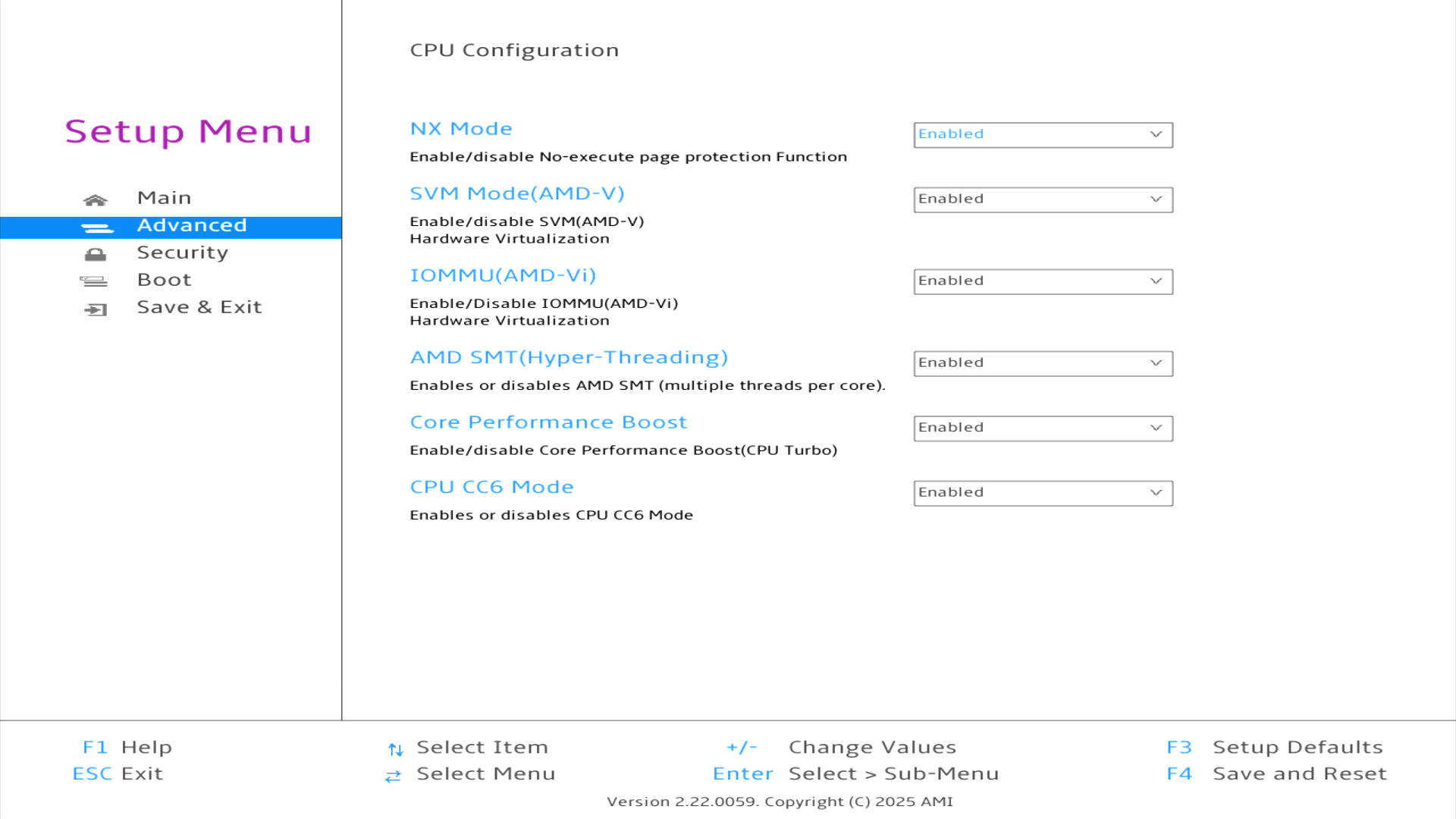
By default all the CPU options are enabled. There really isn’t any need to disable any of them, but if you have a niche requirement they might be helpful.
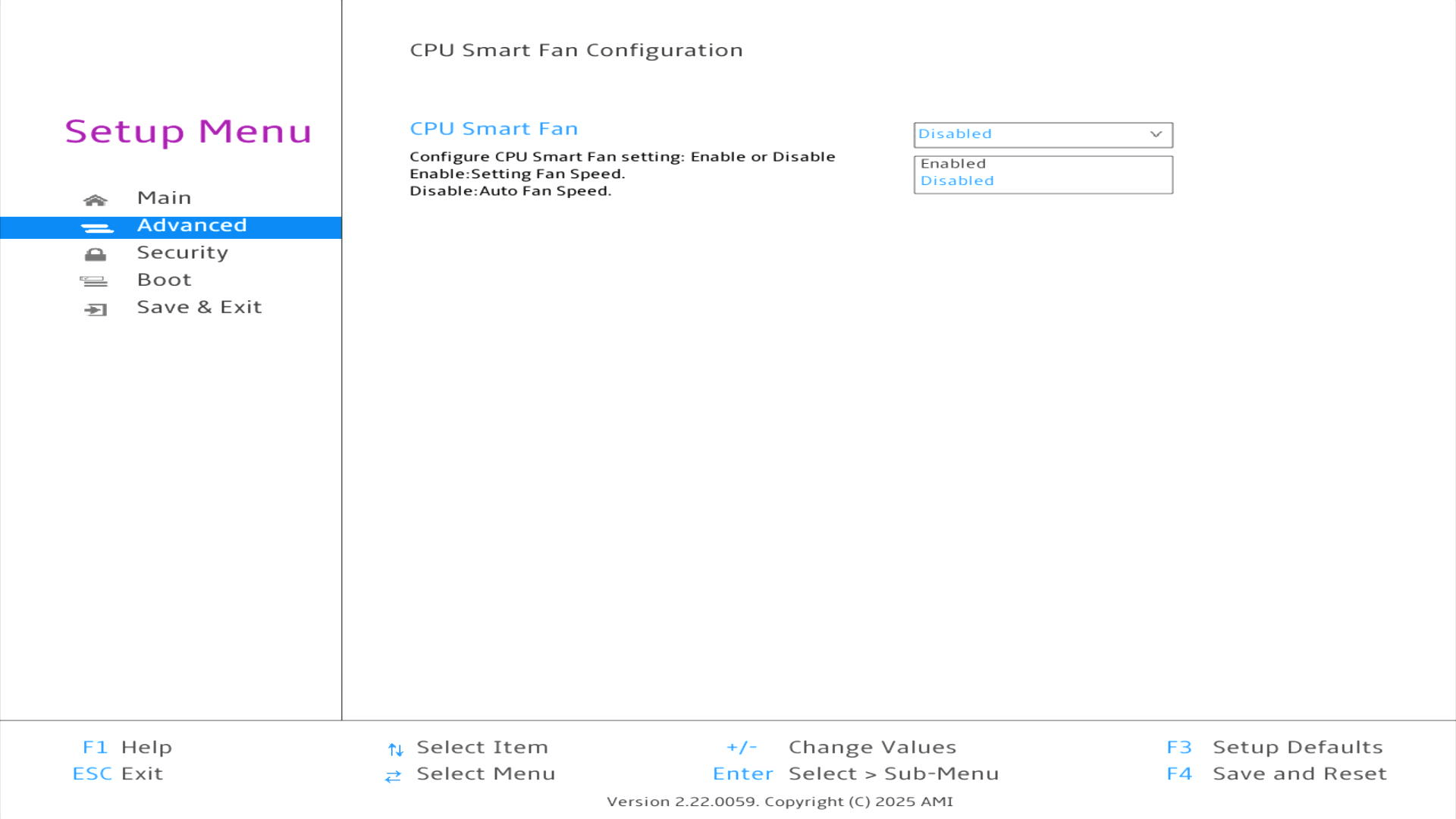
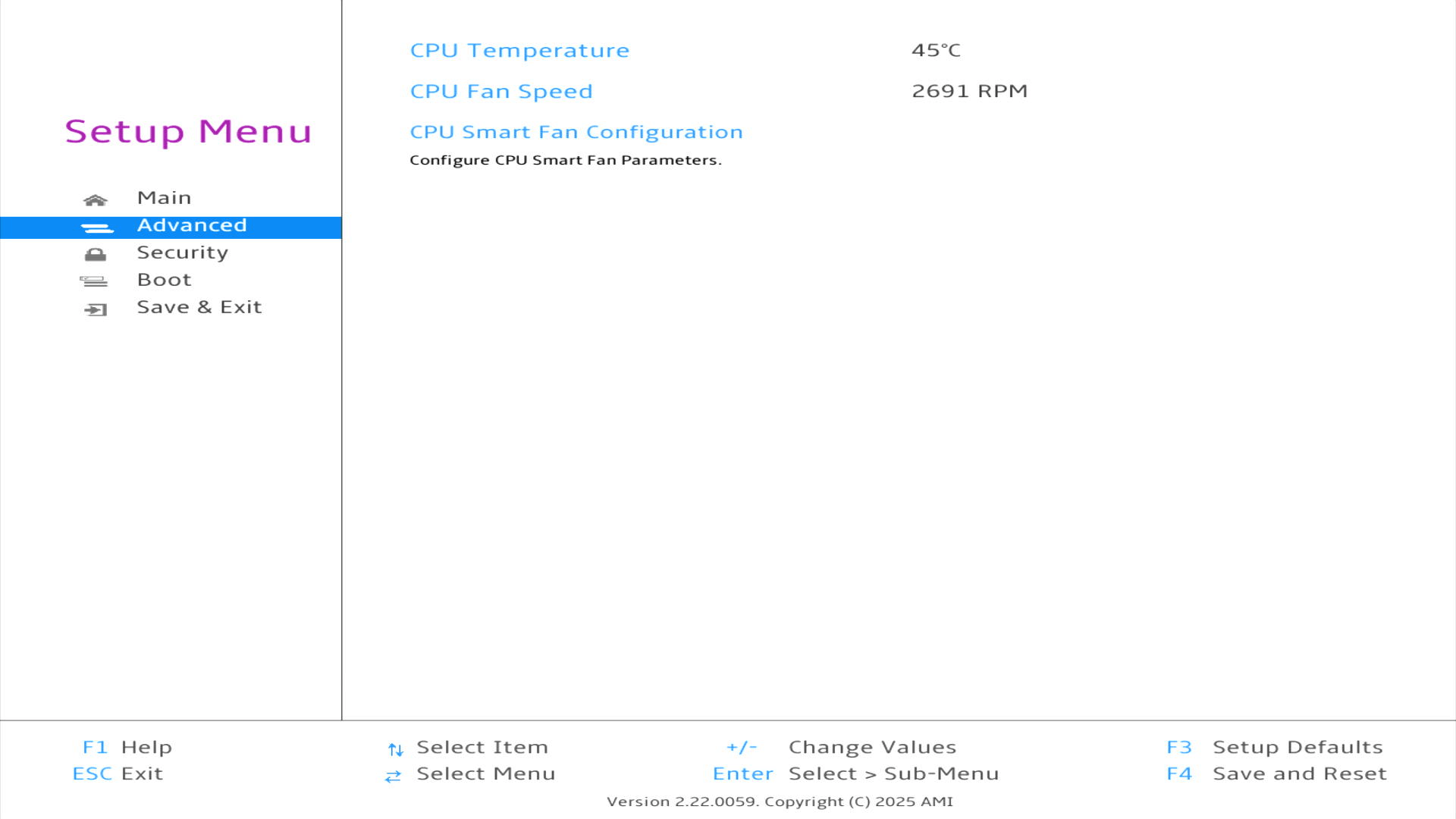
By default the CPU smart fan is enabled. There isn’t really any good reason to disable it, as the machine is so quiet.
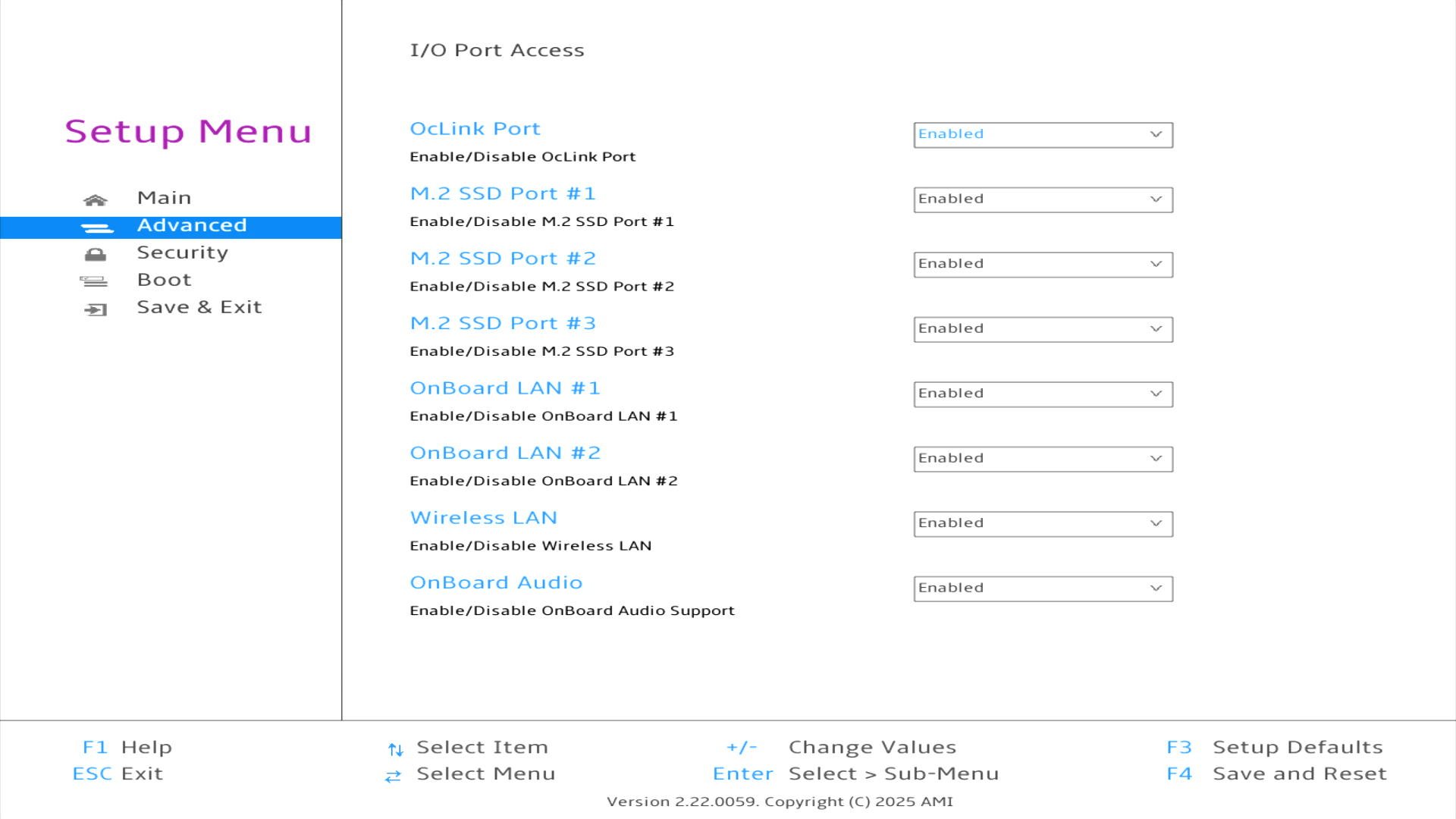
All of the I/O port access options are enabled by default.
Security
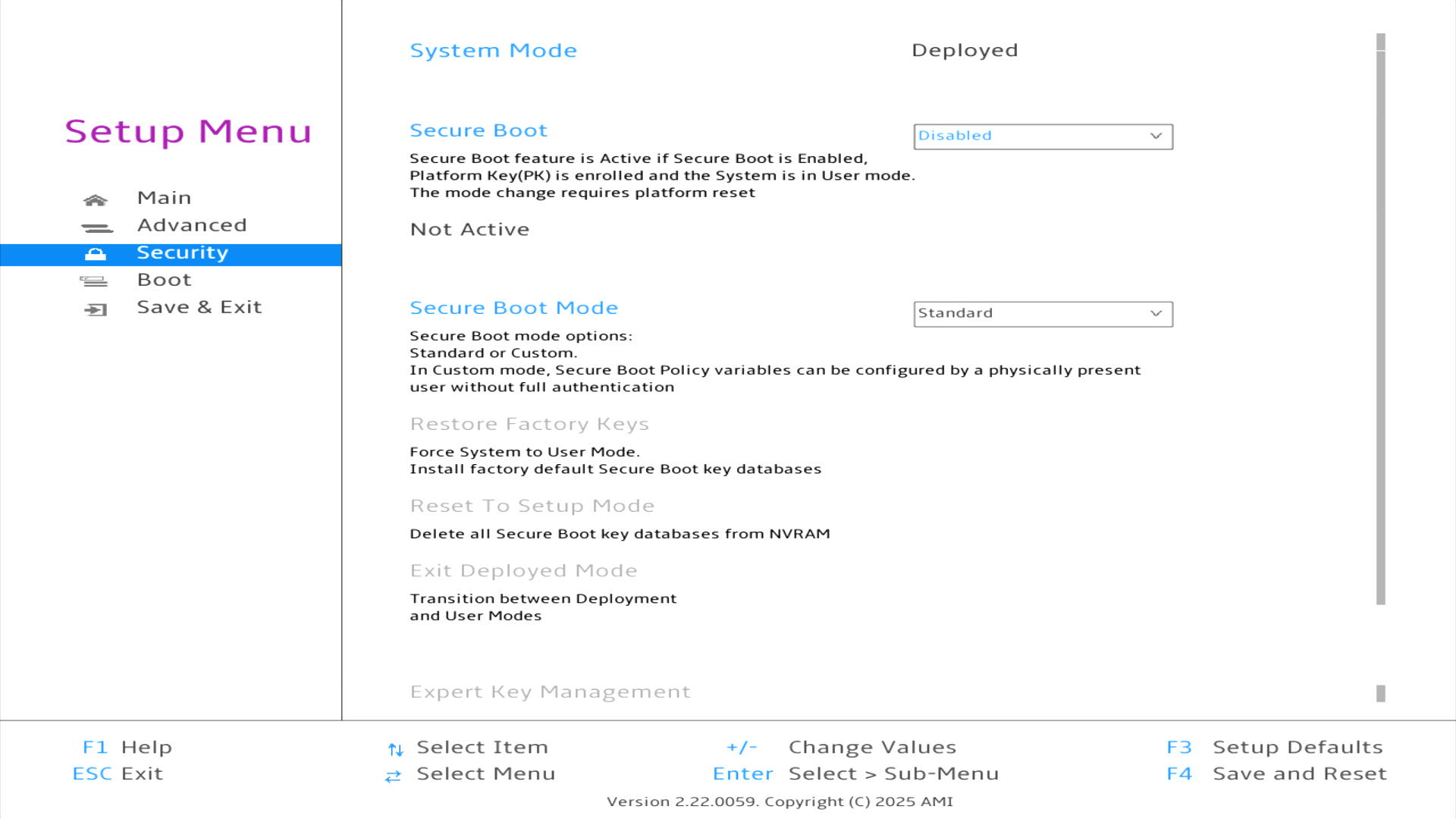
The machine has Secure Boot enabled in the BIOS which stops installing a Linux distribution on the machine. The first step is therefore to turn off Secure Boot.
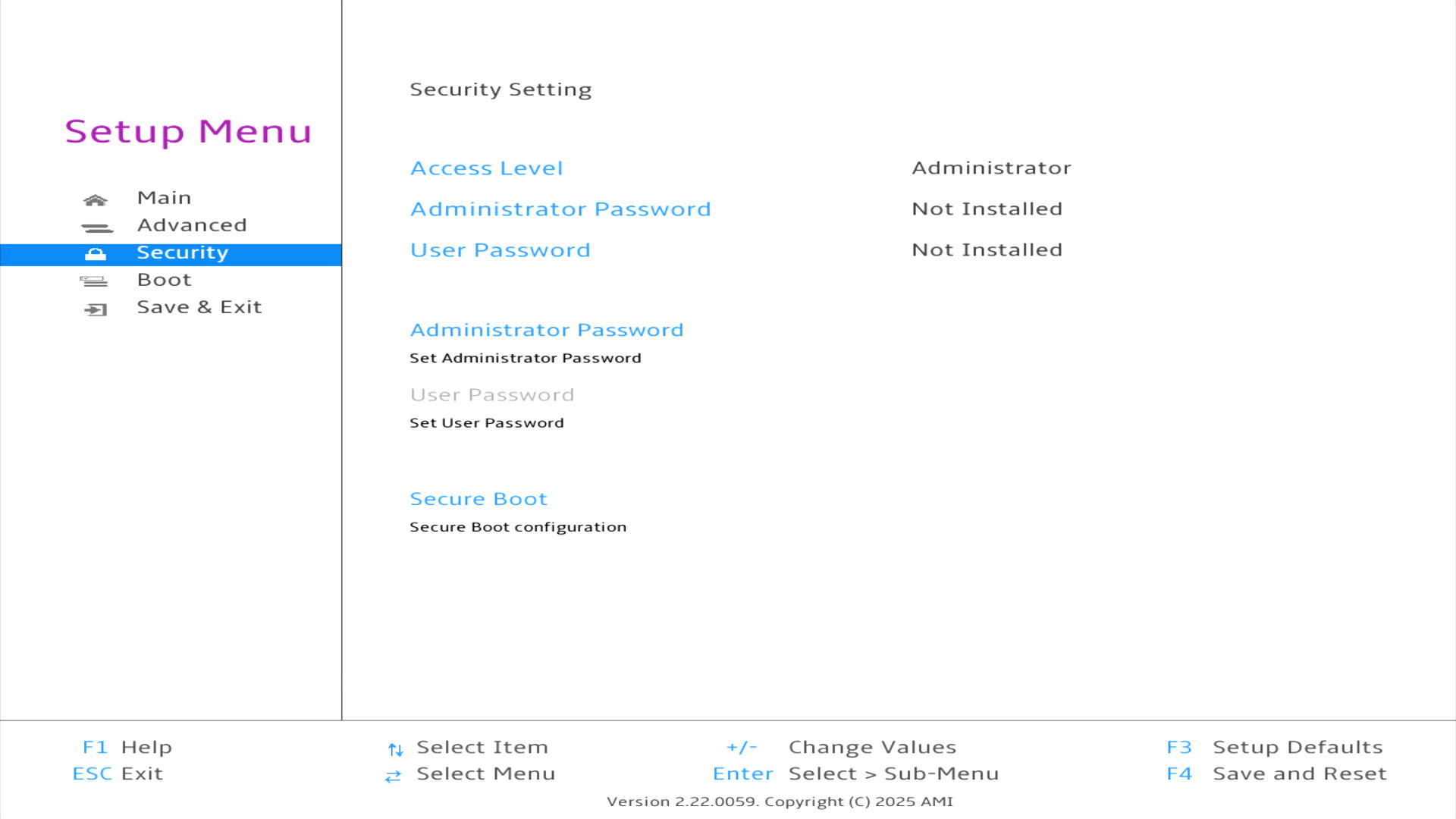
As you can see, I’ve disabled Secure Boot.
Boot
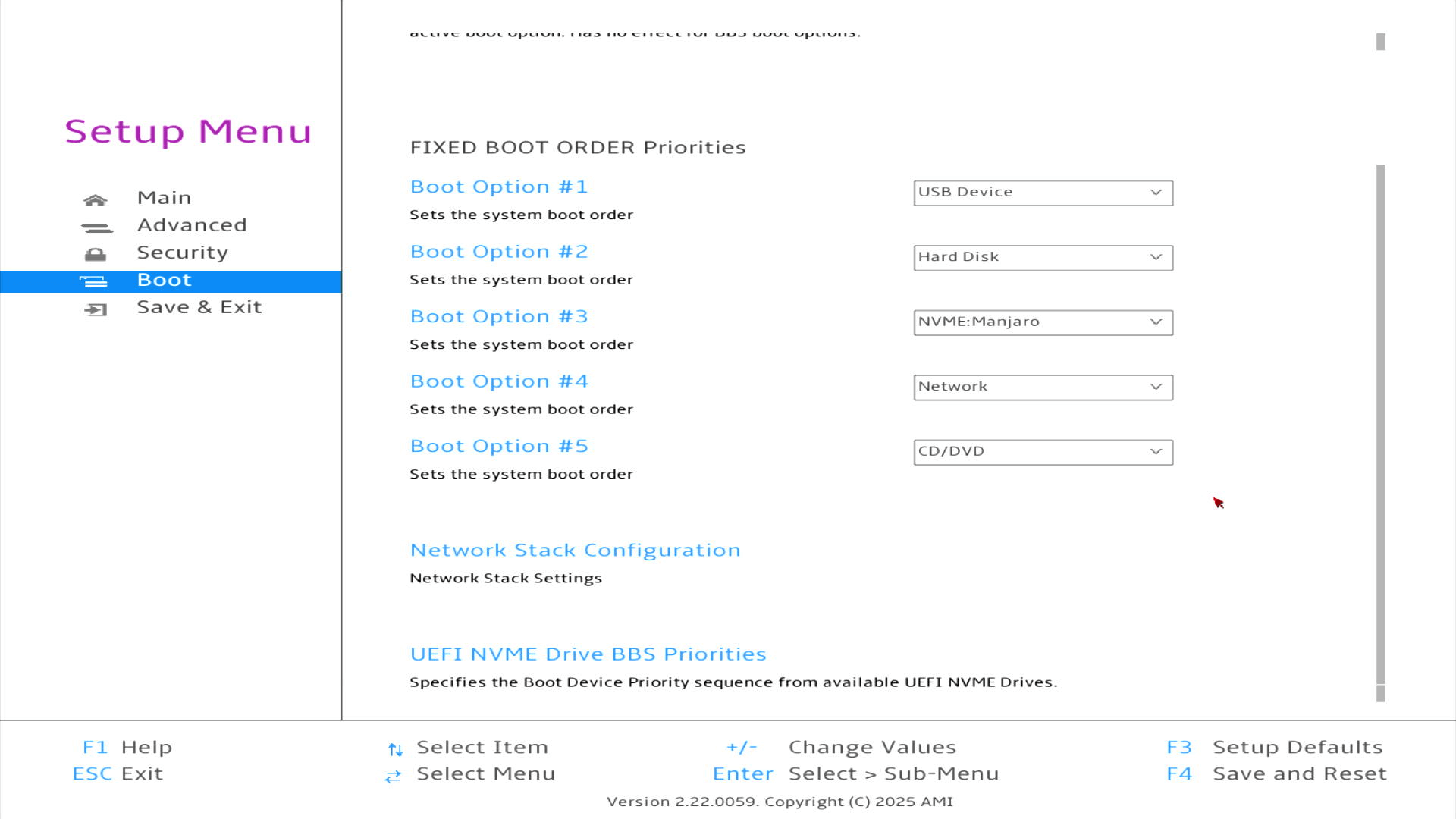
This is another useful section as it lets you choose the boot order. The M6 offers fast USB ports, so I’ve used the boot order in the past to boot from USB external devices.

I’ve scrolled down a bit to show you the UEFI NVME Drive BBS priorities section.
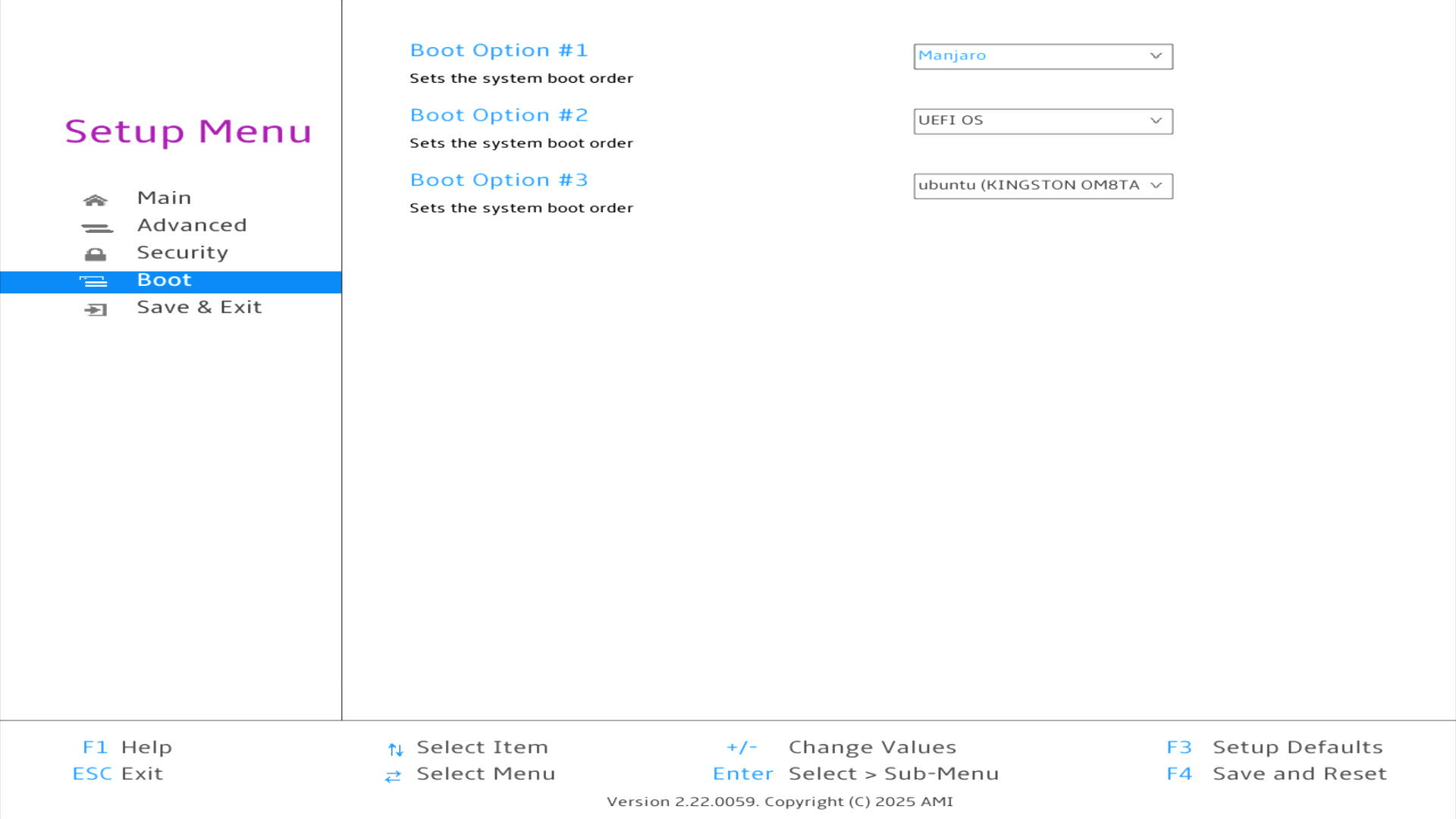
I’ve created a multi-boot system with Manjaro on the NVMe and Ubuntu available to boot from an external NVMe.
One thing that’s missing from the BIOS is the option to set the amount of RAM allocated to the GPU. It’s fixed at 4.29GB of RAM.
Complete list of articles in this series:
| BOSGAME M6 HX370 AI Mini PC | |
|---|---|
| Introduction | Introduction to the series and interrogation of the machine |
| Benchmarks | Benchmarking the BOSGAME M6 HX370 AI Mini PC |
| Power | Testing and comparing the power consumption |
| BIOS | In the world of computing, BIOS, which stands for Basic Input/Output System, plays a crucial role |
| Noise | How quiet is this mini PC? |
My mini PC lets me set the amount of RAM allocated to the iGPU.
Yes, many do.
Did you meant, your Bosgame M6 or do you have another Mini PC?
I dont have a Bosgame.