
Last Updated on February 19, 2026
First Impressions running Linux
Like almost all non-barebone mini PCs, the M6 comes preinstalled with Windows (Windows 11 Pro to be precise). I do plan investigating running Windows on the machine if only to see how the Windows Subsystem for Linux performs on the machine, with my findings to be published in a future article. But for now, I wiped Windows from the machine (although I could have chosen a dual boot arrangement).
The machine has Secure Boot enabled in the BIOS which stops installing a Linux distribution on the machine. The first step is therefore to turn off Secure Boot. Press the Del key at boot up takes you into an attractive graphical BIOS. From the Setup menu, select Security and then Secure Boot. Then change the Secure Boot dropdown from Enabled to Disabled. I also need to go to the Boot menu and set the boot option 1 to my USB key. Then F4 to save and exit.
I use a USB key prepared with the versatile Ventoy tool to install Linux distributions. It’s a great way to have easy access to tons of Linux distributions all on a single key without having to keep flashing distributions to the key.
I first installed Manjaro on the M6. Everything went swimmingly. It always amazes me how quick it is to install Manjaro (or another Linux distribution) compared to the install process for Windows 11.
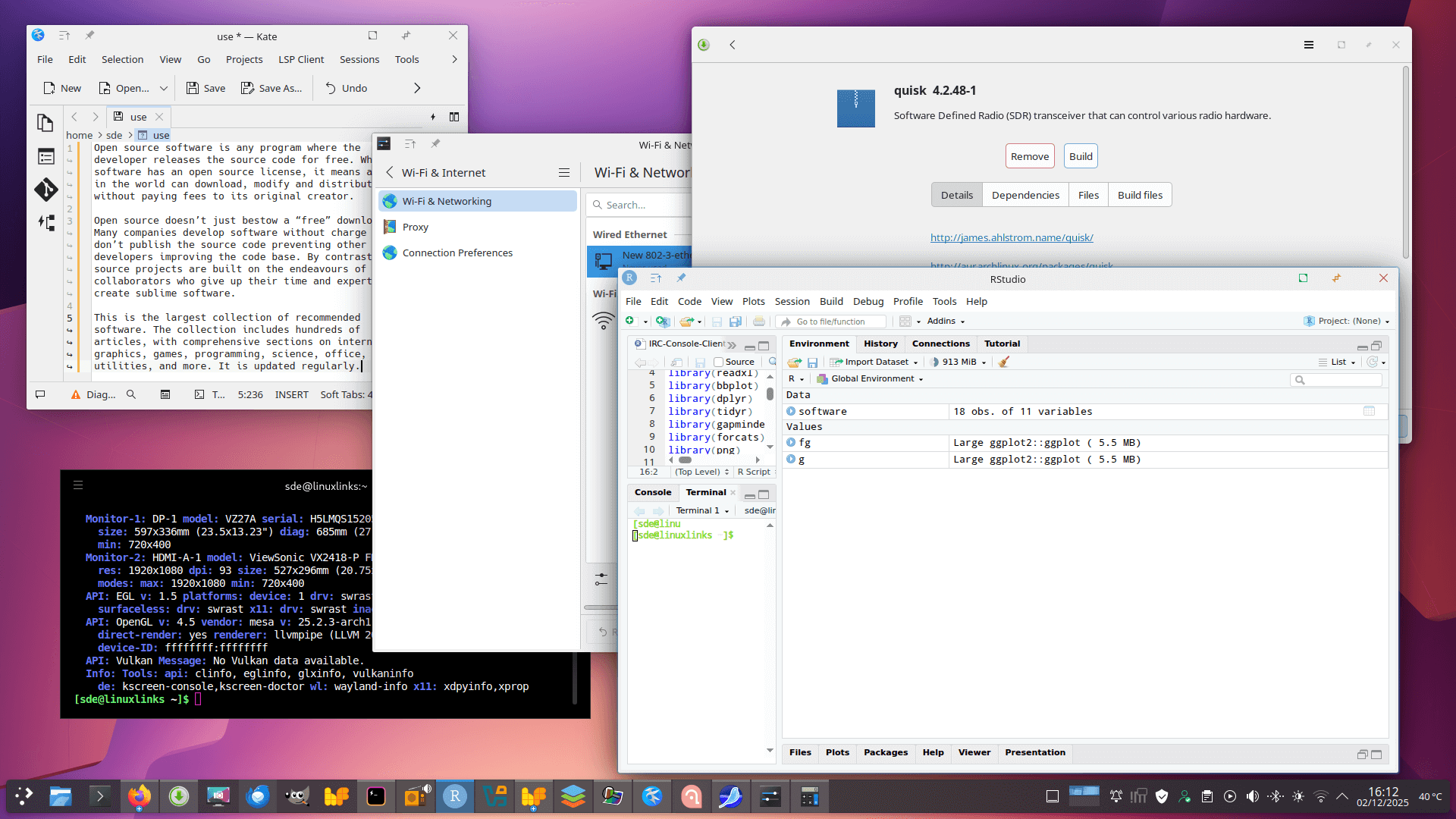
All the hardware works out of the box including WiFi, Bluetooth, and displays set at their correct resolution and maximum refresh rate with the default kernel.
The AMD Ryzen HX370 has an NPU with a fairly beefy 50 TOPS (the machine in total has 80 TOPS). This processor uses the amdxdna driver for the NPU.
The NPU is not found with the default kernel that Manjaro installs. But all that’s needed is to upgrade the kernel to a more modern version. Once done, verify that the NPU is available with the command:
$ sudo dmesg | grep -i xdna
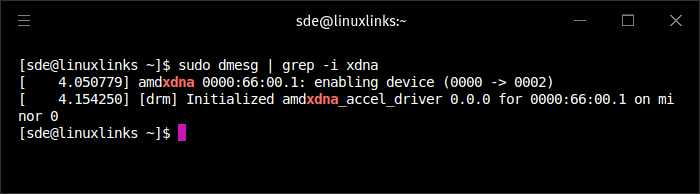
As you can see, the amdxdna driver is found.
The M6 has 32GB of RAM, but slightly more than 4GB of that 32GB is allocated to the GPU.
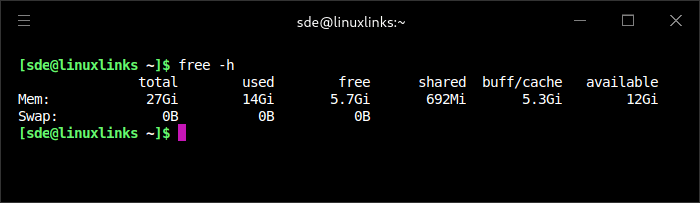
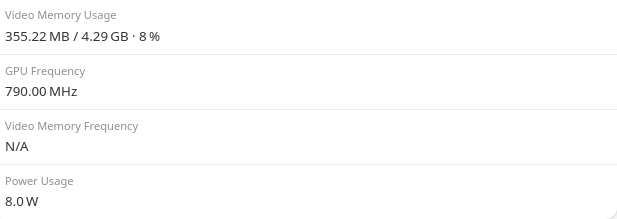
I am somewhat surprised to find there’s no option in the BIOS to change the amount of memory allocated to the GPU. This means that it won’t be possible to run large LLM models on the GPU.
Besides Manjaro, I’ve also tested a couple of other Arch-based distributions on the M6, as well as Ubuntu.
Let’s delve into the M6’s hardware.
Next page: Page 3 – Interrogation of the System
Pages in this article:
Page 1 – Introduction and Design
Page 2 – First Impressions running Linux
Page 3 – Interrogation of the System
Complete list of articles in this series:
| BOSGAME M6 HX370 AI Mini PC | |
|---|---|
| Introduction | Introduction to the series and interrogation of the machine |
| Benchmarks | Benchmarking the BOSGAME M6 HX370 AI Mini PC |
| Power | Testing and comparing the power consumption |
| BIOS | In the world of computing, BIOS, which stands for Basic Input/Output System, plays a crucial role |
| Noise | How quiet is this mini PC? |